




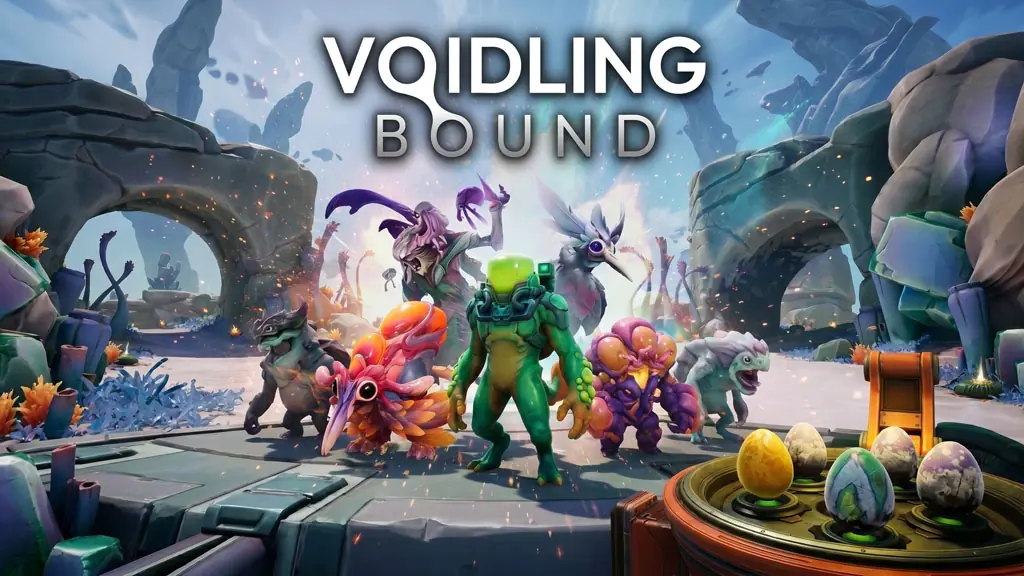
Voidling Bound (v78172 Build 24321921)
Have you played Pokémon before, collecting monsters and leveling them up? Then give this a try. Voidling Bound Full is a PC action shooter with hatching and evolution systems that completely shake up the monster-taming genre. I’m sharing the pre-installed v78172 download link here, so you can extract it and play. This mix of shooting and creature taming feels genuinely out of the box. 🔥
Your role is a Space Wrangler, linked to every Voidling through a neural link. You can then take full control of them in combat. The goal is to reclaim fertile planets from the Lesion Spawn outbreak while upgrading their abilities and planning evolution paths.
Combat moves fast: shoot, slash, or parry while sprinting and dashing through each biome. Then use an ultimate skill to clear out large groups of enemies and deal extra damage.
Gameplay-wise, Palworld is another good fit for its monster-taming genre. The neural link is the main difference, since it lets you control the creatures you’ve tamed.
Download Voidling Bound for PC below. It’s only 13 GB. 👍
Game Info and Download Links :
- Genre: Action, Adventure, RPG, Sci-Fi.
- Developer: Hatchery Games.
- Publisher: Hatchery Games.
- Release Date: June 9, 2026.
- Version: v78172 Build 24321921.
- Pre-installed, direct download, single part.
- Single-player, full controller support, includes all DLC.
Minimum System Requirements :
| Component | Minimum | Recommended |
|---|---|---|
| Operating System | Windows 10/11 (64-bit) | Windows 10/11 (64-bit) |
| Processor | AMD Ryzen 5 1600 / Intel i5-6500 | AMD Ryzen 5 3600 / Intel i5-10400F |
| RAM | 8 GB | 16 GB |
| Graphics Card | Nvidia GTX 960 (4GB) / AMD RX 560 (4GB) | Nvidia RTX 3060 Ti (8GB) / AMD RX 6700 XT (12GB) |
| DirectX | Version 12 | Version 12 |
| Storage | 18 GB | 18 GB (SSD recommended) |
PC Gameplay Screenshots :


Steps to Install Voidling Bound on Your PC :
- Download VODLGBON78172.rar (13 GB) from the link below.
- Extract the file with WinRAR or 7-Zip.
- Open the extracted game folder.
- Run Start The Game.bat or the game’s .exe as Administrator.
- Enjoy the game! 😊
Troubleshooting Game Errors, Crashes, and Freezes :
- Game crashing at startup? Make sure the game folder is whitelisted in Windows Defender.
- Crash during loading? Update DirectX Runtime and Visual C++ Redistributable to the latest version.
- Game won’t open? Run it as Administrator and update Windows.
- Stuttering and lag? Update the GPU driver and turn off V-Sync.
- Always extract the game to the drive’s root, such as C:\Games\ or D:\Games\.
- Reserved for other cases…
