




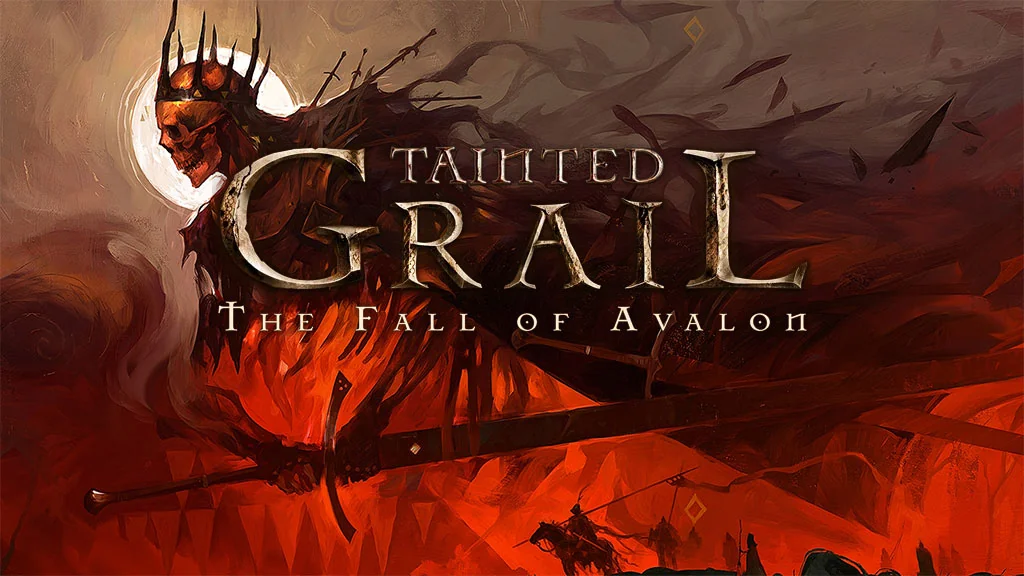
Tainted Grail The Fall of Avalon (v1.25 Build 24246014)
Imagine Skyrim, but in a much darker Arthurian world. You’re cursed and start out as a prisoner escaping from a cell. Tainted Grail: The Fall of Avalon Full PC (v1.25) is a first-person, open-world RPG with branching stories and hundreds of side quests. I’m sharing the download link, pre-installed game here. 🔥
The story starts with you waking up as a prisoner of the Red Priests, a sect where what remains of King Arthur’s soul resides. Six hundred years after Arthur’s death, Camelot is in chaos and Avalon is starting to fracture. Meanwhile, the Red Death plague and the power of the Wyrdness are slowly destroying the world.
From there, you need to uncover the mystery of a cursed island at the heart of the destruction.
Gameplay-wise, it has a similar dark-fantasy feel to Elden Ring or Dark Souls Remastered.
Honestly, I struggled at first because stamina runs out quickly and even early enemies hit hard. Once my character build started coming together, though, the gameplay got much easier.
Download Tainted Grail for PC below v1.25 with all DLC in a single 24 GB part. 👍
Game Info and Download Links:
- Genre: Action, RPG, Adventure, Open World
- Developer: Questline.
- Publisher: Awaken Realms.
- Release Date: May 23, 2025
- Version: v1.25 (Build 24246014)
- Pre-installed, direct download, includes all DLC.
Minimum System Requirements:
| Component | Minimum | Recommended |
|---|---|---|
| Operating System | Windows 10 (64-bit) | Windows 10 / Windows 11 (64-bit) |
| Processor | Intel Core i5 8th gen / AMD equivalent | Intel Core i7 13th gen |
| RAM | 12 GB | 16 GB |
| Graphics Card | GeForce GTX 1060 6GB / AMD equivalent | GeForce RTX 2070 Super |
| DirectX | Version 11 | Version 11 |
| Storage | 31 GB | 31 GB |
PC Gameplay Screenshots:


Steps to Install Tainted Grail: The Fall of Avalon on Your PC:
- Download TNDGRLTFOA125.rar (24 GB) from the link below.
- Extract the file with WinRAR or 7-Zip. (Password: www.yasir252.com)
- Open the extracted game folder.
- Run Start The Game.bat or the game’s .exe (Run as Administrator).
- Enjoy the game! 😁
Fixing Game Errors, Crashes, and Freezes:
- Game won’t launch? Whitelist the game folder in Windows Defender.
(So files aren’t deleted or moved into quarantine automatically.) - Missing DLL error? Install Visual C++ Redistributable and update DirectX Runtime.
- Game won’t open? Run it as administrator and update Windows.
- Update your graphics driver and turn off V-Sync.
- Install the game in the root of a drive, such as C:\Games or D:\Games.
- Reserved for other cases…
