




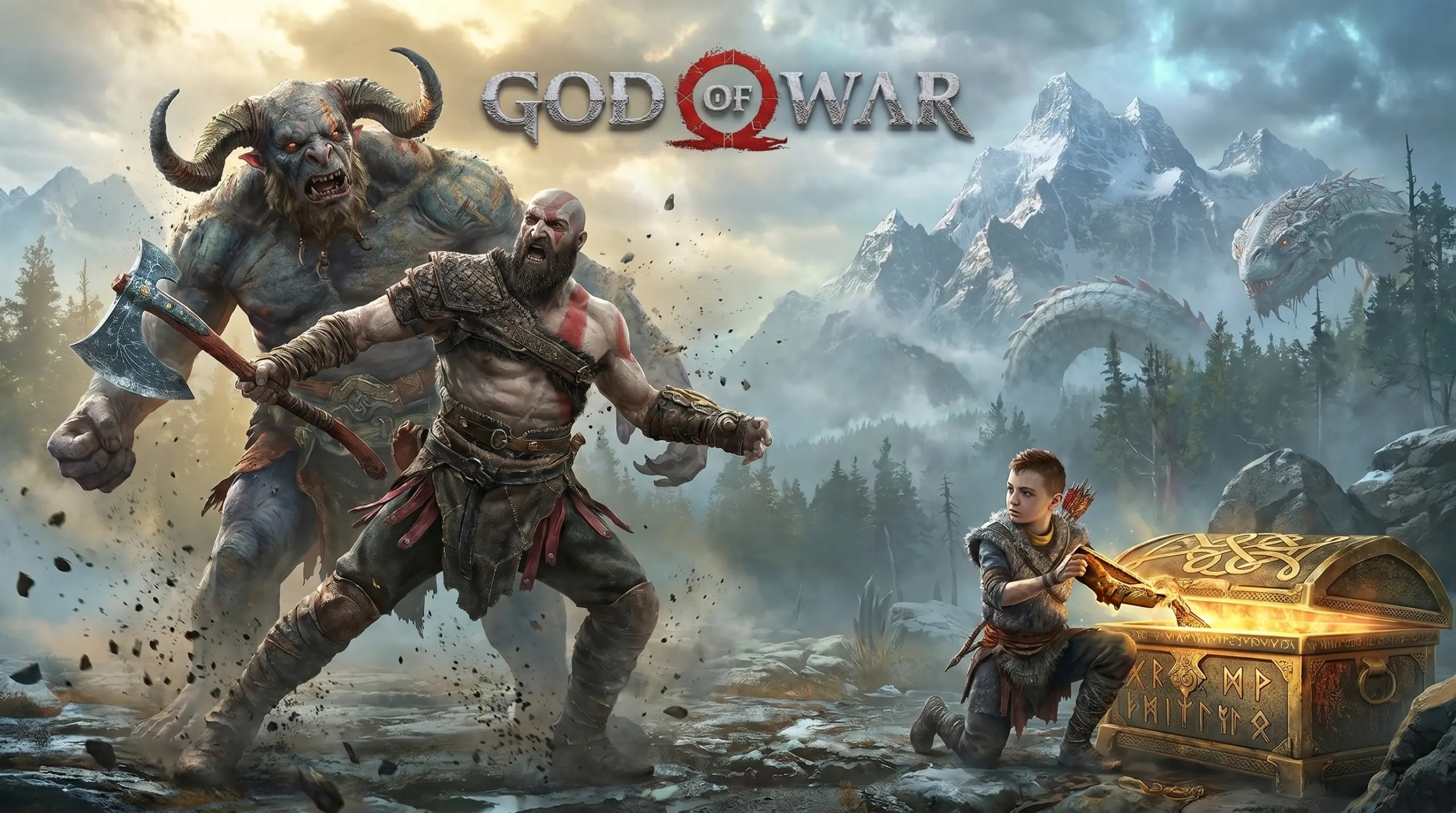
God of War (v1.0.13)
Have you played the 2018 version of God of War? It’s incredible. Originally a PS4 exclusive, it finally made its way to PC. And honestly, the port is rock-solid. The visuals, story, and everything else are top-tier, no contest. I’ve put the full, pre-installed God of War PC download link below. Just extract it and start playing! 👍
The story is simple: Kratos now lives in the world of Norse mythology. He has retired from being a god-slayer, but the past never really lets go. Instead, he focuses on teaching his son, Atreus, how to survive.
The gameplay is basically semi-open-world exploration, puzzles, and brutal combat. But the execution? Seriously satisfying. Santa Monica Studio completely reinvented the God of War formula, shifting it from fixed-camera hack-and-slash to a cinematic over-the-shoulder perspective.
That said, it’s not game for everyone. The camera especially, it can feel a little awkward during close-range melee combat. Even so, if you enjoy games like Black Myth Wukong or Devil May Cry 5, God of War deserves a spot on your list.
God of War Game Info and Download Link :
- Genre: Action, Adventure, RPG.
- Developer: Santa Monica Studio.
- Publisher: PlayStation Publishing LLC.
- Release Date: January 14, 2022 (PC Port).
- Game Engine: Internal Engine (Santa Monica Studio).
- Pre-installed installer, direct link, single part.
System Requirements :
| Component | Minimum | Recommended |
|---|---|---|
| Operating System | Windows 10 64-bit (1809) | Windows 10 64-bit (1809) |
| Processor | Intel i5-2500K (3.3 GHz) / AMD Ryzen 3 1200 (3.1 GHz) | Intel i5-6600K (3.5 GHz) / AMD Ryzen 5 2400G (3.6 GHz) |
| Memory | 8 GB RAM | 8 GB RAM |
| Graphics Card | NVIDIA GTX 960 (4 GB) / AMD R9 290X (4 GB) | NVIDIA GTX 1060 (6 GB) / AMD RX 570 (4 GB) |
| Storage | 70 GB HDD | 70 GB SSD |
PC Gameplay Screenshots :


Steps to Install God of War (2022) on Your PC :
- Download GOW1013-yasir252.rar (38 GB) from the link below.
- Extract the file using the latest WinRAR or 7-Zip.
- Open the extracted folder, find Run The Game.bat, and run it.
- Enjoy playing! 😇
Troubleshooting Crashes, Errors, and Stuck Screens in God of War :
- Game crashes on startup? Make sure your antivirus has not deleted any files!
- Stuck on the loading screen? Update DirectX and your GPU driver to the latest version.
- Audio crackles or cuts out? Set Windows audio to 16-bit, 48000 Hz in Sound Control Panel.
- Controller not detected? Plug it in before launching the game, or use the Steam Input wrapper.
- Save game location:
%USERPROFILE%\Saved Games\God of War\.
