


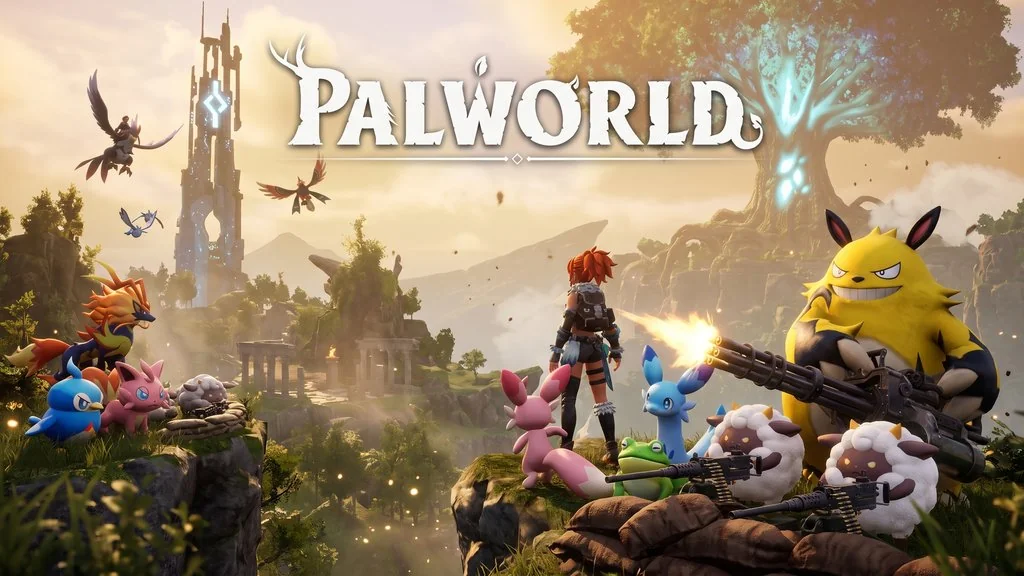
Palworld PC Download (v1.0 Build 24088745 + Co-Op)
A game that once shook the gaming world. Palworld PC Full is a survival open-world RPG where you can catch, train, and use creatures called Pals. They can be used for fighting, building, or even selling. And right now, I want to share the download link, pre-installed v1.0 with Co-Op, just extract and play. 🔥
Released January 19, 2024 by Pocketpair, this game exploded immediately. Peaked at 2 million concurrent active players on Steam. Metacritic 75/100, and even higher on Steam rating.
Pals are like pokemon bro. Can be used for anything. Work on farms, generate electricity, mine ore. Can even be sold or eaten. No labor laws for Pals. Build a base with an army of Pals, explore the vast open world, and catch new Pals. Pals = Slaves. lol
This version already includes the Co-Op fix from OFME. You can play with friends using invite codes. But you need Xbox App and GDK Helper to set it up. A bit complicated, but worth it for co-op play.
For those who like co-op survival, check out Deep Rock Galactic: Rogue Core which is also fun playing together. Or if you want to explore an alien planet, Revenge of the Savage Planet is also ok.
But Palworld is still the most viral in this genre. Size only 25 GB, go download Palworld below. 👍
Game Info & Link Download :
- Genre: Action, Adventure, RPG, Survival, Multiplayer, Co-Op.
- Developer: Pocketpair.
- Publisher: Pocketpair.
- Release Date: January 19, 2024 (PC).
- Version: v1.0.0.100427 (Build 24088745) + Co-Op.
- Pre-Installed, OFME fix for online/multiplayer.
Minimum System Requirements :
| Component | Minimum |
|---|---|
| Operating System | Windows 10 (64-bit) |
| Processor | Intel Core i9-9900K 3.6 GHz 8 Core |
| RAM | 32 GB |
| Graphics Card | NVIDIA GeForce RTX 2070 |
| DirectX | Version 11 |
| Storage | 40 GB |
| Network | Broadband Internet connection |
PC Gameplay Screenshots :


Steps to Install Palworld on Your PC :
STEP 1: Prepare Xbox App & Gaming Services
- Install Xbox App from Microsoft Store or apps.microsoft.com.
- Open Windows PowerShell as Administrator.
- Run the following commands one by one:
get-appxpackage Microsoft.GamingServices
get-appxpackage Microsoft.GamingServices | remove-AppxPackage -allusers
start ms-windows-store://pdp/?productid=9MWPM2CQNLHN
Click “Get” when Microsoft Store appears to install Xbox Gaming Services.
STEP 2: Install Game via GDK Helper
- Extract the PALWRv10.rar file (25 GB) using WinRAR or 7-Zip.
- Right-click GDK_Helper.bat in the game folder, run as Administrator.
- Type 3 then Enter to enable Developer Mode.
- Type 1 then Enter to install the game.
- Type 4 then Enter to disable Developer Mode.
- Type 5 then Enter to exit command line.
- Open the game from Start Menu.
STEP 3: Login & Play
- Login with your Microsoft account when prompted.
(Create a new account or alternate.) - For Co-Op: Start New World, set Multiplayer ON, share Invite Code with friends.
- To join: Join Multiplayer Game, enter Invite Code, OK.
- Enjoy playing! 😍
WARNING: Be careful, don’t use your main Microsoft account as there is a risk of ban.
Palworld v1.0 Download
www.yasir252.comTroubleshooting Palworld Error, Crash & Stuck :
- Make sure Xbox Gaming Services is installed and Developer Mode is enabled.
- GDK Helper error? Make sure to run as Administrator, follow steps 1-5 sequentially.
- Crash during play? Update GPU drivers, this game is quite demanding.
- FPS drop? Lower graphics settings, this game needs a powerful PC (32 GB RAM).
- Multiplayer won’t connect? Make sure both players use the same version.
- Game won’t run? Make sure no game files are deleted or quarantined by Windows Defender.
