




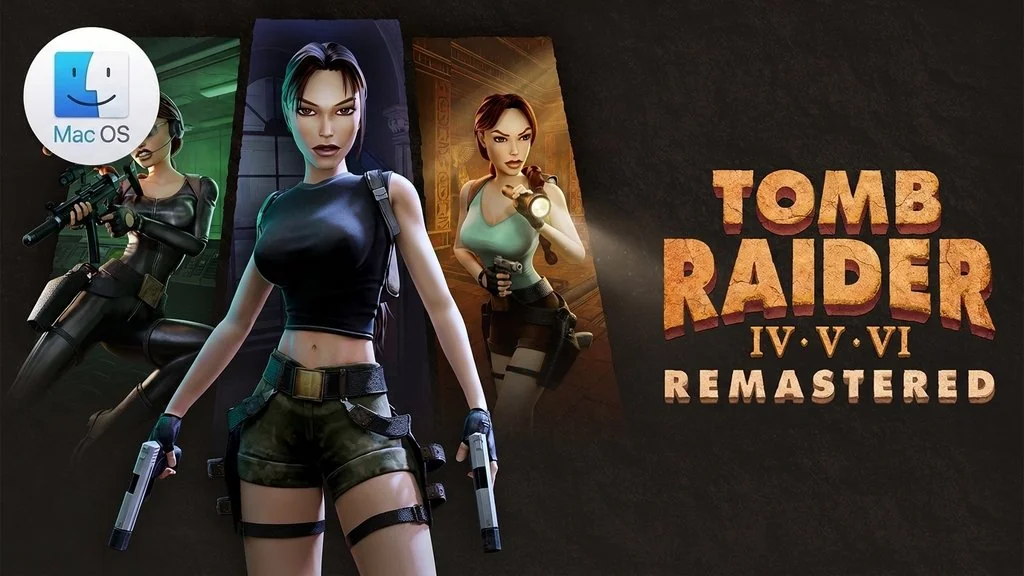
Tomb Raider IV-VI Remastered (MacOS)
Lara Croft’s legacy isn’t finished yet. Tomb Raider IV-VI Remastered for MacOS gathers three of Lara’s wildest adventures in one fresh remastered collection. Inside is Tomb Raider: The Last Revelation and Chronicles. Plus The Angel of Darkness, which closes out the collection.
In The Last Revelation, Lara finds the ancient tomb of the Egyptian god Set and accidentally frees him.
That event triggers an ancient prophecy about humankind sinking into darkness.
Moving on to Chronicles, Lara is buried in an Egyptian tomb and presumed dead. But the plot twist isn’t like that at all. In The Angel of Darkness, Lara is accused of murder and becomes a fugitive. While on the run, she uncovers an evil conspiracy involving alchemist experiments and the search for ancient artifacts.
You can switch the game’s visuals to polygon (original) or the more modern remastered graphics at any time. Gameplay-wise, I can say 99% of it hasn’t changed.
So for hardcore Tomb Raider fans, no need to worry.
Download Tomb Raider IV-VI Remastered Mac for free from this page, the file is 10.1 GB and it works on Macs with Apple Silicon CPUs (M1-M5). Just extract it, then copy the .app to Applications. 👍
Game Info and Download
- Genre: Action, Adventure.
- Developer: Aspyr and Crystal Dynamics.
- Publisher: Aspyr.
- Release Date: February 14, 2025.
- Version: v1.0.0 for MacOS.
- Tomb Raider IV-VI Remastered MacOS Direct Download – Pre-Installed.
- Fix.command is included to handle the game failing to open.
- Wine build for Apple Silicon (ARM).
- Single-player.
System Requirements
| Component | Minimum |
|---|---|
| Operating System | macOS Sequoia 15.1.1 or later |
| Chip | Apple Silicon M1 to M4 |
| RAM | About 8 GB unified memory |
| Storage | About 14 GB of free space |
Mac Gameplay Screenshots


Installation Steps
- Download the file TR46v100m.zip (10.1 GB) via the link below.
- Extract the ZIP file, no password.
- Then, open the extracted folder.
- Copy Tomb Raider IV-VI Remastered.app to the Applications folder on your Mac.
- Open the game from Launchpad.
NOTE: If the game fails to open, run the Fix.command file in the same folder. If macOS asks for access to Documents, Microphone, and Removable Disk, just allow it.
