




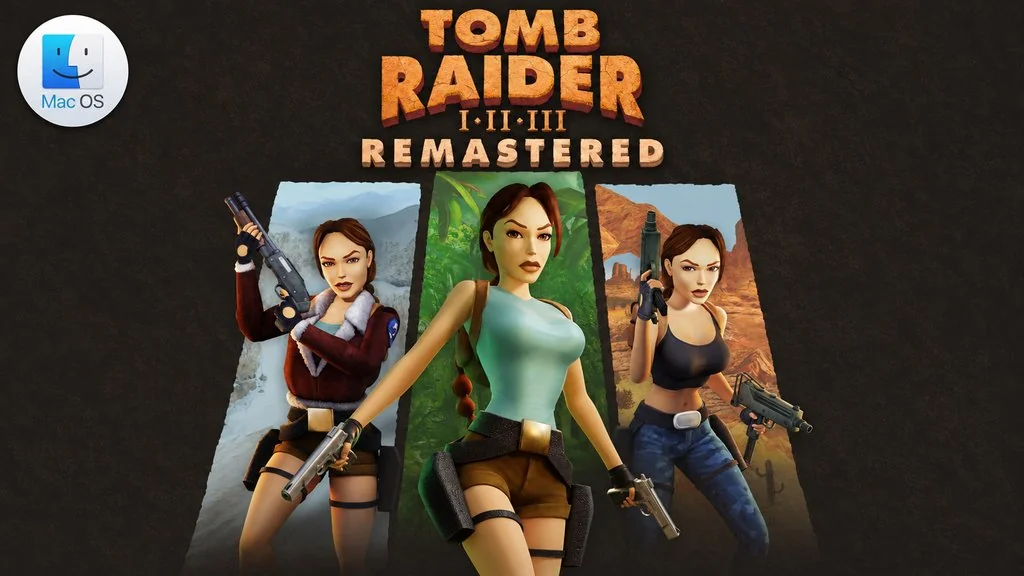
Tomb Raider I-III Remastered (MacOS)
Lara Croft is back on her very first adventure, but this time on Mac. Tomb Raider I-III Remastered MacOS gathers the three original Tomb Raider games in one package, complete with all expansions and secret levels. It includes Tomb Raider I + Unfinished Business and Tomb Raider II + Golden Mask. Plus Tomb Raider III + The Lost Artifact, which wraps up this classic trilogy completely.
You will follow Lara around the world to face deadly enemies and dangerous myths. Along the way there are ancient puzzles to solve in order to find the treasures of lost civilizations. The graphics have also been upgraded, but you can still switch back to the original polygon look at any time.
Besides that, there is also a Photo Mode with any weapon and outfit, with 21 poses to choose from.
For me, going back for nostalgia with Lara’s classic trilogy without digging out an emulator or anything is really worth it. Especially since this Mac version now runs through Wineskin on Apple Silicon.
Download Tomb Raider I-III Remastered for MacOS for free to play this game, full size is only 4.0 GB, just extract it, drag it to the Applications folder, and it’s ready to play. 👍
Game Info and Download
- Genre: Action, Adventure.
- Developer: Aspyr and Crystal Dynamics.
- Publisher: Aspyr.
- Release Date: February 13, 2024.
- Version: v1.01 for MacOS.
- Tomb Raider I-III Remastered MacOS Direct Download – Pre-Installed.
- Fix.command is included to fix launch errors.
- Wineskin (Wine) build for Apple Silicon (ARM).
- Full controller support, including DualSense.
- Full Audio: English, French, German, Russian, and Japanese.
- Single-player.
Mac System Requirements
| Component | Minimum |
|---|---|
| Operating System | macOS Sonoma or later |
| Chip | Apple Silicon M1 to M4 |
| RAM | 8 GB unified memory |
| Storage | About 8 GB of free space |
Mac Gameplay Screenshots


Installation Steps
- Download the file TR13v101m.zip (4.0 GB) via the link below.
- Extract the ZIP file, no password.
- Open the Setup folder, then double-click the .dmg file.
- Drag Tomb Raider I-III Remastered.app to the Applications folder.
- Open the game from Launchpad.
NOTE: If a launch error appears, run the Fix.command file inside the .dmg image. If an “app is damaged” message appears or the game won’t open, run sudo xattr -rd com.apple.quarantine "/Applications/Tomb Raider I-III Remastered.app" in Terminal.
