




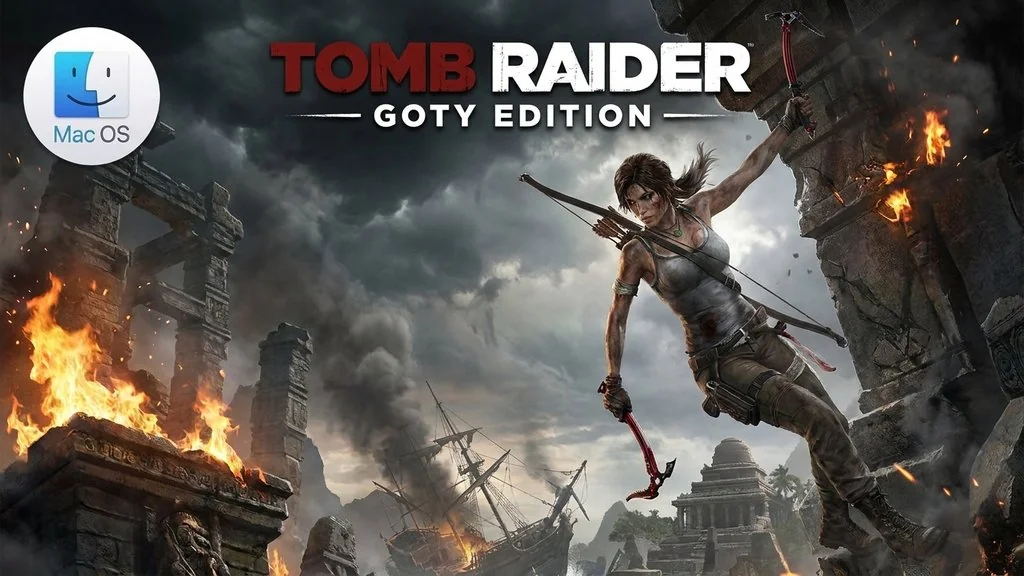
Tomb Raider GOTY Edition (MacOS)
Curious how Lara Croft became such a tough woman? This Game of the Year version of Tomb Raider tells Lara Croft’s origin story, and her transformation from a naive young woman into a legendary scavenger. Armed with only her instincts and skills, Lara has to uncover a dark history on a forgotten island.
Her goal is simple: she wants to truly escape the clutches of that island.
You have to explore the whole mysterious island, which is full of puzzles and brutal fights.
This Game of the Year edition also gives us Tomb of the Lost Adventurer. You also get 6 single-player outfits for Lara to wear during the adventure.
It took me around 30 hours to finish the story, and honestly I was really impressed. The graphics are still top-tier, the animation is incredibly smooth, and the fun hasn’t faded at all.
What surprised me most was playing it on Mac: it runs smoothly, with no stuttering on a MacBook Pro M4.
Download Tomb Raider GOTY Edition for MacOS through this page, the file size is around 16 GB, and installing is easy, just mount it and drag the .app to Applications. 👍
Game Info and Download
- Genre: Action, Adventure.
- Developer: Crystal Dynamics, and Feral Interactive (Mac).
- Release Date: March 4, 2013.
- Version: v1.2 for MacOS.
- Tomb Raider GOTY Edition MacOS Direct Download – Pre-Installed.
- Includes the Tomb of the Lost Adventurer DLC and 6 single-player outfits.
- Available Languages: English, German, French, Italian, Spanish, Russian, Polish, and Arabic.
- Single-player Only!
System Requirements
| Component | Minimum |
|---|---|
| Operating System | macOS 10.14 |
| Processor | Intel Core M 1.1 GHz or higher |
| RAM | 4 GB |
| Graphics Card | NVIDIA 640M 512 MB, AMD M290 2 GB, or Intel HD 4000 1.5 GB |
| Storage | 14 GB |
Mac Gameplay Screenshots


Installation Steps
- Download the file Tomb.Raider.v1.2.Incl.DLC.MacOS.dmg (16 GB) via the link below.
- Double-click the .dmg file to mount it.
- Drag Tomb Raider.app to the Applications folder.
- Open the game from Launchpad.
NOTE: If an “app is damaged” message appears or the game won’t open, run sudo xattr -rd com.apple.quarantine "/Applications/Tomb Raider.app" in Terminal.
