




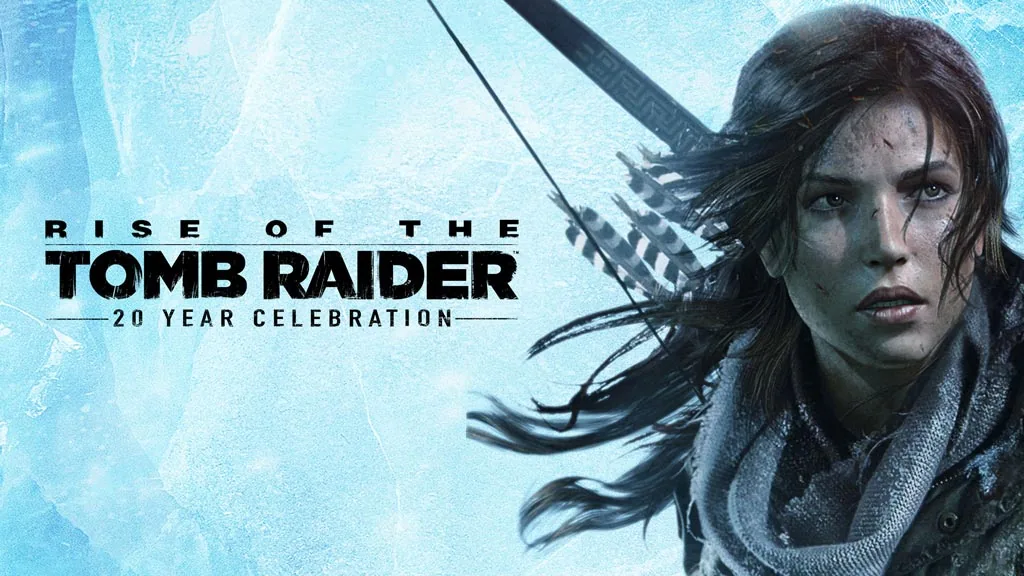
Rise of the Tomb Raider (v1.0.1027)
Lara heads to Siberia for her first tomb-raiding expedition, while a ruthless organization called Trinity hunts for the same secret. Rise of the Tomb Raider Full is an action-adventure game where you help Lara reach the Lost City of Kitezh first. I’m sharing the pre-installed download link here. For me, it’s one of the most memorable and exciting Tomb Raider games. 🔥
The premise is simple: Lara follows clues to an ancient mystery in Siberia before Trinity gets there. The 20 Year Celebration edition also includes the Season Pass, with Blood Ties, Lara’s Nightmare, and Co-op Endurance.
There are three main playstyles: hunting for crafting materials, guerrilla combat, and tomb raiding. The tombs are larger than those in Moss: The Forgotten Relic, and their puzzles reward patience and attention. Some ask you to read ancient inscriptions while avoiding traps.
In terms of gameplay, it has a lot in common with UNCHARTED: Legacy of Thieves Collection. Both are cinematic adventures with plenty of climbing.
Download Rise of the Tomb Raider for PC below. The file is just 25 GB. 👍
Game Info and Download Link:
- Genre: Action, Adventure.
- Developer: Crystal Dynamics.
- Publisher: Crystal Dynamics.
- Release Date: February 9, 2016 (PC).
- Platform: PC, PS4, Xbox One.
- Game Engine: Foundation Engine.
- Version: v1.0.1027 (Build 9575745).
- Pre-installed, direct download, single part.
- Single-player, full controller support.
Minimum System Requirements:
| Component | Minimum | Recommended |
|---|---|---|
| Operating System | Windows 7 64-bit | Windows 10 64-bit |
| Processor | Intel Core i3-2100 or equivalent AMD | Intel Core i7-3770K |
| RAM | 6 GB | 8 GB |
| Graphics Card | NVIDIA GTX 650 2GB / AMD HD 7770 2GB | NVIDIA GTX 980Ti / GTX 970 |
| DirectX | Version 11 | Version 11 |
| Storage | 25 GB | 25 GB |
PC Gameplay Screenshots:


Steps to Install on Your PC:
- Download RSOTRDR1010027.rar (25 GB) from the link below.
- Extract the file with WinRAR or 7-Zip (password: www.yasir252.com).
- Open the extracted game folder.
- Run Start The Game.bat or ROTTR.exe as administrator.
- Enjoy the game! 😊
Fixing Game Errors, Crashes, and Stuck Issues:
- The game crashes on startup? Make sure the game folder is whitelisted in Windows Defender. (No files will be deleted or automatically quarantined.)
- Crashes while loading? Update DirectX Runtime and install the latest Visual C++ Redistributable.
- Won’t launch? Run as Administrator and update Windows.
- Stuttering or lag? Update your graphics driver and turn off V-Sync.
- Always extract the game to the root of a drive, such as C:\Games\ or D:\Games\.
- …Reserved for other cases…
