




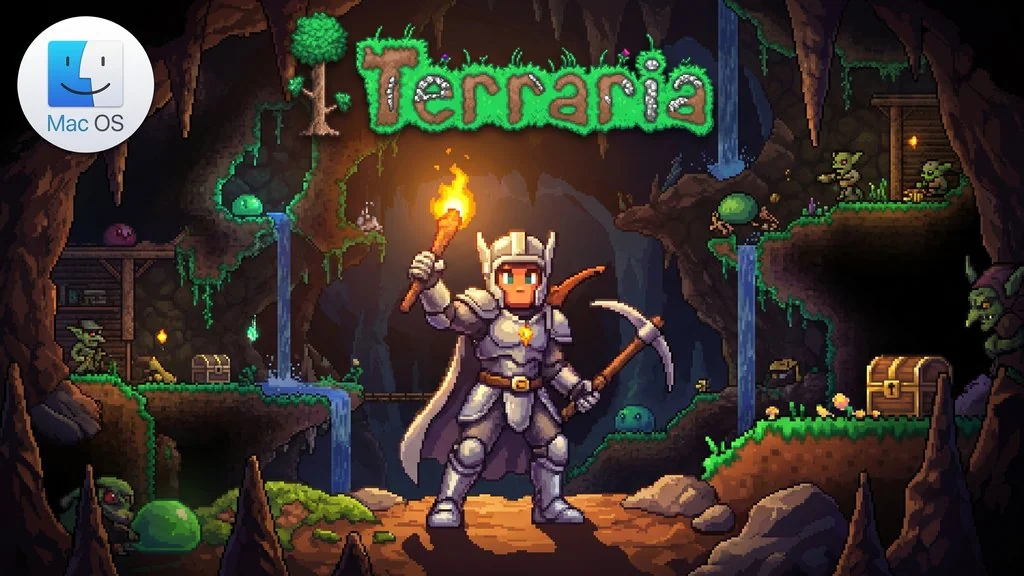
Terraria (v1.4.5.8) for MacOS
Imagine a 2D world you can explore however you like. Terraria MacOS (v1.4.5.8) gives you that kind of freedom, from digging dirt and building houses to hunting loot and fighting dozens of bosses. I’ve prepared the PKG version for Mac, only 626 MB, just get it and play. 🔥
For as long as I can remember, I’ve felt this game never dies. There’s always a surprise. Re-Logic, the developer, is also still diligently pushing free updates, the latest being v1.4.5.8. On Steam, its 1.5 million reviews are almost all positive. No wonder it’s called one of the best games of all time.
Talking about 2D sandboxes, I’m reminded of Minecraft, which also has a Mac version here. But Terraria is in a different class when it comes to adventure: every biome has its own enemies, treasure, and secret bosses that make you curious to explore.
Download Terraria MacOS below if you want to try that digging sensation that makes you lose track of time. 👍 Want a chiller, less chaotic pixel art game? Just play Stardew Valley for Mac.
Terraria Free Download – Game Info
- Genre: Action, Adventure, Indie, RPG, Sandbox.
- Developer: Re-Logic.
- Publisher: Re-Logic.
- Release Date: May 16, 2011.
- Version: v1.4.5.8 for MacOS.
- Terraria Mac Direct Download – PKG installer for Mac, ready to play.
- PKG Installer, install it and play right away.
Mac System Requirements
| Component | Minimum | Recommended |
|---|---|---|
| Operating System | OSX 10.9.5 – 10.11.6 | OSX 10.9.5 – 10.11.6 |
| Processor | 2.0 Ghz | Dual Core 3.0 Ghz |
| RAM | 2.5 GB | 4 GB |
| Graphics Card | 128 MB Video Memory, OpenGL 3.0+ | 256 MB Video Memory, OpenGL 3.0+ |
| Storage | 200 MB | 200 MB |
PC Gameplay Screenshots


Installation Steps
- Download the file TERR1458mac.rar (626 MB) via the link below.
- Extract the file with the password “www.yasir252.com”.
- Double-click terraria_enUS_v1_4_5_8_.pkg and follow the installer’s instructions.
- If a security warning appears, open System Settings > Privacy & Security > Open Anyway.
- Launch Terraria from the Applications folder. Enjoy the game! 😇
