




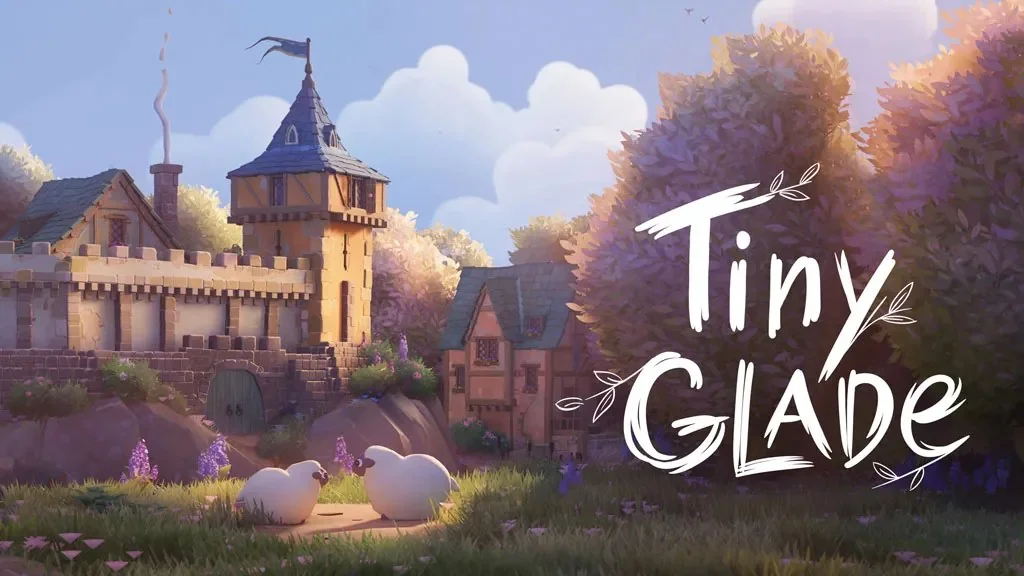
Tiny Glade (v1.16.3 Build 25545323)
Want a relaxing game that won’t make your head spin? There are no missions, no combat, and no way to lose. Tiny Glade Full is a cozy building sandbox for PC where you doodle castles, and buildings across a quiet meadow. I’m sharing the pre-installed game download here. Build a little village, it feels satisfying. 🔥
In Tiny Glade, you get one patch of land and complete freedom to shape it however you like. Want to build a tiered castle, lay a winding path, or send a river through a cliff?
Just move your cursor, and the game assembles the pieces for you.
The building system is gridless, so you can place things much more freely. Drag a path through a building and a doorway appears on its own. Raise a structure, and columns and beams slot into place too.
For a similar cozy feel, this game reminded me of Go-Go Town and The Planet Crafter, though Tiny Glade focuses entirely on building. There’s no plot, main story, or complex gameplay here.
Download Tiny Glade below; the file is just 1.9 GB. It’s compatible with Windows 11. 👍
Game Info and Download Link :
- Genre: Casual, Indie, Simulation.
- Developer: Pounce Light.
- Publisher: Pounce Light.
- Release Date: 23 September 2024.
- Version: v1.16.3 (Build 25545323).
- Pre-installed, direct download, includes all the latest updates.
- Single-player, relaxing, building, sandbox.
Minimum System Requirements :
| Component | Minimum | Recommended |
|---|---|---|
| Operating System | Windows 10+ (64-bit) | Windows 10+ (64-bit) |
| Processor | AMD Ryzen / Intel Core i5 / Snapdragon X Plus | AMD Ryzen / Intel Core i5 / Snapdragon X Elite |
| RAM | 4 GB | 4 GB |
| Graphics Card | Vulkan 1.2, 2 GB VRAM (Radeon R9 270 / GeForce GTX 670 / Intel Iris Xe) | Vulkan 1.2, 4 GB VRAM (Radeon RX 580 / GeForce GTX 1060 / Intel Arc A380) |
| Storage | 4 GB | 4 GB |
PC Gameplay Screenshots :

Steps to Install Tiny Glade on Your PC :
- Download TGLv1163.rar (1.9 GB) from the link below.
- Extract the file using WinRAR or 7-Zip.
- Open the extracted game folder.
- Run Start The Game.bat or the game’s tiny-glade.exe as Administrator.
- Enjoy the game! 😊
Troubleshooting Game Error, Crash, and Stuck :
- Game crashes on startup? Make sure the game folder is whitelisted in Windows Defender.
(No files are automatically deleted or moved to quarantine.) - Crashes while loading? Update DirectX Runtime and the latest Visual C++ Redistributable.
- Game won’t open? Run it as Administrator and update Windows.
- Stuttering and frame drops? Update your GPU driver and turn off V-Sync.
- Always extract the game to the root of a drive, such as C:\Games\ or D:\Games\.
- … Reserved for other cases …
