




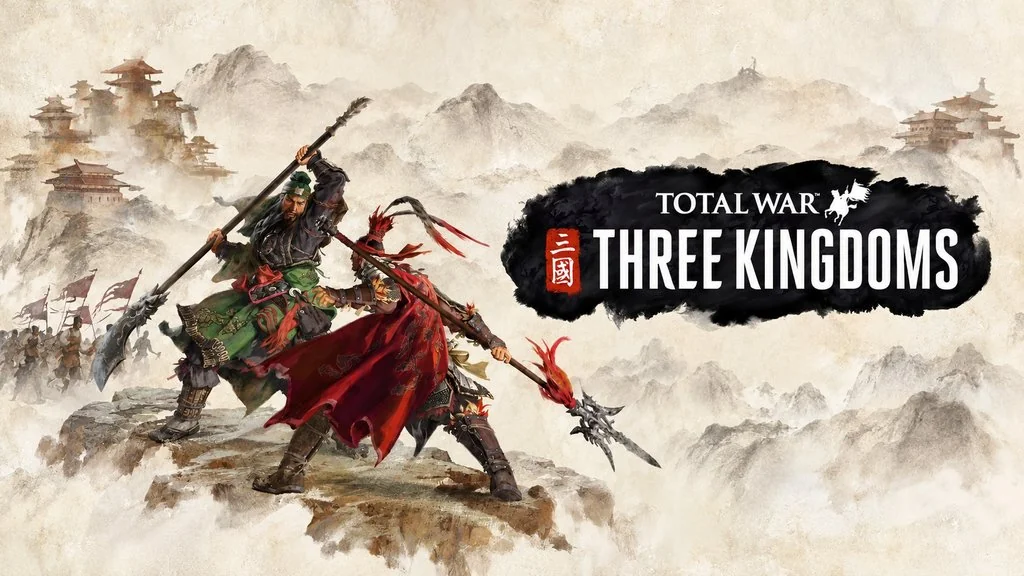
Total War Three Kingdoms (v1.7.8 Build 20435474)
One country, three kingdoms, and a throne only one person can claim. Total War Three Kingdoms PC Full is a strategy game that blends a turn-based campaign with real-time battles in ancient China in 190 AD. I’ve put the download link below, with the complete Warlord Edition and every DLC, pre-installed. 🔥
Pick one of 12 legendary Warlords from Romance of the Three Kingdoms, each with a distinct playstyle and their own goals.
Character bonds run through the Guanxi system, so friendship, brotherhood, and even betrayal can shape the course of your campaign.
For me, diplomacy matters a lot more here. You don’t have to go to war every time.
Want another angle on historical strategy? Europa Universalis V focuses on guiding a nation across centuries, while Crusader Kings 3: Royal Edition puts dynasty politics and family alliances at the center.
Download Total War Three Kingdoms below. The game file is 37 GB. 👍
Game Info and Download Links :
- Genre: Strategy, Action.
- Developer: CREATIVE ASSEMBLY.
- Publisher: SEGA.
- Release Date: May 23, 2019.
- Version: v1.7.8 (Build 20435474).
- Pre-installed, direct download, includes all DLCs.
- Single-player only!
DLCs: Yellow Turban Rebellion, Reign of Blood, Eight Princes, Mandate of Heaven, Tao Qian, A World Betrayed, White Tiger Yan, Shi Xie, The Furious Wild, Fates Divided.
Minimum System Requirements :
| Component | Minimum | Recommended |
|---|---|---|
| Operating System | Windows 7 64-bit | Windows 10 64-bit |
| Processor | Intel Core 2 Duo 3.00 GHz | Intel i5-6600 / Ryzen 5 2600X |
| RAM | 4 GB (6 GB with onboard graphics) | 8 GB |
| Graphics Card | GTX 650 Ti 1 GB / HD 7850 1 GB / Intel UHD Graphics 620 | GTX 970 / R9 Fury X (4 GB VRAM) |
| DirectX | Version 11 | Version 11 |
| Storage | 60 GB | 60 GB |
PC Gameplay Screenshots :


Steps to Install Total War Three Kingdoms on Your PC :
- Download TLWRTHRKDM178-yasir252.rar (37 GB) using the link below.
- Extract it with WinRAR or 7-Zip.
(Password: www.yasir252.com). - Open the extracted folder.
- Run Three_Kingdoms.exe as Administrator.
- Wait for the loading to finish, then play! 😊
Troubleshooting Game Errors, Crashes, and Freezes :
- Does the game crash at startup? Make sure the game folder is whitelisted in Windows Defender.
- Does it crash while loading? Update DirectX Runtime and Visual C++ Redistributable to the latest version.
- Won’t the game open? Run it as Administrator and update Windows.
- Stuttering and lag? Update your graphics driver and turn off V-Sync.
- Always extract the game to the drive’s root, such as C:\Games\ or D:\Games\.
- … Reserved for other cases …
