




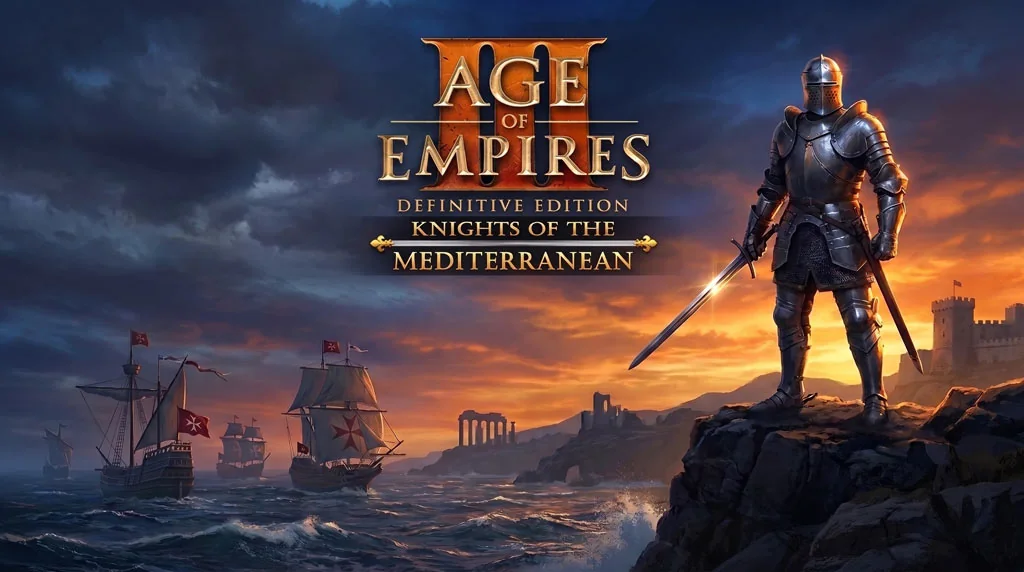
Age of Empires III: Definitive Edition (v100.19.17293.0)
The legendary RTS that takes you to the colonial era and the exploration of the new world. Age of Empires III: Definitive Edition v100.19.17293.0 PC Full Game from Microsoft is a modern remake with 4K graphics, all original campaigns, and 7 complete DLCs. Playing it again feels like nostalgia for the golden age of RTS on PC. Pre-installed. I have shared the download link below. 🔥
Developed by Ensemble Studios and published by Microsoft, AoE3 is different from previous series because it focuses on the colonial era, exploration, and the Home City system that lets you send reinforcements from your “home country”. You can choose from 8 different civilizations, each with unique units and bonuses.
What makes AoE3 Definitive Edition special is that all DLCs are already included, from United States Civilization, The African Royals, to Knights of the Mediterranean. There are also co-op and multiplayer modes that are still active to this day. If you like Age of Empires 2 Definitive Edition, this is a more modern sequel with the Home City mechanic.
Go, download Age of Empires 3 below. Size 41 GB, pre-installed. 👍 If you prefer RTS with more political strategy, also check out Dune Spice Wars.
AOE 3 PC Game Info and Download Link :
- Genre: Real-Time Strategy.
- Developer: Ensemble Studios (remaster: Tantalus Media).
- Publisher: Microsoft Game Studios.
- Release Date: 2020 (Definitive Edition).
- Definitive Edition, Pre-Installed v100.19.17293.0 (Build 24191447).
DLC & Bonus Content Included: United States Civilization, The African Royals, Knights of the Mediterranean, Mexico Civilization, Hero Cosmetic Pack, Lizzie, Kunoichi, Vol. 1.
Minimum System Requirements :
| Component | Minimum | Recommended |
|---|---|---|
| Operating System | Windows 10 64-bit | Windows 10/11 64-bit |
| Processor | Intel i5-3300 / FX-8350 | Intel i7-6700 / Ryzen 5 3600 |
| RAM | 16 GB | 32 GB |
| Graphics Card | GTX 980 / R9 Fury (4GB) | RTX 1660 / RX 5700 XT (6GB) |
| DirectX | Version 11 | Version 12 |
| Storage | 42 GB | 42 GB SSD |
PC Gameplay Screenshots :


Steps to Install Age of Empires III on Your PC :
- Download the AGOEMPRS310019-yasir252.rar file (41 GB) from the link below.
- Extract the file using WinRAR or 7-Zip.
- Open the extracted folder, run Start The Game.bat as Administrator.
- Wait for the game to finish loading (it will take a while).
- Done! 😍
Troubleshooting Game Error, Crash and Stuck :
- Game crash on startup? Check antivirus, make sure game folder is whitelisted in Windows Defender.
- Crash during loading? Update DirectX Runtime and Visual C++ Redistributable to the latest version.
- Game won’t open? Run as Administrator and update Windows to the latest version.
- Stuttering and lag? Update GPU driver and turn off V-Sync.
- Disable Windows UAC before starting the installation process.
- Reserved for other cases…
