


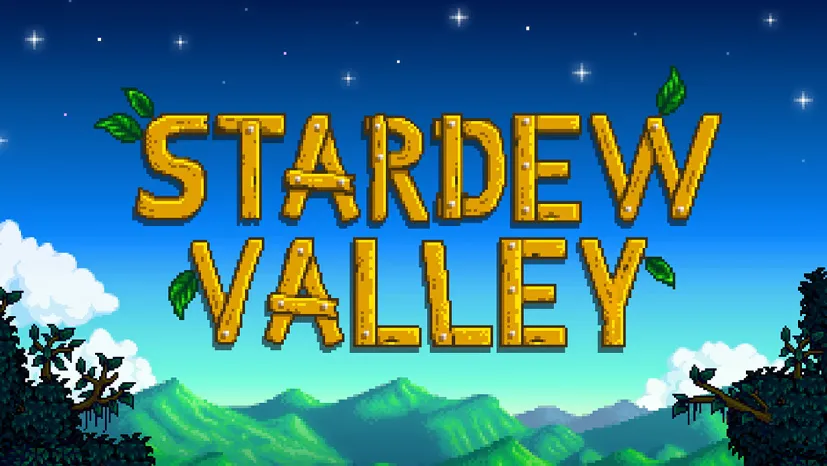
Stardew Valley (v1.6.15)
Who doesn’t want nostalgia for a Harvest Moon-style life simulation game? Stardew Valley PC Full is the answer. Farming, raising animals, exploring the village, and interacting with the residents, everything is in this indie game made single-handedly by ConcernedApe. I’ve shared the download link through this article. The file is also pre-installed, just extract and play. 🔥
To better imagine the excitement, try watching the gameplay trailer video first. There you’ll see for yourself the authentic village farming vibe.
The journey starts by inheriting land that hasn’t been maintained for a long time. The main task? Advance the land to its glory days while interacting with the very friendly village residents.
The music is also great, even after hundreds of hours of playing, you’re guaranteed to still find new things. Crazy, this game is really addictive.
If you want a more realistic farming game, check out Farming Simulator which is serious agricultural simulation. Or if you want a relaxing adventure with a magical vibe, there’s Necesse which is also fun.
Go, download Stardew Valley below. Size only 1.2 GB. 👍
Game Info & Link Download :
- Genre: Casual, RPG, Simulation, Farming.
- Developer: ConcernedApe.
- Publisher: Chucklefish.
- Release Date: February 27, 2016 (PC).
- Pre-Installed, Direct Download.
System Requirements :
- OS: Windows 7/8/10 64-bit.
- Processor: Intel Core 2 GHz.
- RAM: 2 GB.
- Graphics: 256 MB video memory, shader model 3.0+.
- DirectX: Version 10.
- Storage: 500 MB.
PC Gameplay Screenshots :


Steps to Install Stardew Valley on Your PC :
- Download the Stardew.Valley.1.6.15-yasir252.rar file (1.2 GB) from the link below.
- Extract the file using WinRAR or 7-Zip.
- Then, run Setup.exe to install.
- Done! 😍
Stardew Valley v1.6.15 Download
www.yasir252.comTroubleshooting Game Error, Crash & Stuck :
- Game won’t run? Check your antivirus, make sure all game files are whitelisted in Windows Defender.
- Crash during loading? Update DirectX Runtime and Visual C++ Redistributable to the latest version.
- Save corrupt? Usually caused by force close, always save before exiting.
- Mod conflict? Also try to disable all mods, enable one by one to find the cause.
- Reserved for other cases…
