




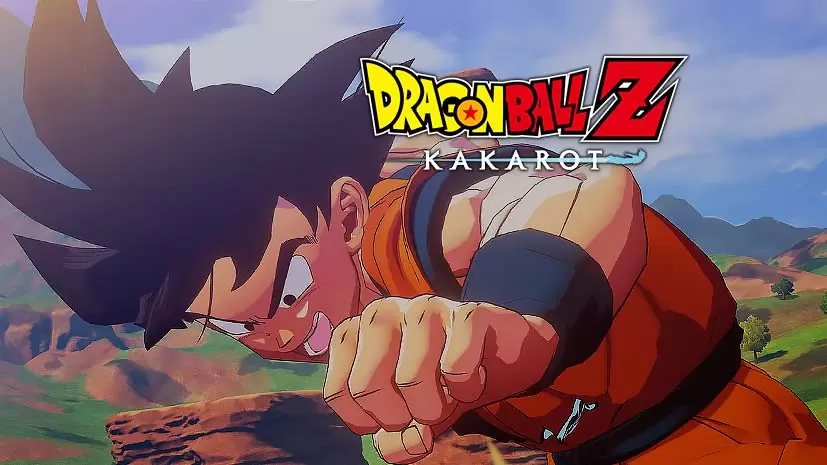
Dragon Ball Z: Kakarot (v2.30 Build 21000130)
The entire Dragon Ball saga, from Raditz’s arrival to the fight against Kid Buu, can be played directly as Goku. That is Dragon Ball Z: Kakarot PC Full v2.30 from CyberConnect2 and Bandai Namco, an RPG that walks you through the most iconic DB story in the Z series. The pre-installed 60 GB file is ready, just extract and play. 🔥
For Dragon Ball fans, this game is often called the most fun way to relive the Z story.
We are not just fighting in arenas. There are fishing sessions, cooking with Chi-Chi, and riding the Kinto’un cloud. A completely different concept from Dragon Ball: Sparking! Zero, which is purely fighting.
All DLCs are included, from both DAIMA parts to Goku’s Next Journey. Even so, the gameplay can get repetitive if you only chase side quests. That said, for those craving nostalgia, this hits the spot.
Curious to follow Goku’s journey? Go, download Dragon Ball Z: Kakarot below. 👍 For anime RPG fans, One Piece Odyssey Deluxe Edition has a similar vibe, just a different title.
Game Info and Download Link :
- Genre: Action RPG, Anime, Open World.
- Developer: CyberConnect2.
- Publisher: Bandai Namco Entertainment.
- Release Date: January 16, 2020 (Base Game).
- Version: v2.30 (Build 21000130).
- Pre-Installed, Single Player, Full controller support.
DLC Included :
- DAIMA – Adventure Through The Demon Realm PART 2
- DAIMA – Adventure Through The Demon Realm PART 1
- DAIMA – Adventure Through The Demon Realm PACK
- Goku’s Next Journey
- 23rd World Tournament
- BARDOCK – Alone Against Fate
- Season Pass 2
- TRUNKS – THE WARRIOR OF HOPE
- A NEW POWER AWAKENS SET
- Tao Pai Pai Pillar
- MUSIC COMPILATION PACK
- Season Pass
- Bonus Items Pack
PC Gameplay Screenshots :


Minimum System Requirements :
| Component | Minimum (720p / 30 FPS) | Recommended (1080p / 60 FPS) |
|---|---|---|
| Operating System | Windows 7 SP1 64-bit | Windows 10 64-bit |
| Processor | Intel Core i5-2400 / AMD Phenom II X6 1100T | Intel Core i5-3470 / AMD Ryzen 3 1200 |
| RAM | 4 GB | 8 GB |
| Graphics Card | NVIDIA GTX 750 Ti / Radeon HD 7950 | NVIDIA GTX 960 / Radeon R9 280X |
| DirectX | Version 11 | Version 11 |
| Storage | 36 GB | 40 GB (SSD recommended) |
Steps to Install Dragon Ball Z: Kakarot on Your PC :
- Download the DGRNBLZKRT230.rar file (60 GB) via the link below.
- Extract the file with WinRAR or 7-Zip.
- Run AT.exe.
- Wait for loading until the main menu appears, go straight! 😁
Troubleshooting Game Error, Crash and Stuck :
- Game crash on startup? Make sure the game folder is whitelisted in Windows Defender.
- Crash during loading? Update DirectX Runtime and Visual C++ Redistributable to the latest version.
- Game will not open? Run as Administrator and update Windows to the latest version.
- Stuttering and lag? Update VGA driver and turn off V-Sync.
- Loading into the game takes a while. Be patient, just wait.
- Always extract the game on a Root Drive. For example at C:\Games\ or D:\Games\.
- … Reserved for other cases …
