




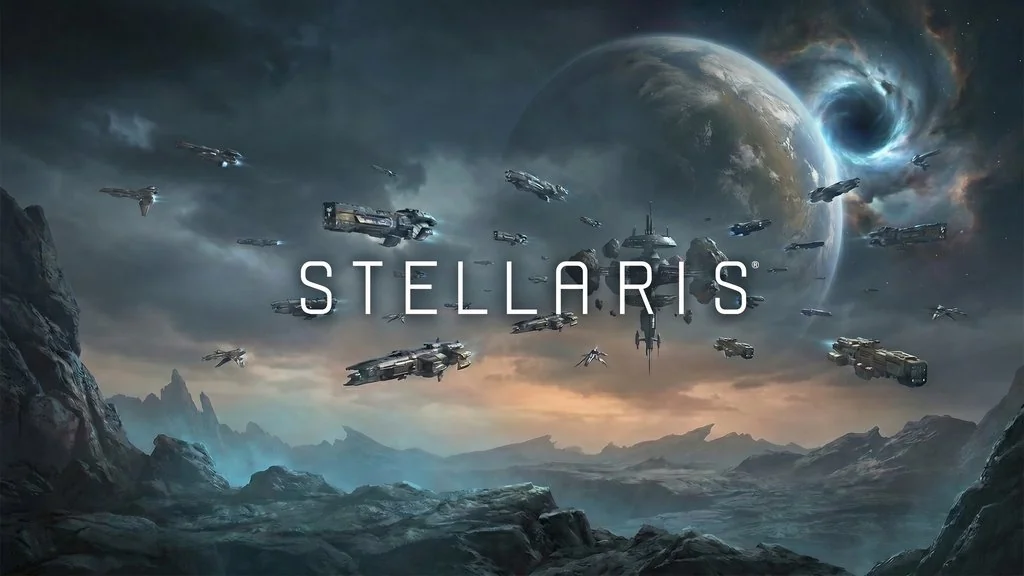
Stellaris (v4.5.2 Build 25664273)
Explore a vast galaxy full of mysteries, meet all kinds of alien species, and stumble into strange events, all while expanding your empire. Stellaris PC Full is a sci-fi 4X grand strategy game from Paradox where space offers nearly limitless possibilities. I’ve got the pre-installed download link ready below. 🔥
The story begins when your species masters faster-than-light travel and ventures beyond its planet. You’ll send science ships to map the galaxy, investigate anomalies, and make “Contact” with alien civilizations.
As the galaxy map grows and empires’ borders meet, political tensions and major events start to unfold.
From there, you’ll face invasions by giant creatures, beings from dimensional energy realms, and other strange monsters. Battles are fought with space fleets, and diplomacy is key to limiting the devastation.
Download Stellaris below. It’s 15 GB. 👍 If you enjoy other Paradox grand strategy games, you can also try Europa Universalis V and Crusader Kings 3: Royal Edition.
Game Info and Download Link:
- Genre: Strategy, Grand Strategy, Sci-Fi, Simulation, 4X.
- Developer: Paradox Development Studio.
- Publisher: Paradox Interactive.
- Release Date: May 9, 2016.
- Version: v4.5.2 (Build 25664273).
- Pre-installed, direct download, all DLC unlocked.
Minimum System Requirements:
| Component | Minimum | Recommended |
|---|---|---|
| Operating System | Windows 10 Home 64-bit | Windows 10 Home 64-bit |
| Processor | Intel Core i3-530 / AMD FX-6350 | Intel Core i5-3570K / AMD Ryzen 5 2400G |
| RAM | 4 GB | 4 GB |
| Graphics Card | NVIDIA GTX 460 / AMD Radeon HD 5870 (1GB VRAM) | NVIDIA GTX 560 Ti (1GB) / AMD Radeon R7 370 (2GB) |
| DirectX | Version 9.0c | Version 12 |
| Storage | 10 GB | 10 GB |
PC Gameplay Screenshots:


Steps to Install Stellaris on Your PC:
- Download STLRS451-yasir252.rar (15 GB) from the link below.
- Extract with WinRAR or 7-Zip (password:
www.yasir252.com). - Open the extracted folder.
- Run stellaris.exe as administrator.
- Enjoy the game! 😎
Fixing Game Errors, Crashes, and Stuck Issues:
- The game crashes on startup? Make sure the game folder is whitelisted in Windows Defender.
- Crashes while loading? Update DirectX Runtime and install the latest Visual C++ Redistributable.
- Won’t launch? Run as Administrator and update Windows.
- Stuttering or lag? Update your graphics driver and turn off V-Sync.
- Always extract the game to the root of a drive, such as C:\Games\ or D:\Games\.
- …Reserved for other cases…
