




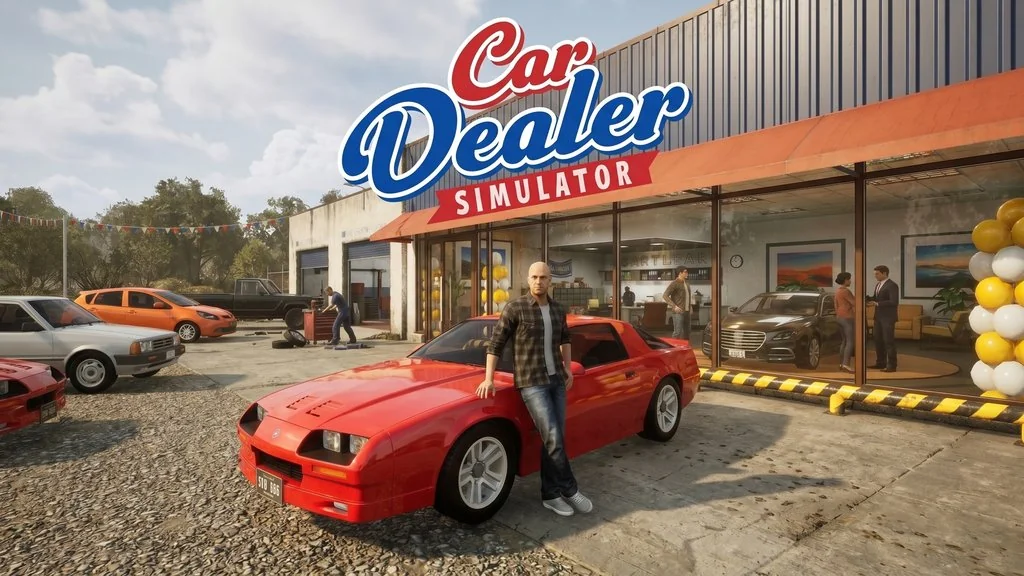
Car Dealer Simulator (v0.1.0.0.5272)
Do you like business simulation games, especially ones about cars? 😅 Car Dealer Simulator Full Version is a car-trading sim where you become a dealership owner. Whether your business succeeds or fails is up to you. I’ve shared the game download link below. 🔥
Developed by an indie studio, the game launched on Steam and has received positive ratings from the community. The gameplay is pretty addictive. You start with a small dealership, buy cars at auctions, repair and repaint them, upgrade, then sell them. Of course, the better the car, the higher the profit.
There’s also the Up 2 You DLC, which adds deeper customization.
If you enjoy simulation games like Car Mechanic Simulator 2021 or Car For Sale Simulator PC, Car Dealer Simulator is a fresh alternative. It focuses more on running a dealership than working in a garage.
Go ahead and download Car Dealer Simulator for PC below. It’s 19 GB and pre-installed.
Game Info and Download Link:
- Genre: Simulation, Indie, Management, Driving
- Developer: Indie Studio
- Publisher: Indie Studio
- Release Date: 2026 (Early Access)
- Game Engine: Unity
- Version: v0.1.0.0.5272
- Pre-installed, direct download, single part.
- Single-player, full controller support.
Minimum System Requirements:
| Component | Minimum | Recommended |
|---|---|---|
| Operating System | Windows 10 64-bit | Windows 10/11 64-bit |
| Processor | Intel Core i5-8400 / Ryzen 5 2600 | Intel Core i7-9700 / Ryzen 7 3700X |
| RAM | 8 GB | 16 GB |
| Graphics Card | NVIDIA GTX 1060 / RX 580 | NVIDIA RTX 2060 / RX 6600 |
| DirectX | Version 11 | Version 12 |
| Storage | 20 GB | 20 GB SSD |
PC Gameplay Screenshots:


Steps to Install Car Dealer Simulator on Your PC:
- Download CRDLRSMLTR0100-yasir252.rar (19 GB) from the link below.
- Extract the file with WinRAR or 7-Zip.
- Run Start The Game.bat or the game executable as administrator.
- Enjoy the game! 😊
Fixing Game Errors, Crashes, and Stuck Issues:
- The game crashes on startup? Make sure the game folder is whitelisted in Windows Defender.
- Crashes while loading? Update DirectX Runtime and install the latest Visual C++ Redistributable.
- Won’t launch? Run as Administrator and update Windows.
- Stuttering or lag? Update your graphics driver and turn off V-Sync.
- Always extract the game to the root of a drive, such as C:\Games\ or D:\Games\.
- …Reserved for other cases…
