




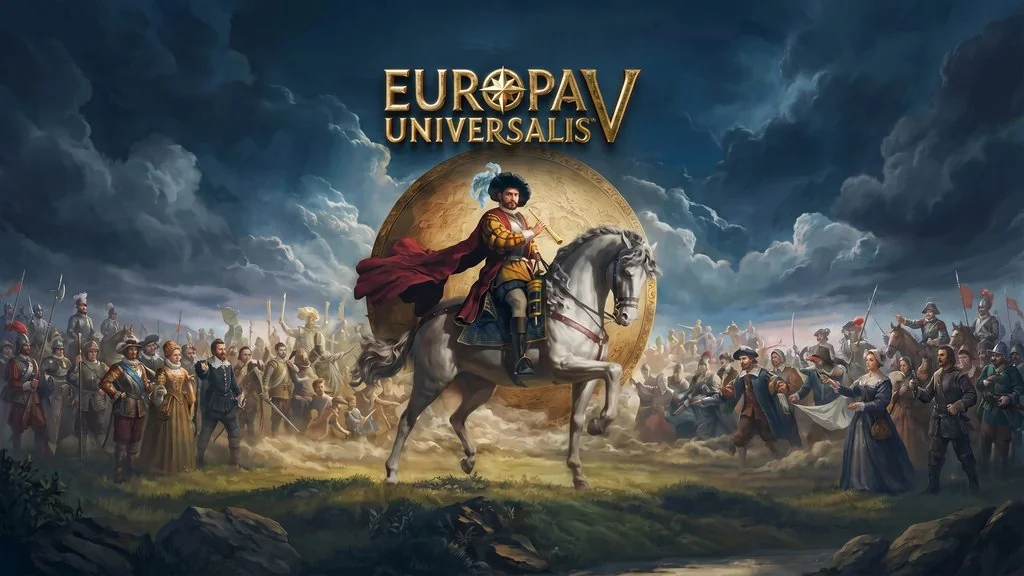
Europa Universalis V (v1.4.4)
Have you ever played Europa Universalis V yet? The legendary grand strategy game developed by Paradox has finally launched. This game allows you to guide the fate of hundreds of nations over nearly 500 years of history. From the late Middle Ages to the Age of Revolution, everything is covered. 😅 You can get the download Europa Universalis V PC game pre-installed repack with +Online Fix on this page.
EU5 is widely recognized as one of the most complex and immersive strategy games ever made. Many critics highly praise its deep gameplay systems and incredibly insane diplomacy mechanics.
Developed using the upgraded Clausewitz engine, EU5 features a world map that is far more detailed than any previous title in the series. Uutilizes dynamic historical events that make every playthrough feel unique.
For those who love Paradox strategy titles like Hearts of Iron IV Ultimate which focuses heavily on World War II, EU5 is much broader in scope. If you prefer managing medieval kingdoms like Crusader Kings 3: Royal Edition, well, this game offers a completely different approach.
Download this game from the link below. Just extract and start playing. 🔥
Europa Universalis V Game Info & Download :
- Genre: Strategy, Grand Strategy, Simulation, History
- Developer: Paradox Development Studio
- Publisher: Paradox Interactive
- Release Date: 4 November 2025
- Mesin Game (Engine): Clausewitz Engine
- Installer Pre-Installed, Steam-based + OFME Fix (Co-Op Support), Single Part
Included DLCs : Ancient Monuments, Sacred Sites, Fate of the Phoenix, Premium Upgrade
Minimum System Requirements :
| Component | Minimum | Recommended |
|---|---|---|
| Operating System | Windows 10 | Windows 11 |
| Processor | Intel Core i5-8400 / AMD Ryzen 5 2600 | Intel Core i7-14700K / AMD Ryzen 7 7800X3D |
| RAM Memory | 16 GB | 32 GB |
| Graphics Card | NVIDIA GTX 1060 (6GB) / AMD RX 580 (8GB) | NVIDIA RTX 3060 Ti (8GB) / AMD RX 6700 XT (12GB) |
| DirectX | Version 11 | Version 12 |
| Storage | 20 GB | 20 GB SSD |
PC Gameplay Screenshots :


Steps to Install Europa Universalis V on Your PC :
Base Game
- Download EUROv144.rar (6.5 GB) from the link below.
- Extract with WinRAR or 7-Zip.
(Password: www.yasir252.com) - Open the extracted Europa Universalis V folder.
- Run Start The Game.bat.
Multiplayer Online Fix
- Download EUROv144p.rar (11 MB) and extract it with password www.yasir252.com.
- Copy the patch’s binaries folder into the main game folder -> Replace all files.
- Keep Steam running in the background, then run Start The Game.bat.
- Enjoy the game! 😊
Troubleshooting Game Error, Crash & Stuck :
- Game not starting? Make sure Steam is installed and you are logged in.
- Launch error? Check your antivirus, make sure it doesn’t delete or quarantine game files.
- Multiplayer co-op not connecting? All players must use the exact same game version (Build 26142040).
- Long loading times? Install the game on an SSD so the world map loads much faster.
- Graphical glitch? Update your GPU drivers and DirectX Runtime to the latest version.
