




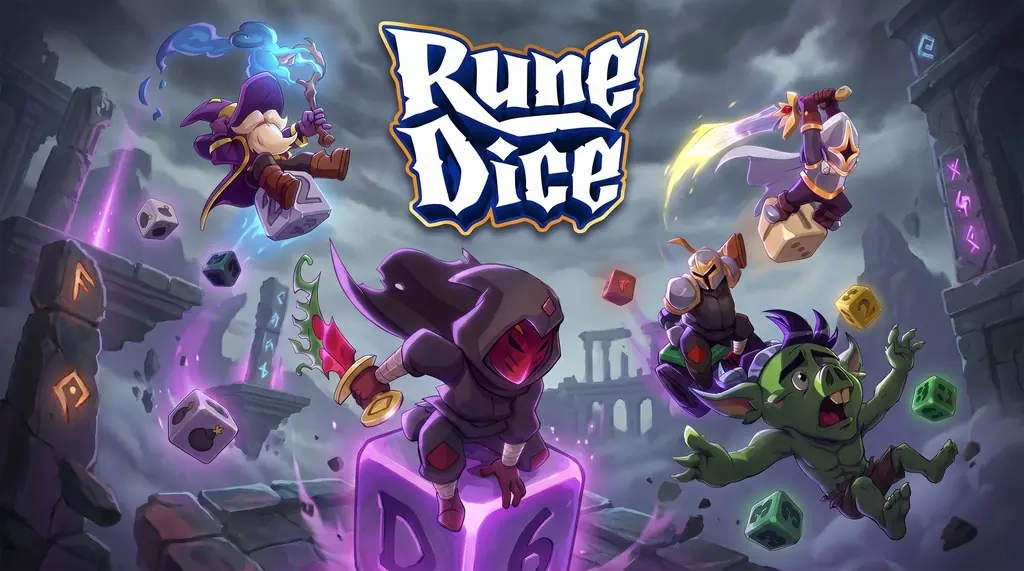
Rune Dice (v1.3.1)
A roguelite game where you only throw dice? Weird right.. but trust me, Rune Dice PC Full v1.3.1 from Smart Raven Studio is really fun, hard to move on. Tactical deckbuilding, basically with a chain reaction mechanic. Every dice throw is used to defeat enemies. Download link ready below, 273 MB just extract and play. 🔥
I myself have sunk 20+ hours and still have not unlocked all heroes. There are 8 hero classes from Rogue, Mage, to Archer with different dice sets.
The gameplay is like playing pool…. but without pockets, every dice point gives damage. But honestly, the RNG is brutal. One run can fail, just because of a bad dice roll.
The developer is really smart at blending deckbuilding with roguelite in a unique way, similar to games like Soulstone Survivors and Across The Obelisk.
The sound design is good, but feels repetitive after 4 hours nonstop. Each run is also only 15-20 minutes at most. Very short indeed. But it is a roguelite after all. Keep replaying!
Download Rune Dice v1.3.1 right away. Already pre-installed, and runs on Windows 11. 👍
Rune Dice PC Game Info and Download Link :
- Genre: Deckbuilding, Roguelite, Strategy, RPG.
- Developer: Smart Raven Studio.
- Publisher: Kwalee.
- Release Date: May 19, 2026 (PC).
- Version: v1.3.1.
- Pre-Installed, Direct Download, Single Part, Mini Size.
Minimum System Requirements :
| Component | Minimum | Recommended |
|---|---|---|
| Operating System | Windows 10 64-bit | Windows 10 64-bit |
| Processor | Intel Core i5-4440 / AMD FX-6300 | Intel Core i5-4440 / AMD FX-6300 |
| Memory | 4 GB RAM | 4 GB RAM |
| Graphics Card | NVIDIA GeForce GT 730 / AMD Radeon R7 240 | NVIDIA GeForce GT 730 / AMD Radeon R7 240 |
| Storage | 1 GB HDD | 1 GB SSD |
PC Gameplay Screenshots :


Steps to Install Rune Dice on Your PC :
- Download the RUNEv131.rar file (273 MB) from the link below.
- Extract the file using WinRAR or 7-Zip.
- Open the extracted folder, run Start The Game.bat.
- Wait for the game to load, ready to play. 👍
Troubleshooting Game Error, Crash and Stuck :
- Game crash on startup? Make sure the game folder is whitelisted in Windows Defender.
- Crash during loading? Update DirectX Runtime and Visual C++ Redistributable to the latest version.
- Crash on startup? Run the game as Administrator, update Windows to the latest version.
- Stuttering and lag? Update VGA driver and turn off V-Sync.
- Disable Windows UAC before starting the installation process.
- Always extract the game on a Root Drive, for example C:\Games\ or D:\Games\.
- … Reserved for other cases …
