




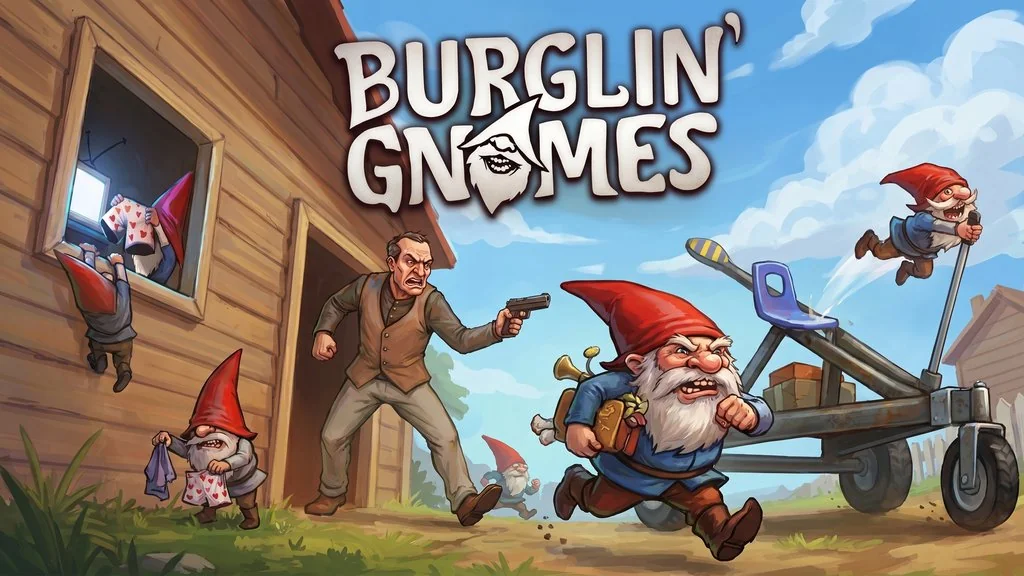
Burglin’ Gnomes v1.0.10 (+Co-Op)
Do you like co-op games that are ridiculously funny? 😅 Burglin’ Gnomes is right up your alley. Pranking and trolling your friends are part of the fun here. I’m sharing the PC download with OnlineFix for Steam multiplayer, so you can extract it and play together!
Developed and published by Fobri, the game launched on Steam on June 10, 2026. It has an 85% Very Positive rating from 1,645 reviews. Not every game manages to score that well. The idea is simple: you play as five gnomes sneaking into human homes to steal stuff while completing missions from the High-Gnome.
You can crawl through vents, dodge traps, and run from guard dogs.
But the game is still new, and it doesn’t have as much content as some other co-op titles. Some players mention occasional bugs and a limited number of maps. Still, it has a very similar vibe to Super Battle Golf or Meccha Chameleon. It’s chill, funny, and full of comedy.
Go ahead and download it below. It’s pre-installed, so just extract and play with friends! 👍
Burglin’ Gnomes PC Game Info and Download Link:
- Genre: Arcade, Co-op, Comedy
- Developer: Fobri
- Publisher: Fobri
- Release Date: June 10, 2026 (PC)
- Game Engine: Unity
- Version: v1.0.10 (Build 24220559)
- Pre-installed, OnlineFix, online co-op, single part
Minimum System Requirements:
| Component | Minimum | Recommended |
|---|---|---|
| Operating System | Windows 10 | Windows 10 |
| Processor | Intel Core i5-9400F | Intel Core i7-9700K |
| RAM | 4 GB | 8 GB |
| Graphics Card | NVIDIA GeForce GTX 1650 | NVIDIA GeForce GTX 1070 |
| Storage | 7 GB | 7 GB |
| Internet Connection | Required | Broadband |
PC Gameplay Screenshots:


Steps to Install Burglin’ Gnomes:
- Download BRGLNGNMS-1010-yasir252.rar (3.3 GB) from the link below.
- Extract the file using the latest WinRAR or 7-Zip.
- Run Start The Game.bat or the game executable as administrator.
- Play offline or enjoy online co-op! 😇
Fixing Game Errors, Crashes, and Stuck Issues:
- The game crashes on startup? Make sure the game folder is whitelisted in Windows Defender.
- Crashes while loading? Update DirectX Runtime and install the latest Visual C++ Redistributable.
- Won’t launch? Run as Administrator and update Windows.
- Stuttering or lag? Update your graphics driver and turn off V-Sync.
- Always extract the game to the root of a drive, such as C:\Games\ or D:\Games\.
- …Reserved for other cases…
