




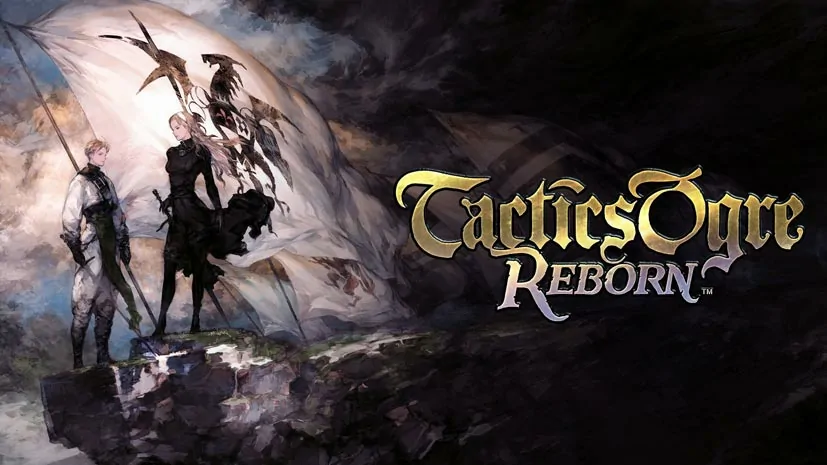
Tactics Ogre Reborn (Build 15883459)
Want to relive the nostalgia of a legendary 90s RPG, a game once considered a masterpiece? Tactics Ogre Reborn PC Full (Build 15883459) is a remake you must play. Graphics, sound, music, to voice over are all overhauled, yet still faithful to the original. Download link ready, 12 GB extract and play. 🔥
The original released in 1995. This Reborn edition updates design, visuals, story quests, even gameplay to stay relevant today. The bar is high now, thanks to Divinity Original Sin 2.
The concept is turn-based strategy on a grid, all characters move… but take turns using an action points system. Strategy fans will love it.
Every decision really affects the ending, so you cannot click randomly.
We play as Denam, navigating a war between three kingdoms. The story is dark, the politics thick, every choice has consequences. If you like turn-based tactical RPGs, you will love Darkest Dungeon II. Even more brutal. Or try another classic JRPG remake, Romancing SaGa 2 Revenge of the Seven.
Want to relive a legendary tactical RPG? Go, download below. 👍
Game Info and Download Link :
- Title: Tactics Ogre Reborn
- Genre: RPG, Simulation
- Developer: Square Enix
- Publisher: Square Enix
- Release Date: Nov 12, 2022
- Languages: English, French, German, Spanish, Japanese, Etc
- File Size: 12 GB
- Pre-Installed v1.0.8.0, Build 15883459.
Minimum System Requirements :
| Component | Minimum |
|---|---|
| Operating System | Windows 10/11 64-bit |
| Processor | Intel i5-4770, AMD Ryzen 5 1500X |
| RAM | 16 GB |
| Graphics Card | NVIDIA GTX 1060 or AMD RX 570 |
| DirectX | Version 11 |
| Storage | 15 GB |
PC Gameplay Screenshots :


Steps to Install Tactics Ogre Reborn on Your PC :
- Download the TCTOGRN1080.rar file (12 GB) from the link below.
- Extract the file using WinRAR or 7-Zip.
- Run Tactics Ogre Reborn.exe.
- Wait until the game finishes loading, ready to play. Enjoy!
Troubleshooting Game Error, Crash and Stuck :
- Game crash on startup? Make sure the game folder is whitelisted in Windows Defender.
- Crash during loading? Update DirectX Runtime and the latest Visual C++ Redistributable.
- Crash on startup? Run the game as Administrator, update Windows to the latest version.
- Stuttering and lag? Update VGA driver and turn off V-Sync.
- Disable Windows UAC before starting the installation process.
- Always extract the game on a Root Drive, for example C:\Games\ or D:\Games\.
- … Reserved for other cases …
