


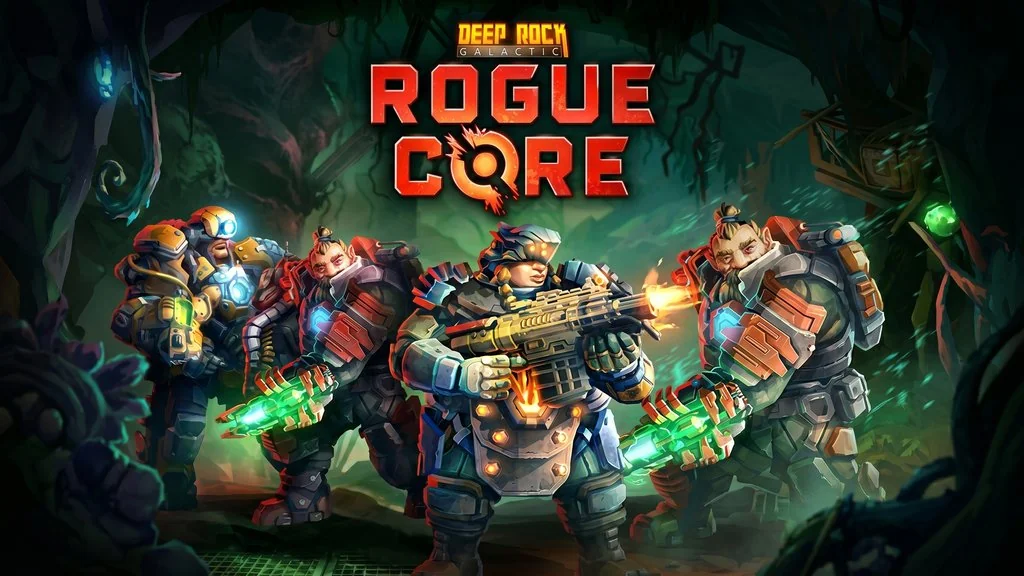
Download Deep Rock Galactic: Rogue Core PC Full Version
You like co-op FPS games that are super fun? 😅 Deep Rock Galactic: Rogue Core is a game you gotta try. A mix of FPS, co-op, and roguelite in procedural caves. Here I’ll share the PC download link + OnlineFix for online multiplayer, just extract and play with friends! 🔥
Developed by Ghost Ship Games, this game was released May 20, 2026 on Steam in Early Access. It has a Mixed rating at 59%. Pretty controversial, since many compare it to the main Deep Rock Galactic series which has an Overwhelmingly Positive rating.
BUT, this Mixed rating is mostly because the Early Access content is still limited and there are some performance bugs. Gameplay is 1-4 player co-op, you play as elite dwarf Reclaimers fighting alien Corespawn in mining facilities. Each cave is procedurally generated, so you’ll never get bored.
But mechanically, the gameplay is solid for co-op FPS fans. Even more so when Left 4 Dead 2 or Burglin Gnomes are already fun, this one adds roguelite elements and upgrade progression.
Go ahead, download Deep Rock Galactic: Rogue Core PC full version below. Size 3.4 GB, pre-installed + OFME fix. Just extract, create steam_appid.txt, and play together! 👌
Deep Rock Galactic: Rogue Core Info & Download Link :
- Genre: Action, FPS, Co-op, Roguelite
- Developer: Ghost Ship Games
- Publisher: Ghost Ship Publishing
- Release Date: May 20, 2026 (PC) Early Access
- Engine: Unreal Engine
- Pre-Installed, OFME Fix, Online Co-op, Single Part
Minimum System Requirements :
| Component | Minimum | Recommended |
|---|---|---|
| Operating System | Windows 10 64-bit | Windows 10 64-bit |
| Processor | Intel Core i5 7th / Ryzen 5 1500X | Intel Core i7 / Ryzen 7 |
| RAM | 8 GB | 16 GB |
| Graphics Card | NVIDIA GTX 970 / AMD Radeon 290 | NVIDIA RTX 2060+ |
| DirectX | Version 11 | Version 12 |
| Storage | 10 GB | 10 GB SSD |
| Internet Connection | Required | Broadband |
PC Gameplay Screenshots :


How to Install Deep Rock Galactic Rogue Core :
- Download DRGRC1-yasir252.rar (3.4 GB) via the link below.
- Extract the file using WinRAR or 7-Zip latest version.
- Create a steam_appid.txt file with content 480, save it in the RogueCore\Binaries\Win64\ folder.
- Then, Open Steam and login to your profile.
- Run RogueCore.exe, complete the tutorial, play online via friend invite! 😇
Deep Rock Galactic: Rogue Core Full Version (Co-Op)
www.yasir252.com
Troubleshooting Game Crash, Error & Stuck :
- Game crash on startup? Make sure no game files are deleted or quarantine by Antivirus.
- Online Co-op? Make sure to Login into Steam, and steam_appid.txt is in the correct folder.
- Server list empty? Server list doesn’t work, invite friends directly via Steam.
