




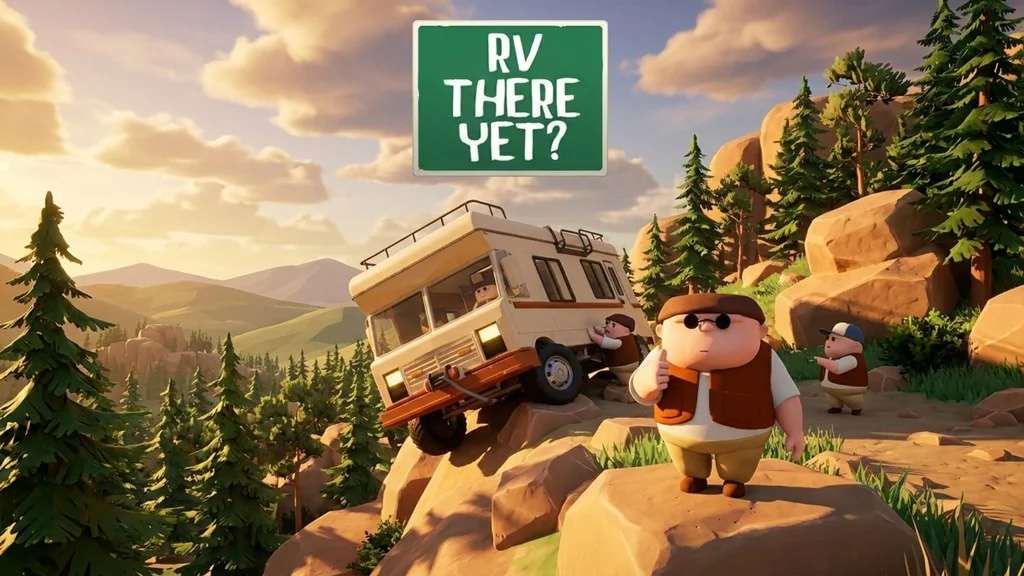
RV There Yet (v1.3.20702 Build 25237455)
The trip home from vacation goes off the rails when your detour leaves the RV stuck everywhere. The full Windows PC version of RV There Yet (v1.3.20702) is a co-op adventure where you and your friends drive one RV together and look for an exit onto Route 65. I’m sharing the pre-installed download link here. For me, it’s one of the funniest co-op games around. Give it a try! 🔥
You’re heading home with friends when you end up in Mabutts Valley, a route people say has caused plenty of accidents. Sure enough, the terrain gets worse, from steep climbs to river crossings.
So what’s the plan? The RV has to make it through all of it.
Gameplay-wise, it feels a lot like Outer Wilds or PEAK (Multiplayer Online). Teamwork, communication, and chaotic moments with friends are essential here.
Download RV There Yet for PC below. It’s 2.82 GB and includes the Online Fix, so up to four players can join through Steam invites. 👍
Game Info and Download Link:
- Genre: Action, Adventure, Co-op, Indie.
- Developer: Nuggets Entertainment.
- Publisher: Nuggets Entertainment.
- Release Date: October 21, 2025.
- Version: v1.3.20702 (Build 25237455).
- Pre-installed, includes the Online Fix for online co-op.
- Single-player and multiplayer for up to four players.
Minimum System Requirements:
| Component | Minimum | Recommended |
|---|---|---|
| Operating System | Windows 10 (64-bit) | Windows 11 (64-bit) |
| Processor | Intel Core i7-3820 | AMD Ryzen 9 3900XT |
| RAM | 8 GB | 12 GB |
| Graphics Card | NVIDIA GeForce GTX 970 | NVIDIA GeForce RTX 3060 |
| DirectX | Version 11 | Version 12 |
| Internet Connection | Broadband | Broadband |
| Storage | 3.2 GB (SSD recommended) | 3.2 GB (SSD recommended) |
PC Gameplay Screenshots:


Steps to Install RV There Yet on Your PC:
- Download RVTYv1320-yasir252.rar (2.82 GB) from the link below.
- Extract the file using WinRAR or 7-Zip.
(Password: www.yasir252.com) - Open the extracted RV There Yet folder.
- Run Start The Game.bat or Ride.exe.
- Start playing! 👍
Troubleshooting Game Errors, Crashes, and Freezes:
- Game crashes on startup? Add the game folder to the Windows Defender exclusions.
(No game files will be deleted or automatically quarantined.) - Crash while loading? Update DirectX Runtime and install the latest Visual C++ Redistributable.
- Game will not open? Run as Administrator and update Windows.
- Stuttering or lag? Update the graphics driver and turn off V-Sync.
- Always extract the game to the root of a drive, such as C:\Games\ or D:\Games\.
- … Reserved for other cases …
