




The Midnight Walk (Build 18854438)
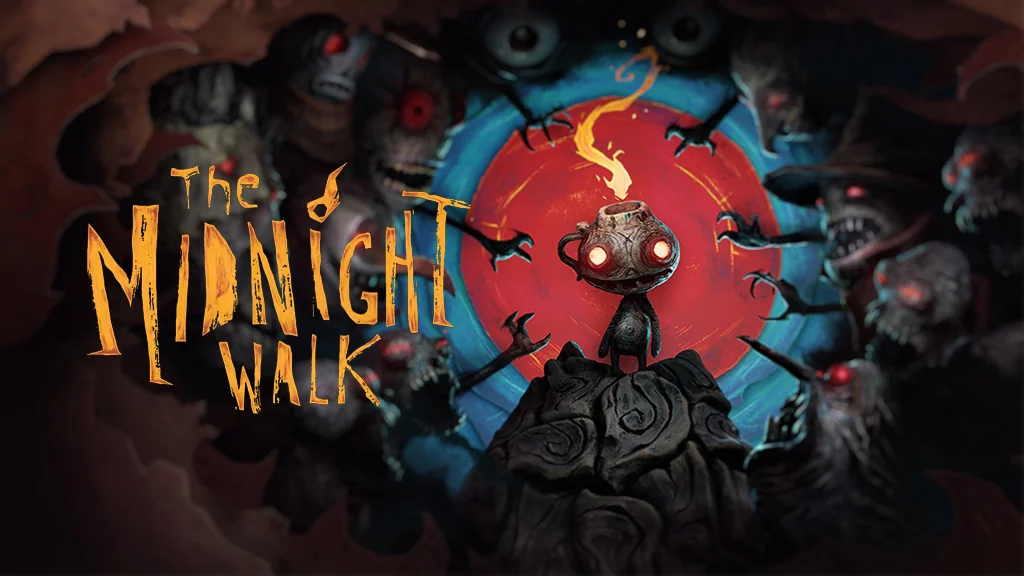
Night stretches across a world made entirely of clay, and you have only a small lantern to guide you out of its curse. The Midnight Walk Full is a puzzle-filled horror adventure from the creators of Lost in Random, where you travel with Potboy, a living lantern. I’m sharing the pre-installed download link here. It’s one of the most unusual horror games I’ve tried. 🔥
You play as the Burnt One, the only person to wake with a flame still burning on their head. Then you meet Potboy, whose fire is being hunted by monsters. Across five tales of fire and darkness, you guide him and use the flame to distract and drive the creatures away.
Gameplay-wise, it has a lot in common with Little Nightmares 3 and Little Misfortune. Many puzzles are about hiding Potboy and managing light, so it’s more about reading the situation than fighting.
For me, the wildest part is how it was made: the characters and monsters were sculpted from real clay, then scanned into 3D. Seriously, they went all in.
Download The Midnight Walk for PC below. It’s just 18 GB. 👍
Game Info and Download Link:
- Genre: Horror, Adventure, Psychological.
- Developer: MoonHood.
- Publisher: Fast Travel Games.
- Release Date: May 8, 2025.
- Version: Build 18854438.
- Pre-installed, direct download, single part.
- Single-player, playable on a flat screen or VR headset.
Minimum System Requirements:
| Component | Minimum |
|---|---|
| Operating System | Windows 10 64-bit |
| Processor | Intel Core i7-6700K |
| RAM | 16 GB |
| Graphics Card | NVIDIA GeForce GTX 1070 |
| Storage | 18 GB |
PC Gameplay Screenshots:


Steps to Install The Midnight Walk on Your PC:
- Download TMNGHTWLK1885.rar (18 GB) from the link below.
- Extract the file using WinRAR or 7-Zip (password: www.yasir252.com).
- Open the extracted game folder.
- Run Start The Game.bat or the game executable as administrator.
- Enjoy the game! 😊
Fixing Game Errors, Crashes, and Stuck Issues:
- The game crashes on startup? Make sure the game folder is whitelisted in Windows Defender.
- Crashes while loading? Update DirectX Runtime and install the latest Visual C++ Redistributable.
- Won’t launch? Run as Administrator and update Windows.
- Stuttering or lag? Update your graphics driver and turn off V-Sync.
- Always extract the game to the root of a drive, such as C:\Games\ or D:\Games\.
- …Reserved for other cases…
