




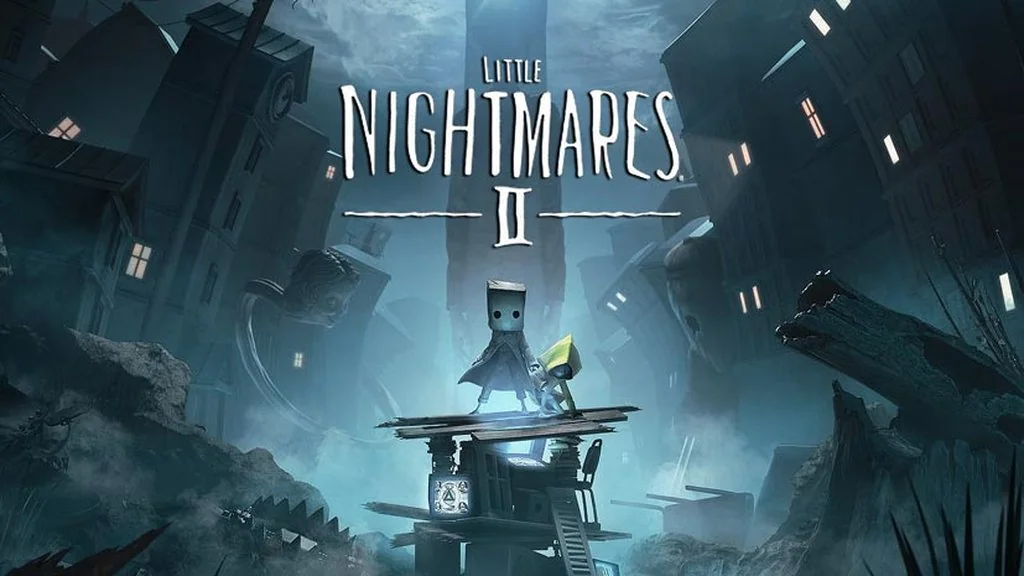
Little Nightmares II (Build 7836543)
Trapped in a dreamlike world full of giant monsters, Mono must escape the Hunter while searching for a way to save Six. Little Nightmares II Deluxe Full is a horror puzzle-platformer told through stealth and movement, with no dialogue. I’m sharing the pre-installed download link here.
For me, its creepy atmosphere is still hard to beat, even on todays standard. 🔥
Mono finds Six trapped in the woods, and together they try to escape to the Pale City. The place has become bizarre after a mysterious broadcast from the Signal Tower sends its residents into chaos.
Gameplay-wise, it has a lot in common with The Midnight Walk, or Papetura if you’re after a more cinematic atmosphere. There’s also a sequel, Little Nightmares 3.
What I like most is the short playtime, four to five hours. It sticks to the main story without any fillers.
Download Little Nightmares II for PC below. It’s just 11 GB. 👍
Game Info and Download Link:
- Genre: Action, Adventure, Horror, Platformer, Puzzle.
- Developer: Tarsier Studios.
- Publisher: Bandai Namco Entertainment.
- Release Date: February 11, 2021.
- Version: Build 7836543.
- Pre-installed, direct download, single part.
- Single-player, full controller support.
Minimum System Requirements:
| Component | Minimum | Recommended |
|---|---|---|
| Operating System | Windows 10 64-bit | Windows 10 64-bit or newer |
| Processor | Intel Core i3 2GHz Dual-Core | Intel Core i7 3GHz+ |
| RAM | 8 GB DDR3 | 16 GB DDR4 |
| Graphics Card | NVIDIA GeForce GTX 760 | NVIDIA GeForce GTX 1060 |
| Storage | 20 GB | 30 GB (SSD recommended) |
| Screen Resolution | 1366 x 768 | 1920 x 1080 |
PC Gameplay Screenshots:


Steps to Install Little Nightmares II on Your PC:
- Download LTLNGHMR27836-yasir252.rar (11 GB) from the link below.
- Extract the file with WinRAR or 7-Zip.
- Open the extracted Little Nightmares II folder.
- Run Start The Game.bat or the game executable as administrator.
- Enjoy the game! 😊
Fixing Game Errors, Crashes, and Stuck Issues:
- The game crashes on startup? Make sure the game folder is whitelisted in Windows Defender.
- Crashes while loading? Update DirectX Runtime and install the latest Visual C++ Redistributable.
- Won’t launch? Run as Administrator and update Windows.
- Stuttering or lag? Update your graphics driver and turn off V-Sync.
- Always extract the game to the root of a drive, such as C:\Games\ or D:\Games\.
- …Reserved for other cases…
