




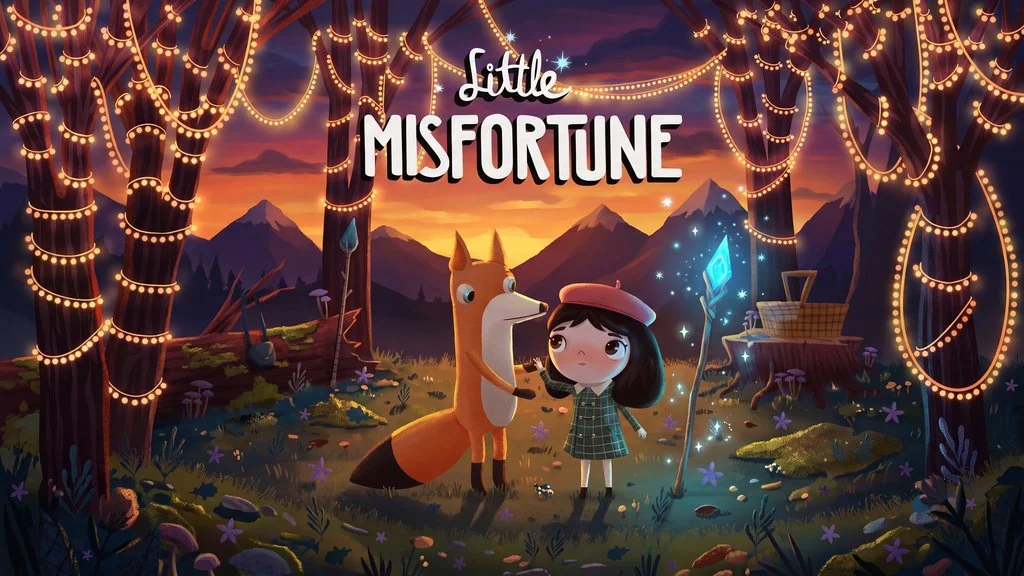
Little Misfortune (v1.0 Build 4197939)
Do you like story-driven games that look chill and enjoyable but turn out to be really dark? Little Misfortune PC Full is an interactive story game in the style of Fran Bow, we play as an 8-year-old kid named Misfortune who gets taken exploring by her new friend, Mr. Voice. I already prepared the download link, the file is pre-installed, just extract and play with no hassle. 🔥
This game is from Killmonday Games, the same duo behind Fran Bow, so the world sits in that same universe.
Personally, Misfortune’s voice acting is my favourite, since every line she drops makes the game feel alive.
The core of the gameplay is more about walking, talking, and picking answers, not a game that needs skill. Later we will head into the forest to look for the Eternal Happiness gift.
I actually like that, because we can focus on the main story alone.
Vibe-wise, this game really feels like The Midnight Walk, both are dark fairy tales. Another alternative, REANIMAL, if you really like dark stories with an innocent child as the main character.
Download Little Misfortune through the link below, the game file is 2.0 GB. 👍
Game Info and Link Download :
- Genre: Adventure, Casual, Indie.
- Developer: Killmonday Games AB.
- Publisher: Killmonday Games AB.
- Release Date: September 18, 2019.
- Version: v1.0 (Build 4197939).
- Pre-Installed, Direct Download, includes every latest update.
- Single Player Only.
Minimum System Requirements :
| Component | Minimum |
|---|---|
| Operating System | Windows 7 (64-bit) or newer |
| Processor | Intel Core i5-6300U @ 2.5 GHz |
| RAM | 8 GB |
| Graphics Card | Intel HD Graphics 520 |
| Storage | 8 GB |
PC Gameplay Screenshots :


Steps to Install on Your PC :
- Download the LMSFv10.rar file (2.0 GB) from the link below.
- Extract using WinRAR or 7-Zip.
(password www.yasir252.com) - Open the extracted folder -> right click Start The Game.bat, Run as Administrator.
- Or open LittleMisfortune.exe.
- Happy exploring! 😊
Troubleshooting Game Errors, Crashes and Stuck :
- Game will not open? Add the game folder to the Windows Defender exclusion list.
- An error shows up while loading? Update DirectX Runtime and the latest Visual C++ Redistributable.
- Game refuses to save? Run As Administrator, then make sure your Windows is updated.
- Choppy image or stuttering? Update your GPU driver and turn off V-Sync.
- Controller not detected? Check the community solution on Steam Discussion.
- Extract the game on the Root Drive, for example D:\Games\ or C:\Games\.
- … Reserved for other cases …
