




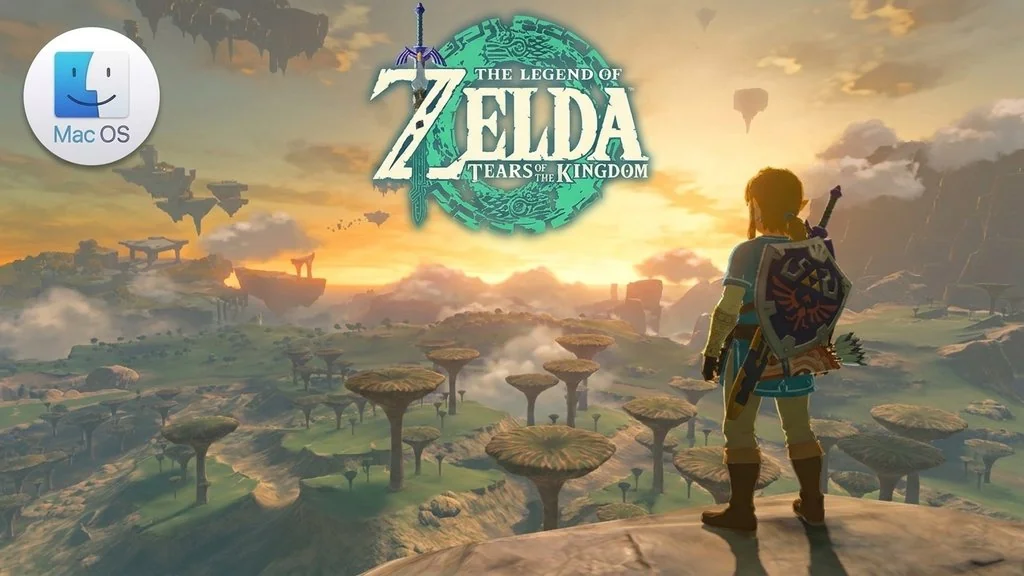
The Legend of Zelda: Tears of the Kingdom (MacOS)
Ever imagined exploring both the land and the sky of Hyrule? The Legend of Zelda: Tears of the Kingdom (MacOS) gives you an epic adventure across the lands and skies of Hyrule. The adventure is yours to decide, in a world driven by your own imagination. It’s the sequel to Breath of the Wild. You choose your own path across the vast Hyrule landscape and the mysterious islands floating in the sky.
Can you make use of Link’s new abilities to fight the evil force threatening the kingdom?
Link can join objects into bridges or vehicles with Ultrahand. Fuse attaches objects to weapons to boost durability and damage. Ascend lets Link pass through the solid ceiling above him. Recall can reverse an object’s movement, for example to ride a falling rock upward.
In my opinion Fuse is the most fun. Nintendo itself says Fuse combinations can produce surprising results and sometimes even make you burst out laughing.
Download The Legend of Zelda: Tears of the Kingdom MacOS for free below, it’s 15.9 GB and needs about 18 GB of free space. Extract it, then drag the .app to Applications. 👍
Game Info and Download
- Genre: Action, Adventure, Open World.
- Developer: Nintendo.
- Publisher: Nintendo.
- Release Date: May 12, 2023.
- Version: v1.4.3 for MacOS.
- The Legend of Zelda: Tears of the Kingdom MacOS Direct Download – Pre-Installed.
- Apple Silicon only. Shader compilation on the first launch is normal.
- DualSense or Xbox Series controllers are supported.
- Single-player.
System Requirements Mac
| Component | Minimum |
|---|---|
| Operating System | macOS 27.0 or later |
| Chip | Apple Silicon M1 to M6 |
| RAM | About 16 GB unified memory |
| Storage | About 18 GB of free space |
Gameplay Screenshots


Installation Steps
- Download the file ZELDv143m.zip (15.9 GB) via the link below.
- Extract the ZIP file, no password.
- Open the Setup folder, then double-click the .dmg file.
- Drag Tears of the Kingdom.app to the Applications folder.
- Open the game from Launchpad.
NOTE: If an “app is damaged” message appears or the game won’t open, run sudo xattr -rd com.apple.quarantine "/Applications/Tears of the Kingdom.app" in Terminal.
