




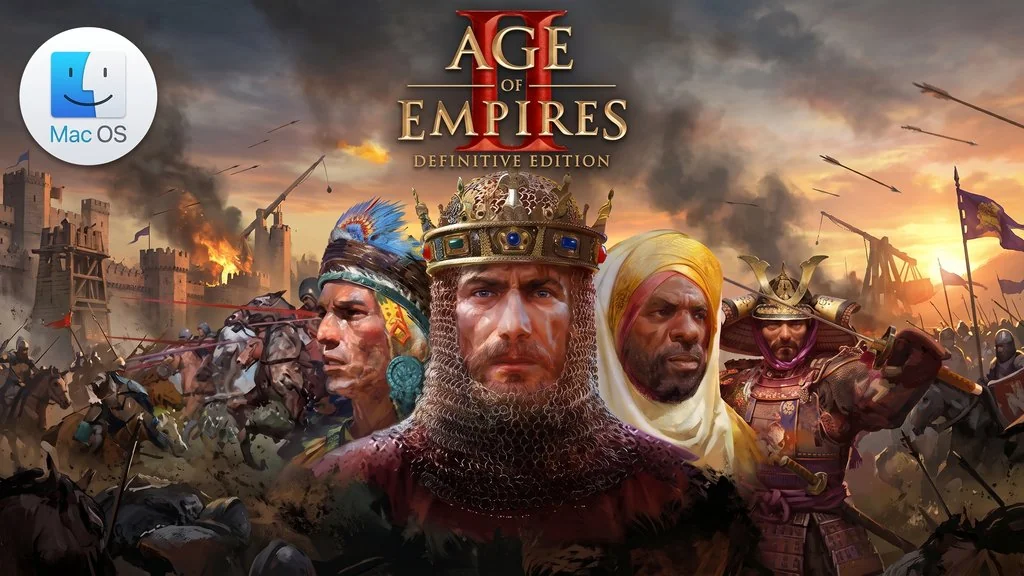
Age of Empires 2 Definitive Edition (v1.2) for MacOS
Want to rule a civilization in one of the most popular strategy games of all time, but on a Mac? Age of Empires 2 Definitive Edition Full (v1.2) for MacOS is a strategy game with 42 civilizations, 229 campaign missions, and 4K Ultra HD graphics. I’m sharing the download link below, in DMG form. To this day, it’s a real-time strategy game that never dies. 🔥
This version was made to celebrate the game’s 25th anniversary. The soundtrack has been fully remastered, and the base game also includes 3 expansions. The content is over 200 hours of gameplay and 1,000 years of human history, through all the original campaigns and the best-selling expansions.
There’s Singleplayer, plus an In-Game Editor and Mods you can install.
The game still gets regular updates, with an event mode system, complete DLC content, new game modes, and Quick Play to make playing with friends easy.
Download Age of Empires II: Definitive Edition for Mac below, the DMG is 80 GB, so make sure your storage is enough. 👍 For other strategy game recommendations, check out Hearts of Iron IV (MacOS).
Game Info and Download
- Genre: Strategy, Real-Time Strategy (RTS).
- Developer: World’s Edge, Forgotten Empires.
- Publisher: Xbox Game Studios; Feral Interactive for the MacOS version.
- Release Date: November 14, 2019.
- MacOS Version: 1.2 Native.
- Age of Empires II: Definitive Edition MacOS Direct Download – Native Mac DMG, ready to play.
- Civilizations: 42 to choose from, each with unique units and technologies.
- Mode in This Package: Single-player only, no online multiplayer.
Included DLC: The Last Khans, Lords of the West, Dynasties of India, and Dawn of the Dukes.
MacOS System Requirements
| Component | Minimum |
|---|---|
| Operating System | macOS 15.7 |
| Processor | Apple M1 (8-core CPU) or Apple A18 Pro (6-core CPU) or newer |
| RAM | 8 GB |
| Graphics Card | Apple M1 (7-core GPU) or Apple A18 Pro (5-core GPU) or newer |
| Storage | 16 GB available space |
Mac Gameplay Screenshots


Installation Steps
- Download the file AOE.II.Definitive.v1.2.ARM.dmg (80 GB) using the link below.
- Double-click the DMG file to open the disk image.
- Drag the Age of Empires II: Definitive Edition app to the Applications folder.
- Wait for the copy to finish, then launch the game from Launchpad.
- Enjoy the game! 😊
