




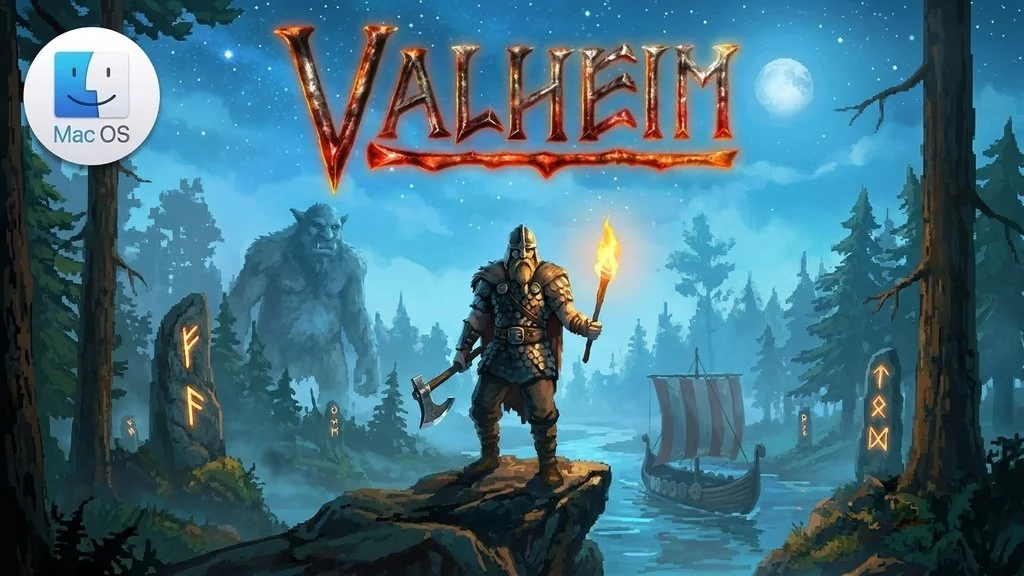
Valheim (MacOS)
Explore the brutal Viking purgatory through Valheim Mac, an open-world survival crafting RPG with a Norse mythology theme from Iron Gate Studio. Here we play as a Viking who died on the battlefield, and whose soul is then sent to a mysterious world to finish off Odin’s arch enemies.
For free? Nope, of course, in exchange for entry into the heaven of Valhalla.
The world is procedurally generated, and every biome has its own distinct traits, its own resources, and a variety of dangerous monsters. To explore it, you can also wander through forests and mountains and sail across the vast ocean.
But before you can challenge the giant bosses in each region, you must craft stronger armor and weapons, while brewing potions so you don’t die easily.
By the way, this game has been optimized for Apple Silicon chips like the M1, M2, M3 series, and so on. On my MacBook it runs smoothly, with no lag, and it doesn’t drain the battery. If you want to play another RPG on Mac with a large world and a touch of magic, there is The Legend of Zelda Breath of the Wild. For a purely survival game on Mac, just play Minecraft.
Download Valheim for Mac (Native) through this post, the file is only 4.1 GB, just extract it and drag valheim_Steam.app to Applications. You can play right away. 👍
Valheim Mac Free Download – Game Info
- Genre: Action, Adventure, RPG, Survival.
- Developer: Iron Gate AB.
- Publisher: Coffee Stain Publishing.
- Release Date: September 9, 2026.
- Version: v1.0.21 for MacOS.
- Valheim MacOS Direct Download – Pre-Installed.
- Native ARM (Apple Silicon) and x86 (Intel) 64-bit.
- Single-player. The official version supports online co-op for up to 10 players.
- It also fully controller support, including DualSense.
Mac System Requirements
| Component | Minimum | Recommended |
|---|---|---|
| Operating System | macOS 11 or later | macOS 14 or later |
| Processor | 2.6 GHz Quad Core or equivalent | Apple M1 |
| RAM | 8 GB | 16 GB |
| Graphics Card | Radeon Pro 450 or R9 M290X | M1 integrated GPU or Radeon Pro 570X |
| Storage | 3 GB | 3 GB |
Mac Gameplay Screenshots


Installation Steps
- Download the file VALv1021m.zip (4.1 GB) via the link below.
- Extract the ZIP file, no password.
- Open the Setup folder, then double-click the .dmg file.
- Then, drag valheim_Steam.app to the Applications folder.
- Open the game from Launchpad.
NOTE: If an “app is damaged” message appears or the game won’t open, run sudo xattr -rd com.apple.quarantine /Applications/valheim_Steam.app in Terminal.
