




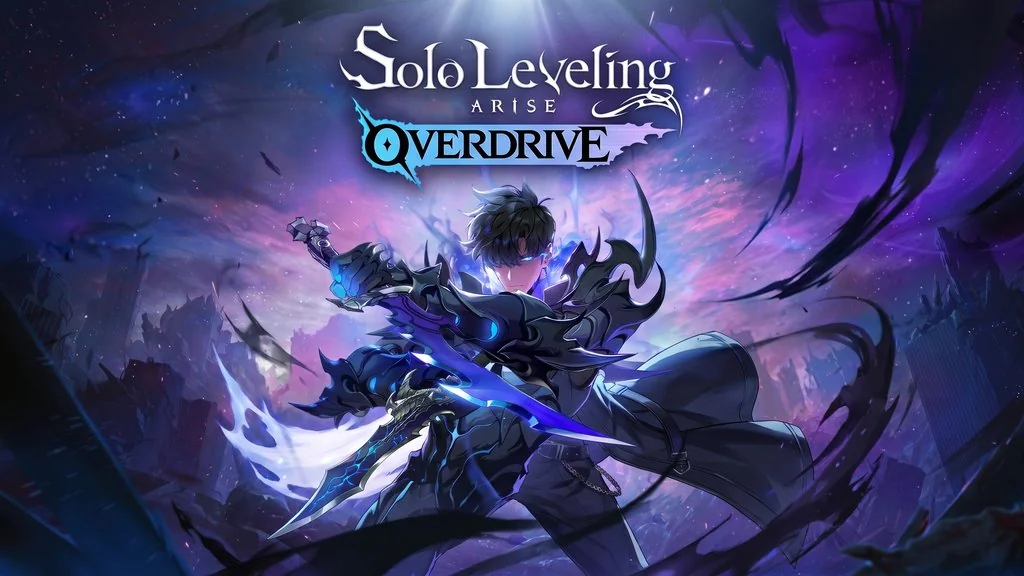
Solo Leveling: ARISE OVERDRIVE (v1.1.93)
Have you ever read the Solo Leveling webtoon and wondered what it feels like to be Sung Jinwoo? Solo Leveling PC Full is the action RPG adaptation of that webtoon, where we follow Sung Jinwoo from an E-Rank hunter to the strongest hunter in the world. Besides playing solo, there is a 4-player co-op raid to take down the tough bosses. I already prepared the download link, the file is pre-installed so you just extract and play. 🔥
This game was made by Netmarble Neo and released on Steam on November 24, 2025, from a webtoon that has passed 14.3 billion views worldwide.
In my opinion, the dodge and parry system is the main draw here. The core is hack and slash, we dodge, parry, then hit back with a combination of skills. I also like all the iconic moments from the webtoon, nothing strays from the original source.
Vibe-wise, this game is a lot like Dragon Ball Z: Kakarot, both are anime adaptation action RPGs that follow the original story. For the combat system, it is closer to The First Berserker Khazan.
Download Solo Leveling ARISE OVERDRIVE then, but leave 42 GB of free disk space first. 👍
Game Info and Link Download :
- Genre: Action, RPG, Anime.
- Developer: Netmarble Neo.
- Publisher: Netmarble.
- Release Date: November 24, 2025.
- Version: v1.1.93 Build 24087261.
- Pre-Installed, Direct Download, includes every latest update.
- Single-player Only!
Includes DLC: Jeju Island Raid Special Pack, Christmas Costume Gift Pack, Deluxe Edition.
Minimum System Requirements :
| Component | Minimum | Recommended |
|---|---|---|
| Operating System | Windows 10/11 (64-bit) | Windows 11 (64-bit) |
| Processor | Intel Core i5-4460 3.2 GHz / AMD equivalent | Intel Core i5-9400 2.9 GHz / AMD equivalent |
| RAM | 12 GB | 16 GB |
| Graphics Card | NVIDIA GTX 1050 | NVIDIA GTX 2060 |
| DirectX | Version 11 | Version 11 |
| Storage | 40 GB (SSD recommended) | 40 GB (SSD recommended) |
PC Gameplay Screenshots :


Steps to Install on Your PC :
- Download SLARVD.rar (42 GB) from the link below.
- Extract the file using WinRAR or 7-Zip.
(password www.yasir252.com) - Open the extracted game folder.
- Run Start The Game.bat or the game .exe file.
- Happy gate hunting, Hunter! 😎
Troubleshooting Game Errors, Crashes and Stuck :
- Game crashes at startup? Make sure the game folder is whitelisted in Windows Defender.
- Crashing while loading? Update DirectX Runtime and the latest Visual C++ Redistributable.
- Game refuses to open? Run As Administrator and update Windows.
- Choppy and stuttering? Update your GPU driver and turn off V-Sync.
- Always extract the game on the Root Drive. For example C:\Games\ or D:\Games\.
- … Reserved for other cases …
