




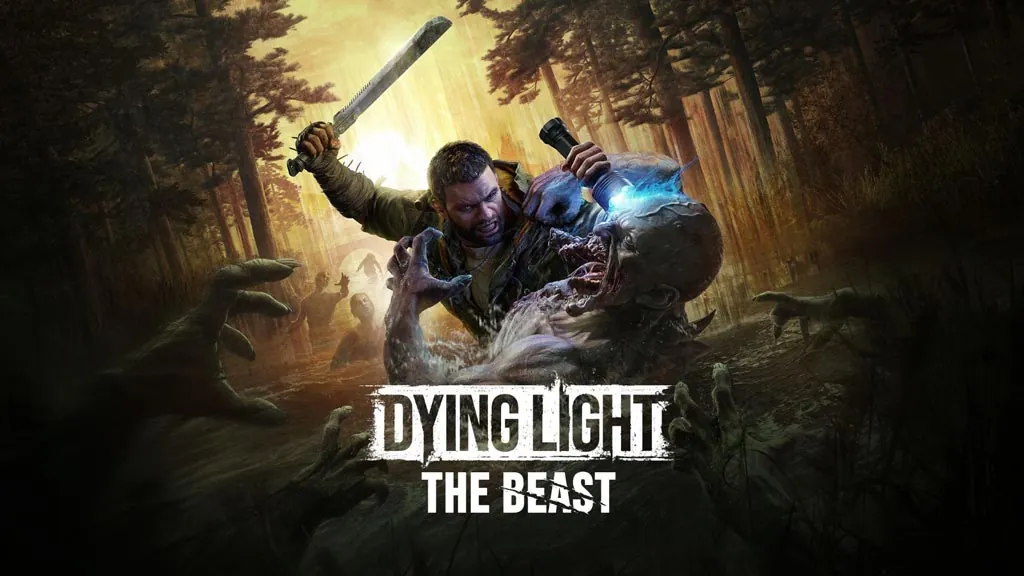
Dying Light: The Beast (v1.6.4 Build 23006686)
Zombies, parkour, and a man who turns into a monster. That combination is back in Dying Light The Beast PC Full v1.6.4 (Build 23006686). Kyle Crane leaves the lab after 13 years and goes after the man who locked him up. I already got the repack installer ready below, just download, extract, and play. 🔥
Funny thing is, at first I was really unsure about this one. So is this a sequel or a prequel?
What sets it apart from the earlier games is the Beast mode. After wiping out a few Chimeras, Crane can turn into a brutal monster form that kicks, drags, and tears through hordes of zombies bare-handed.
The story is on the short side. The villain feels more like a side boss, and some missions are just pickup and delivery runs. This pattern is no better than World War Z, the parkour mechanic is pretty much the only part that actually stays fun. Yet still… nowhere near the first Dying Light.
Maybe on the survival side it loses to a game like 7 Days to Die. I’m not really feel it in the game.
Anyway, want to give this game a try? Go ahead and download it, 67 GB in size. 👍
Game Info and Download Link :
- Genre: Action, Survival, Open World.
- Developer: Techland.
- Publisher: Techland.
- Release Date: September 18, 2025.
- Version: v1.6.4 (Build 23006686).
- Pre-Installed, Direct Link, Single-player, Partial Controller Support.
DLC and Bonus Content Included :
- Hero Of Harran Bundle
- Official Soundtrack
- Castor Woods Tourist Map
- Wallpaper Pack
- Castor Woods Prepper Bundle
- Standard to Deluxe Upgrade
- Action Hero Essentials
- Hunter Essentials
- Fire Lotus Weapon Pack
- Discharge Weapon Pack
- Restored Land Definitive Upgrade
Minimum System Requirements :
| Component | Minimum | Recommended |
|---|---|---|
| Operating System | Windows 10 64-bit | Windows 10 64-bit |
| Processor | Intel Core i5-9600K / AMD Ryzen 5 3600 | Intel Core i5-13400F / AMD Ryzen 7 7700 |
| RAM | 16 GB | 16 GB |
| Graphics Card | NVIDIA GeForce GTX 1060 / AMD Radeon 5500 XT / Intel Arc A750 | NVIDIA GeForce RTX 3070 Ti / AMD Radeon 6750 XT / Intel Arc B580 |
| Storage | 70 GB (SSD Required) | 70 GB (SSD Required) |
PC Gameplay Screenshots :


Steps to Install Dying Light The Beast on Your PC :
- Download the DYNGLHTTB164-yasir252.rar file (67 GB) from the link below.
- Extract it using the latest WinRAR or 7-Zip.(Password “www.yasir252.com“.)
- Open the extracted Dying Light The Beast folder.
- Run Start The Game.bat to start playing.
- Happy hunting, Hunter! 😊
Troubleshooting Game Error, Crash and Stuck :
- Game crash on startup? Make sure the game folder is whitelisted in Windows Defender.
- Crash during loading? Update DirectX Runtime and Visual C++ Redistributable to the latest version.
- Game will not open? Run it as Administrator and update Windows to the latest version.
- Stuttering and frame drops? Update your VGA driver and turn off V-Sync.
- Disable Windows UAC before starting the install process.
- Always extract the game on a Root Drive. For example in C:\Games\ or D:\Games\.
- … Reserved for other cases …
