




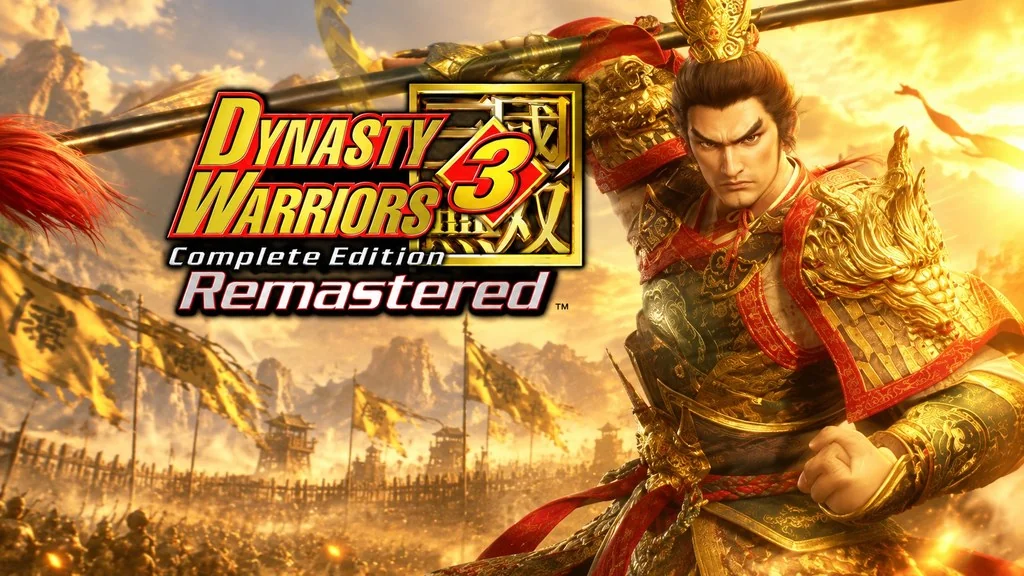
DYNASTY WARRIORS 3: Complete Edition Remastered
Can one person hold back a thousand troops alone on the battlefield? They can… in this legendary Musou game. DYNASTY WARRIORS 3 Remastered Full is a lively combination of DW3 and Xtreme Legends with more modern graphics, where you play as the main character in a 1 vs. 1,000 battle across the Three Kingdoms. Here, I’ll share the download link for the ElAmigos Repack. Just mount the ISO. 🔥
The gist is, DYNASTY WARRIORS 3 tells the story of one of China’s most legendary civil-war eras. After the rebels are defeated, China splits into three major factions fighting over territory: Shu, Wei, and Wu.
Each faction believes it is in the right and has its own ambition to become the sole ruler.
The premise is still the same: you play as one of more than 40 officers and jump straight into battle. Almost the entire cast and battlefield areas have been remade with Unreal Engine 5. The new visuals can hold their own against Black Myth: Wukong or Dynasty Warriors Origins.
Download DYNASTY WARRIORS 3 below to give it a try. The game is 23 GB. 👍
Game Info and Download Links :
- Genre: Action, Hack and Slash, Musou.
- Developer: KOEI TECMO GAMES CO., LTD.
- Publisher: KOEI TECMO GAMES CO., LTD.
- Release Date: September 30, 2026.
- Version: Build 24984920.
- Languages: English, Japanese, Korean, Chinese.
- Direct download, ElAmigos Repack ISO, includes all the latest updates.
- Included DLC: Retro-Style Red Hare Saddle, Digital Deluxe Edition Upgrade.
- Single-player only!
Minimum System Requirements :
| Component | Minimum | Recommended |
|---|---|---|
| Operating System | Windows 11 64-bit | Windows 11 64-bit |
| Processor | Intel Core i7-8700 / AMD Ryzen 7 2700X | Intel Core i7-10700K / AMD Ryzen 7 3700X |
| RAM | 16 GB | 16 GB |
| Graphics Card | NVIDIA GTX 1060 6GB / AMD RX 5600 XT / Intel Arc A380 | NVIDIA RTX 3060 8GB / AMD RX 6700 XT 12GB |
| DirectX | Version 12 | Version 12 |
| Storage | 60 GB | 60 GB |
PC Gameplay Screenshots :


Installation Guide :
- Download the ISO file (23 GB) from the link below.
- Mount the ISO file (right-click > Mount, or use PowerISO).
- Open the ISO drive, run Setup.exe, then follow the installation process to completion.
- Launch the game from the desktop shortcut as Administrator.
- Enjoy the game! 😊
Troubleshooting Game Errors, Crashes, and Freezes :
- Does the game crash on startup? Make sure the game folder is whitelisted in Windows Defender.
- Does it crash while loading? Update DirectX Runtime and the latest Visual C++ Redistributable.
- Won’t the game open? Run it as Administrator and update Windows.
- Is gameplay choppy or stuttering? Update your graphics driver and turn off V-Sync.
- Always extract the game to the root of a drive, for example C:\Games\ or D:\Games\.
- Did mounting the ISO fail? Use PowerISO or Daemon Tools instead.
- … Reserved for other cases …
