




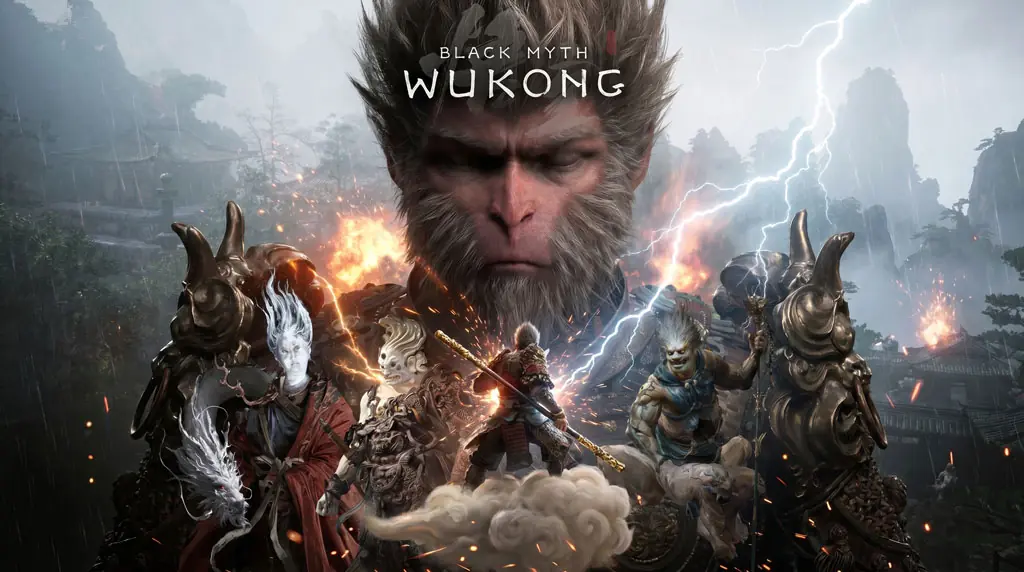
Black Myth Wukong (v1.0.21)
After trying many action RPG games, Black Myth: Wukong is truly in a different class. The graphics are amazing, gameplay is excellent, and the story is decent too. Here, I want to share a link to download Black Myth Wukong full version. You’ll get a Pre-Installed + Voices38 + All DLCs (v1.0.21 / Build-21393610) file. Just extract and play. But before we continue, here’s a quick review. 😁
This game is inspired by the classic tale Journey to the West, but packaged with modern gameplay. Throughout my playthrough, every bit of progress is filled with Ancient Chinese mythology.
Monsters, places, buildings, everything. The combat is also responsive, requiring precise timing. Especially during boss fights. One small mistake, and you can fail instantly. lol Gameplay-wise, it’s very similar to games like Lies Of P (Soulslike) or Tainted Grail.
Besides gameplay and mechanics, I also really love the art direction in this game. The visuals are incredible. Built with Unreal Engine 5, the environmental details and visual effects are breathtaking. But well, the consequence is… your PC specs need to be strong if you want high settings.
Even with my RTX 3080, it still struggles, can’t max everything out.
Curious to try this game? Download Black Myth Wukong through the link below. 👍
Black Myth Wukong PC Game Info & Link Download
- Developer: Game Science
- Genre: Action RPG, Soulslike, Fantasy
- Platform: PC Windows 10/11 (64-bit)
- Engine: Unreal Engine 5
- Version: v1.0.21 / Build-21393610
- Content: Pre-Installed + All DLCs + Voices38
- Languages: Multi-language
- File Size: ± 136 GB
System Requirements :
| Component | Minimum | Recommended |
|---|---|---|
| OS | Windows 10 64-bit | Windows 11 64-bit |
| CPU | Intel Core i5-8400 | Intel Core i7-10700K |
| RAM | 16 GB | 32 GB |
| GPU | NVIDIA GTX 1060 | NVIDIA RTX 3060 / higher |
| DirectX | Version 12 | Version 12 |
| Storage | 160 GB SSD | 160 GB NVMe SSD |
PC Gameplay Screenshots


How to Install Black Myth: Wukong Full Repack
- Extract the file using WinRAR or 7-Zip.
- Open the extracted game folder.
- Run the game file (b1.exe). The initial loading will take a while, be patient.
(If the game doesn’t launch, see the CrackFix section below) - Done! 😁
IMPORTANT: Make sure your VGA driver is the latest version for optimal performance and to avoid errors.
Game Not Launching After Clicking b1.exe?
- Download the separate CrackFix from the link below
- Extract the file to your desktop
- Then open the voices38 folder -> Copy everything inside
- Paste and make sure to REPLACE/OVERWRITE everything in the Black Myth Wukong game folder
- Run b1.exe again. Or run the b1-Win64-Shipping.exe file
Troubleshooting Game Error/Stuck/Crash :
- Check your antivirus, make sure no game files are deleted or quarantined.
- Run the game as Administrator.
- Update DirectX Runtime and Visual C++ Redistributable to the latest version.
- Make sure Windows 10 or 11 is updated to the latest build.
- Disable Windows UAC before starting the installation process.
- How to change Language: Delete the config folder at [LOCALAPPDATA%\b1\Saved]
