




The Wandering Village (v1.1.6 Build 23543373)
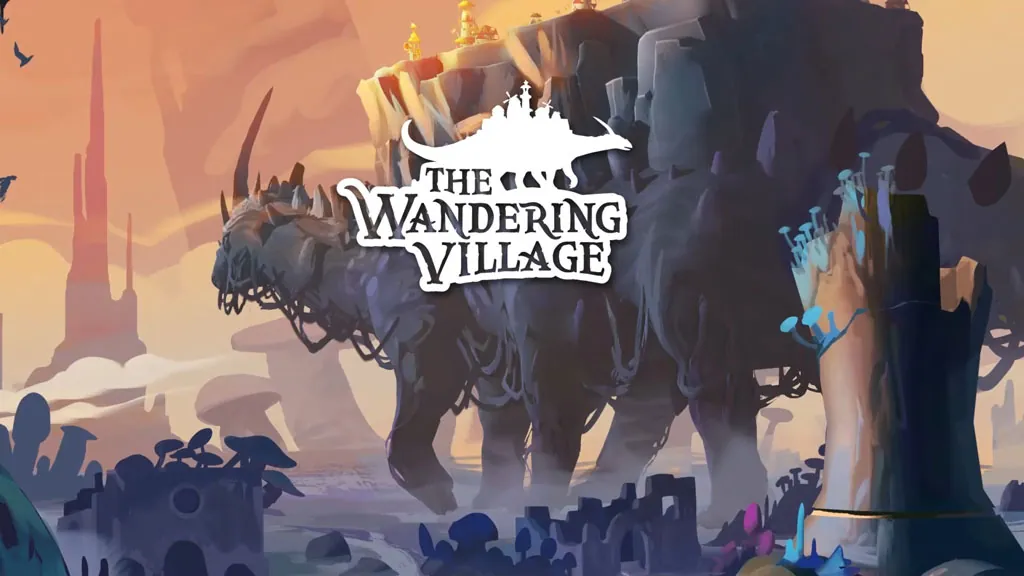
This world is completely covered in toxic spores spreading from mysterious plants. The only safe place left is on the back of Onbu, a giant creature. That is the premise of The Wandering Village PC Full (v1.1.6 Build 23543373) from Stray Fawn Studio. Pre-installed at just 1 GB, link ready below. 🔥
From there, you become the leader of a handful of survivors, building a village from scratch. Onbu is not just a home either. It gets hungry, thirsty, even stressed, and every decision affects the village.
Released July 17, 2025 after 3 years in Early Access, its Steam rating sits at Very Positive.
The core mechanic is all about balance. The village lives off resources on Onbu, but if Onbu gets stressed, the village takes the hit. That tension feels a lot like Against the Storm.
That said, the story goes flat in the mid-game, and Onbu can bankrupt the village too easily. It starts chill, but the difficulty ramps up hard. For pure colony survival city builders, go with Timberborn.
Curious to try this one? Go, download the installer through this article. 👍
Game Info and Download Link :
- Genre: Simulation, Strategy, City Builder.
- Developer: Stray Fawn Studio.
- Publisher: Stray Fawn Publishing, WhisperGames.
- Release Date: July 17, 2025.
- Version: v1.1.6 (Build 23543373).
- Pre-Installed, includes all DLCs and latest updates.
- Single-player, Survival City Builder, Relationship with Giant Creature.
Minimum System Requirements :
| Component | Minimum | Recommended |
|---|---|---|
| Operating System | Windows 7 or Windows 10 (64-bit) | Windows 10 (64-bit) |
| Processor | Quad Core Processor | Quad Core Processor |
| RAM | 4 GB | 8 GB |
| Graphics Card | GeForce GTX 660 / Radeon RX 460 | GeForce RTX 2070 / Radeon RX 5700 |
| DirectX | Version 11 | Version 11 |
| Storage | 2 GB | 2 GB (SSD recommended) |
PC Gameplay Screenshots :


Steps to Install The Wandering Village on Your PC :
- Download the TWNDRNVLG116.rar file (1 GB) via the link below.
- Extract the file with WinRAR or 7-Zip
(password “www.yasir252.com”.) - Run WanderingVillage.exe as Administrator.
- Done, go play! 😁
Troubleshooting Game Error, Crash and Stuck :
- Game crash on startup? Make sure the game folder is whitelisted in Windows Defender.
- Crash during loading? Update DirectX Runtime and Visual C++ Redistributable to the latest version.
- Crash on startup? Run the game as Administrator, update Windows to the latest version.
- Stuttering and lag? Update VGA driver and turn off V-Sync.
- Disable Windows UAC before starting the installation process.
- Always extract the game on a Root Drive. For example at C:\Games\ or D:\Games\.
- … Reserved for other cases …
