




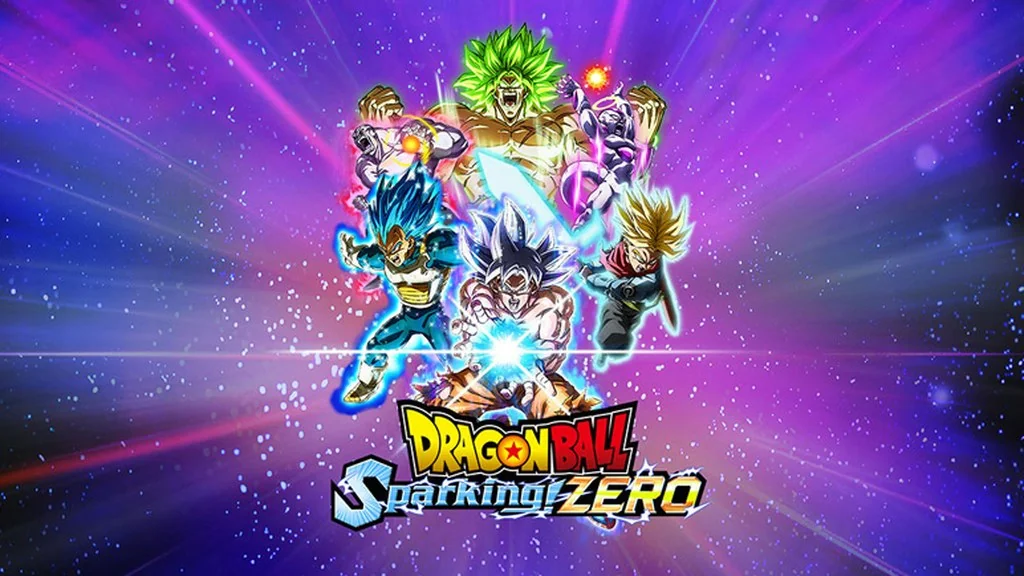
Dragon Ball Sparking ZERO Ultimate Edition (v3020)
Missing the Budokai Tenkaichi battles? Dragon Ball Sparking ZERO Ultimate Edition PC (v3020) brings back 180+ fighters from every Dragon Ball saga. I’ll share the download link for the ElAmigos repack here; just mount the ISO. This arena fighter is fun for casual matches or combo practice. 🔥
The story isn’t new; it brings together Dragon Ball’s most memorable moments from several eras. If you’ve played Dragon Ball Z: Kakarot, you’ll probably enjoy DB Sparking Zero too.
Episode Battle lets you play as eight main characters, from Goku and Vegeta to Gohan and Frieza. There are What-If scenarios too, letting the story stray from the canon.
The mechanics are just like Budokai Tenkaichi: fast-paced 3D battles, beam clashes, rush attacks, transformations, and ultimates that wreck the arena. Each character has unique moves tied to the skill-point system, including Yajirobe’s Senzu Bean.
Download Dragon Ball Sparking ZERO for PC below; it’s only 31 GB. 👍 This version includes all 14 DLCs plus the 04.09.2026 update. Another anime adaptation? Jujutsu Kaisen: Cursed Clash give it a try.
Game Info and Download Links :
- Genre: Action, Fighting
- Developer: Spike Chunsoft Co., Ltd.
- Publisher: Bandai Namco Entertainment
- Release Date: October 10, 2024
- Version: v3020 + 14 DLC + Update 04.09.2026
- Game Engine: Unreal Engine 5
- ElAmigos repack, Direct Download, includes all 14 DLCs and the latest update.
Minimum System Requirements :
| Component | Minimum | Recommended |
|---|---|---|
| Operating System | Windows 10 (64-bit) | Windows 10 / Windows 11 (64-bit) |
| Processor | Intel Core i5-9600K / AMD Ryzen 5 2600 | Intel Core i7-9700K / AMD Ryzen 5 3600 |
| RAM | 8 GB | 16 GB |
| Graphics Card | GeForce GTX 980 / Radeon RX 590 / Intel Arc A750 | GeForce RTX 2060 / Radeon RX Vega 64 |
| DirectX | Version 12 | Version 12 |
| Storage | 29 GB | 29 GB |
PC Gameplay Screenshots :


Steps to Install Dragon Ball Sparking ZERO on Your PC :
- Download the .ISO file (31 GB) and the update (159 MB) from the links below.
- Mount the downloaded ISO (right-click > Mount, or use PowerISO).
- Run Setup.exe inside the virtual drive.
- Then install the update as well.
- Launch the game from the desktop shortcut (Run as Administrator).
- Enjoy the battles, buddy! 😁
Fixing Common Game Errors, Crashes, and Freezes :
- Game won’t open? Make sure the game folder is whitelisted in Windows Defender.
(So no files are automatically deleted or sent to quarantine.) - Getting a “Missing DLL” error? Install Visual C++ Redistributable and update DirectX Runtime.
- Game won’t launch? Run it as Administrator and update Windows.
- Update your graphics driver and turn off V-Sync.
- Install the game at the root of a drive, such as C:\Games or D:\Games.
- ISO won’t mount? Right-click the ISO file > Mount, or use Daemon Tools.
- Reserved for other cases…
