




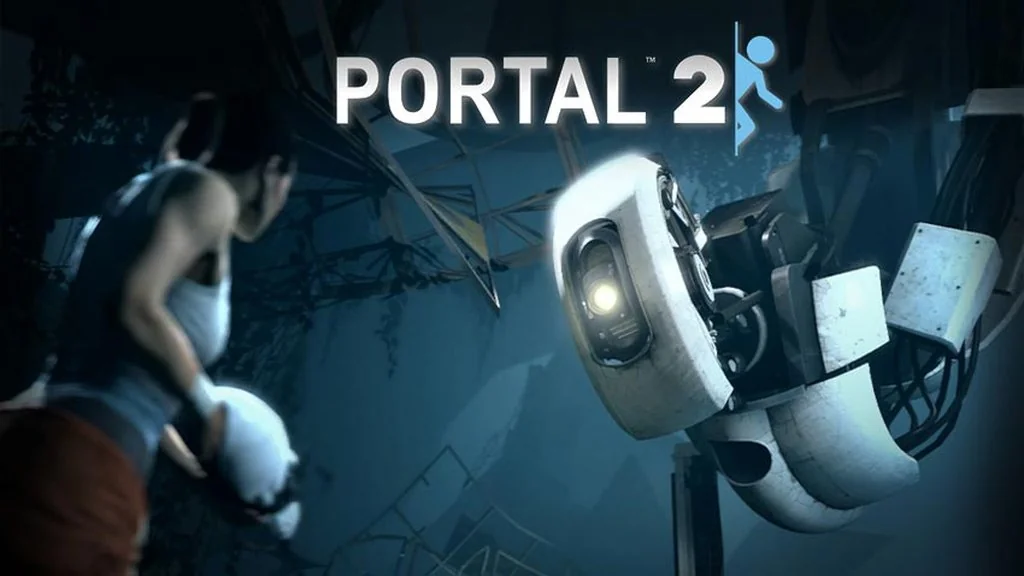
Portal 2 (Build 25240193)
Imagine waking up inside Aperture Science, then running into GLaDOS again, still trying to chat with you. Portal 2 (Build 25240193) is Valve’s first-person puzzle game that really makes your brain work. I’m sharing the pre-installed download link here. 🔥
Previously unseen parts of Aperture are gradually opening up. The test chambers get trickier, and each room makes you rethink your approach from scratch.
The portal gun is still at the heart of the mechanics, but the physics feel weightier now, making every move matter. If you like figuring things out and building a route from scratch, Q.U.B.E. 2 Aftermath has a similar puzzle feel. The difference is that you build bridges there, not portal paths.
What sets it apart is the co-op mode, with its own campaign, story, and two new characters. For me, the humor is still one of its biggest strengths. If you want a more offbeat puzzle game with meta humor, There Is No Game: Wrong Dimension is worth a try too.
Download Portal 2 for PC below. The file is just 10.2 GB. 👍
Game Info and Download Link:
- Genre: Action, Adventure.
- Developer: Valve.
- Publisher: Valve.
- Release Date: April 18, 2011.
- Version: Build 25240193.
- Pre-installed, direct download, includes co-op mode.
Included DLCs: Portal 2 – Gamestop PS3 DLC, Portal 2 – Bot Paint Job DLC, Portal 2 – Bot Roll Cage DLC, Portal 2 – Bot Antenna Topper DLC, Portal 2 – Summer 2011 DLC, Portal 2 Sixense MotionPack, Portal 2 – Sixense Motion Preorder.
Minimum System Requirements:
| Component | Minimum |
|---|---|
| Operating System | Windows 7 / Vista / XP |
| Processor | 3.0 GHz P4, Dual Core 2.0 or AMD64X2 (or higher) |
| RAM | 2 GB |
| Graphics Card | 128 MB with Pixel Shader 2.0b (ATI Radeon X800 / NVIDIA GeForce 7600 / Intel HD Graphics 2000) |
| DirectX | Version 9.0c |
| Storage | 8 GB |
PC Gameplay Screenshots:


Steps to Install Portal 2 on Your PC:
- Download PORT2524.rar (10.2 GB) from the link below.
- Extract the file with WinRAR or 7-Zip.
- Open the extracted Portal 2 folder.
- Run Start The Game.bat or portal2.exe as administrator.
- Enjoy the game! 😊
If the game asks for additional components, install the files in the Redist folder first.
Fixing Game Errors, Crashes, and Stuck Issues:
- The game crashes on startup? Make sure the game folder is whitelisted in Windows Defender.
- Crashes while loading? Update DirectX Runtime and install the latest Visual C++ Redistributable.
- Won’t launch? Run as Administrator and update Windows.
- Stuttering or lag? Update your graphics driver and turn off V-Sync.
- Always extract the game to the root of a drive.
- …Reserved for other cases…
