




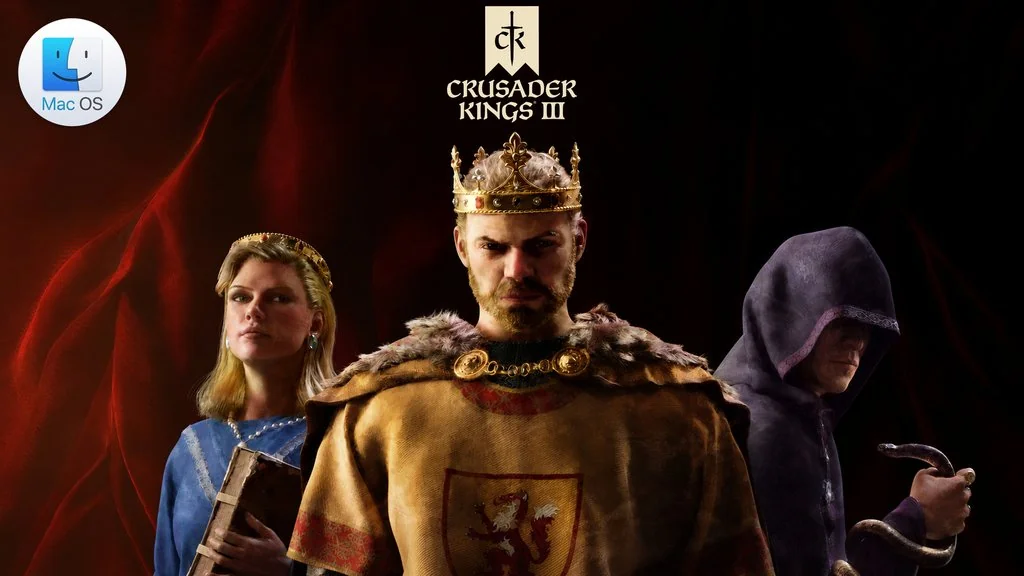
Crusader Kings III (MacOS)
Crusader Kings III Mac Full (Pre-Installed) blends colossal grand strategy with medieval roleplaying, letting you lead a dynasty through the Middle Ages. Developed by Paradox Development Studio, this game is not just about war. You also need cunning, diplomacy, and smart realm management to survive. Best of all, your character’s death is not the end, since your bloodline keeps the legacy going.
You are free to start in 867, 1066, or 1178 as a noble, king, warlord, or even a landless adventurer building a kingdom from scratch. The world map stretches from the Nordic realms and England all the way to East Africa, China, and Japan.
You can pick a historical figure or create your own character, customizing everything from appearance and attributes to personality traits.
Every character has unique traits, genetics, and lifestyles that shape how their schemes unfold. You can recruit agents to blackmail or eliminate rivals, rally armies of knights, build castles, and even found your own religion.
For Mac users, CK3 requires macOS Sequoia and runs on both Apple Silicon (M1-M5) and Intel CPU.
If you enjoy other Paradox grand strategy titles on Mac, check out Hearts of Iron IV (MacOS).
Crusader Kings III Mac Free Download – Game Info
- Genre: Grand Strategy, RPG, Simulation.
- Developer: Paradox Development Studio.
- Publisher: Paradox Interactive.
- Release Date: September 1, 2020.
- Version: v1.21.0.3 for MacOS (Universal ARM Apple Silicon & Intel x86 64-bit).
- Languages: English, Japanese, Chinese, Korean, German, French, Spanish, Russian, and Polish.
- DLC: Includes 31 DLCs, including All Under Heaven, By God Alone, Silk and Silver, Khans of the Steppe, Roads to Power, Legends of the Dead, Tours and Tournaments, The Royal Court, Legacy of Persia, The Fate of Iberia, The Northern Lords, Coronations, Wards and Wardens, Wandering Nobles, Friends and Foes, along with all other Creator Packs and Cosmetic Packs.
- Crusader Kings III MacOS Direct Download – Pre-Installed.
Mac System Requirements
| Component | Minimum | Recommended |
|---|---|---|
| OS | macOS Sequoia v15 or newer (ARM / Intel 64-bit) | macOS Sequoia v15 or newer (ARM / Intel 64-bit) |
| Processor | Intel Core i5-6500 / Apple M1 or better | Intel Core i5-7600K / Apple Silicon |
| RAM | 8 GB | 16 GB |
| Graphics | AMD Radeon R9 M380 2GB / Intel Iris Plus G7 / AMD Radeon Vega 11 / Apple M1 GPU | AMD Radeon PRO 580 (8GB) |
| Storage | 20 GB available space | 20 GB available space |
Gameplay Screenshots


Installation Guide
- Download Crusader.Kings.III.v1.21.0.3.Incl.DLC.MacOS-U2B.dmg (10 GB) from the link below.
- Open or mount the .dmg file on macOS.
- Drag the ck3.app application into the Applications folder.
- Wait for the copy process to finish, then launch the game from Applications.
- Enjoy the game! 😊
Other Mac Game Recommendations: Broken Age (MacOS)
Note: If you see an “app is damaged” warning or get blocked by Gatekeeper, check the guide in Readme (How to Install).txt or open Terminal and run the command
sudo xattr -rd com.apple.quarantine "/Applications/ck3.app".
