




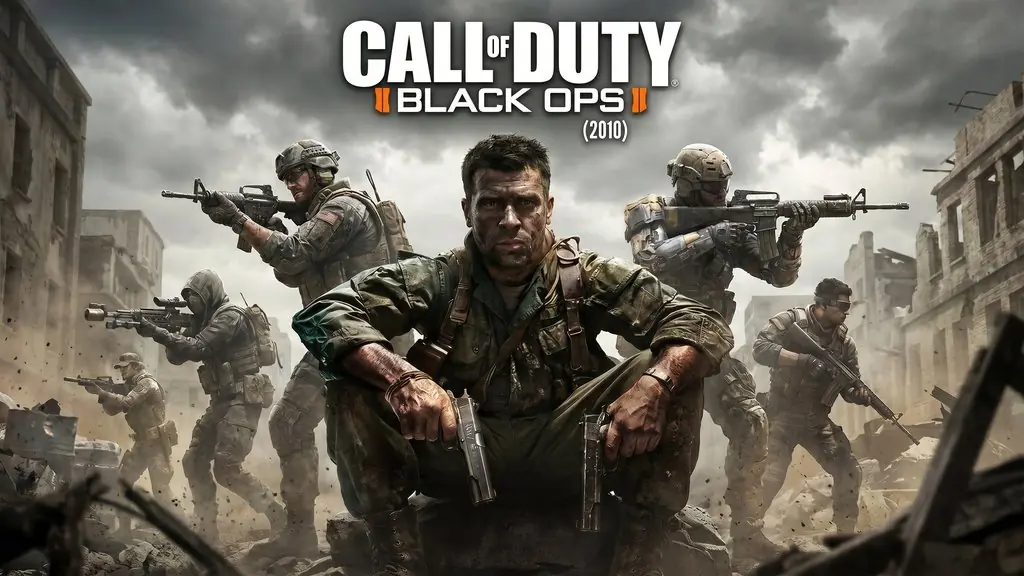
Call of Duty Black Ops (2010)
Alex Mason, a CIA agent, is held in a mysterious interrogation room in 1968. One night, you get a chance to escape. Call of Duty Black Ops PC Full is an FPS campaign about covert Cold War operations that starts with a prison break. I’ve put the pre-installed download link below; just extract and play. 🔥
We learn that Soviet officer Nikita Dragovich has brainwashed Alex and programmed him to kill the U.S. president. But in Vorkuta prison, his Russian friend Viktor Reznov has secretly reprogrammed his memories.
One plot twist follows another, and the ending genuinely caught me by surprise.
The graphics look dated, fair for a 2010 game. Facial textures are rough and the animations feel stiff. Still, in my opinion, it’s among the Call of Duty games with the strongest storylines.
I’ve also shared Call of Duty Modern Warfare 2 (2009). If you prefer a World War II theme from a secret soldier point of view, try Ground Branch too.
Download Call of Duty Black Ops below, it’s only 10.6 GB. 👍
Game Info and Download Links :
- Genre: Action, First-Person Shooter.
- Developer: Treyarch.
- Publisher: Activision.
- Release Date: 8 November 2010.
- Version: Original 2010 (Pre-Installed).
- Pre-Installed, Direct Link, Single Part.
- Single-player campaign.
Minimum System Requirements :
| Component | Minimum |
|---|---|
| Operating System | Windows Vista / XP / 7 |
| Processor | Intel Core 2 Duo E6600 / AMD Phenom X3 8750 |
| RAM | 2 GB |
| Graphics Card | NVIDIA GeForce 8600 GT 256MB / ATI Radeon X1950 Pro |
| DirectX | Version 9.0c |
| Storage | 12 GB |
PC Gameplay Screenshots :


Steps to Install COD Black Ops on Your PC :
- Download CODBO1.rar (10.6 GB) using the links below.
- Extract it with WinRAR or 7-Zip.
(password: www.yasir252.com) - Open the extracted game folder.
- Right-click BlackOps.exe, choose Properties, and set Compatibility to Windows 7 (Run as Administrator).
- Start playing. Enjoy! 🎮
Fixing Game Errors, Crashes, and Freezes :
- Make sure the game folder is whitelisted in Windows Defender and other antivirus software.
- Stuck on the loading screen? Run BlackOps.exe in Windows 7 Compatibility mode.
- Missing d3dx9_xx.dll error? Install DirectX 9.0c from the _Redist folder inside the game.
- Low FPS or stuttering? Turn off V-Sync and lower shadow quality in the graphics menu.
- Save files are located in the Documents\BlackOps folder.
- … Reserved for other cases …
