




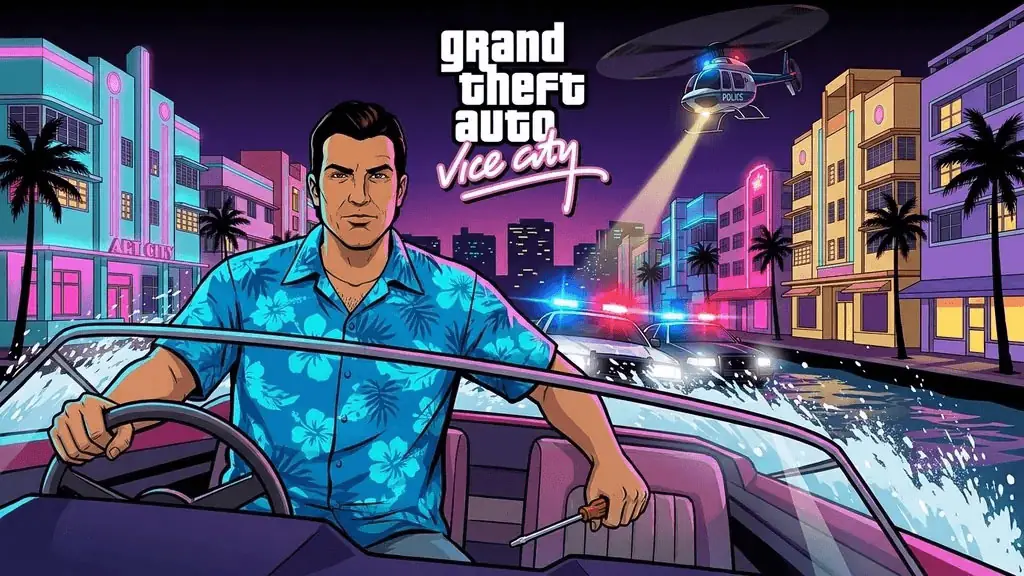
GTA Vice City
Who does not know Vice City? A legendary game from Rockstar Games that makes us all nostalgic for the golden era of PS2. For those who miss the old days at PS rental shops or potato-spec PCs, do not worry. I have prepared the download link for the original version of GTA Vice City for you.
Not the Definitive Edition, this is the real OG. 🔥
Rockstar Games is indeed a master at immersive open-world games. Vice City became a turning point for the franchise towards a more cinematic direction. Miami 80s setting, cool soundtrack, iconic characters like Tommy Vercetti, everything makes it timeless.
The PC port is, honestly, a bit hit or miss. Some missions are known to be broken in the original PC version, especially Demolition Man (RC Helicopter) with frustrating controls.
The solution? Use SilentPatch or Widescreen Fix from the modding community. These patches fix mission bugs, improve compatibility, and make the game run smoothly on Windows 10/11.
On the newest hardware (RTX 40-series, Windows 11 24H2) it might not work, so be ready for troubleshooting. But on mid-range Windows 10 specs, most run smoothly.
GTA Vice City PC Game Info and Download Link:
- Genre: Action, Adventure, Open World
- Developer: Rockstar North
- Publisher: Rockstar Games
- Release Date: May 12, 2003 (PC)
- Game Engine: RenderWare
- Installer Pre-Installed, Direct Link, Single Part, Original Version (v1.0)
PC Gameplay Screenshots :


Steps to Install GTA Vice City on Your PC :
- Download the GTAVCity-yasir252.rar file from the link below (1.5GB).
- Extract the rar file using WinRAR or 7-Zip to a chosen folder.
- Open the extracted folder, find the gta-vc.exe file.
- Right click -> Properties -> Compatibility -> set to Windows 7 or Windows Vista (SP2).
- Also check Run this program as administrator.
- Run gta-vc.exe. 👍
Other Game Recommendation: If you like classic open-world games, also try GTA San Andreas which has a much wider map and is of course more legendary. 😁
Troubleshooting Error/Stuck/Crash Issues :
- Game stuck on loading screen? Make sure Compatibility Mode is set to Windows 7.
- Demolition Man (RC Heli) mission error? Install SilentPatch, Google “SilentPatch Vice City”.
- Crash on startup? Install DirectX 9.0c from the _Redist folder or download from Microsoft.
- Black screen but sound works? Set compatibility to Windows Vista SP2.
- Use Widescreen Fix mod to support modern resolutions (1080p/1440p).
- Cannot finish a mission? SilentPatch fixes almost all mission-breaking bugs.
- Stutter/FPS drop? Enable Disable fullscreen optimizations in compatibility settings.
