




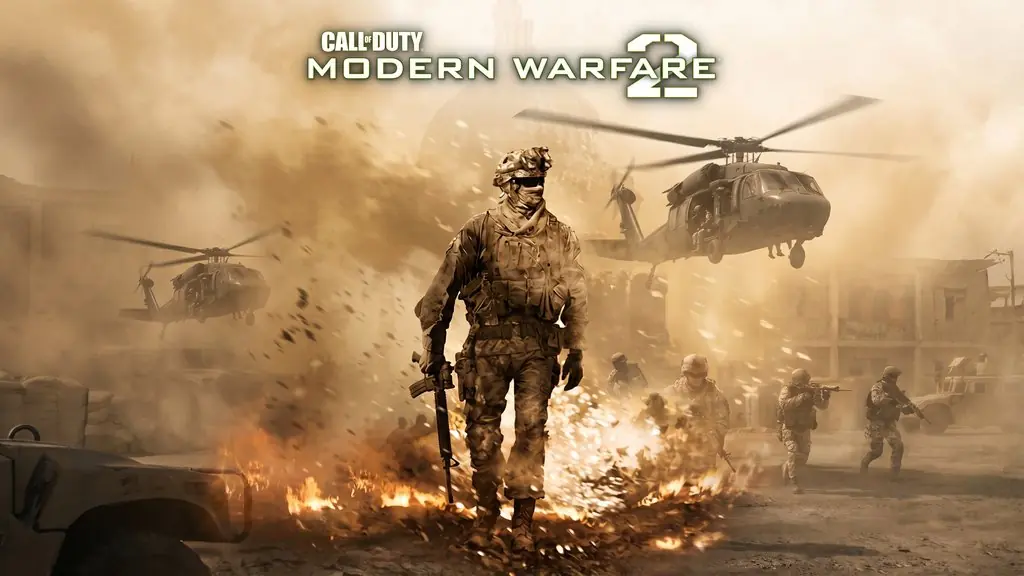
Call of Duty Modern Warfare 2 (Build 11843634)
Remember the No Russian airport mission that caused such a stir? Call of Duty Modern Warfare 2 (2009) PC Full is an FPS from Infinity Ward that continues the story of Call of Duty MW1. I’ve put the download link below, pre-installed, so you can just extract and play. 🔥
The campaign follows Task Force 141, led by Captain Price, and the soundtrack was composed by Hans Zimmer himself. That gives each mission an epic, cinematic feel. No wonder MW2 became one of the most popular first-person shooters of its time, right?
Still, this is a 2009 game, so COD MW2 can run into issues on Windows 10 and 11. The original multiplayer servers are gone too, so treat this package as a way to finish the campaign only.
Alongside this 2009 release, I’ve also shared Call Of Duty: Modern Warfare 3 (Reboot) if you want a version with modern graphics. If you’re after a military FPS from another franchise, try Battlefield Bad Company 2, which came from roughly the same generation as the original MW2.
Download Call of Duty Modern Warfare 2 from the link below. The game file is only 12 GB. 👍
Game Info and Download Links :
- Genre: Action, FPS.
- Developer: Infinity Ward.
- Publisher: Activision.
- Release Date: November 11, 2009.
- Version: Build 11843634.
- Pre-installed, direct download, includes the PROPHET patch.
- Single-player only!
Minimum System Requirements :
| Component | Minimum |
|---|---|
| Operating System | Windows XP / Vista |
| Processor | Intel Pentium 4 3.2 GHz / AMD Athlon 64 3200+ |
| RAM | 1 GB |
| Graphics Card | NVIDIA GeForce 6600GT / ATI Radeon 1600XT (256 MB) |
| DirectX | Version 9.0c |
| Audio | DirectX 9.0c compatible |
| Storage | 12 GB |
PC Gameplay Screenshots :


Steps to Install Call of Duty Modern Warfare 2 on Your PC :
- Download CODMW2-yasir252.rar (12 GB) using the link below.
- Extract it with WinRAR or 7-Zip.
(Password: www.yasir252.com). - Open the game folder, right-click iw4sp.exe -> Properties -> Compatibility.
- Then check Windows 7 and Run as Administrator.
- If a d3dx9 error appears, install DirectX 9.0c from the _Redist folder.
- Run iw4sp.exe! 😊
Troubleshooting Game Errors, Crashes, and Freezes :
- Does the game crash on startup? Make sure the game folder is whitelisted in Windows Defender.
- Does it crash while loading? Update DirectX Runtime and Visual C++ Redistributable to the latest version.
- Won’t the game open? Run it as Administrator and update Windows.
- Is the game stuttering? Update your graphics driver and turn off V-Sync.
- Always extract the game to a drive’s root folder, such as C:\Games\ or D:\Games\.
- … Reserved for other cases …
