




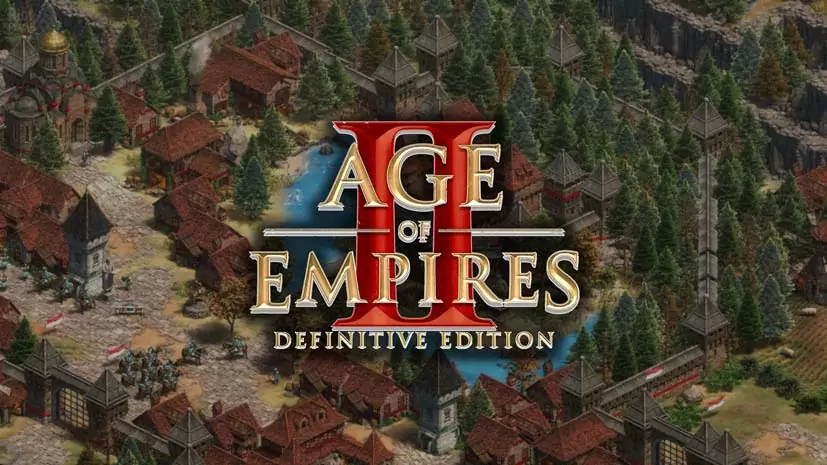
Age of Empires II: Definitive Edition (v101.103)
Want to play Age of Empires 2 on PC again without the hassle of installing? This legendary RTS now has a Definitive Edition that looks far better. It is a remake, so the graphics are no longer pixelated. I have prepared the pre-installed version below, so you just extract and play.
Forgotten Empires reworked the graphics to support 4K, including a soundtrack re-recorded with an orchestra, so the audio feels more HD. Unit effects and animations were also updated. Smoother, better looking, and no longer stiff. Lastly, the pathfinding AI was overhauled too, so enemies no longer get stuck.
The latest DLC, The Viking Sagas, adds three new civilizations. It brings the Dane and Saxon plus Varangian. On top of that there are 15 new campaign scenarios too, one of them the story of Harald Hardrada.
If you want an RTS with a bigger scale and modern graphics, Age of Empires IV Anniversary Edition is worth trying too. I really recommend AOE 4. Or if not, Stronghold Crusader is pure nostalgia.
Download Age of Empires 2 Definitive Edition full below, the size is 35.6 GB.
Game Info and Download Link :
- Developer: Forgotten Empires, Tantalus Media, Wicked Witch
- Publisher: Xbox Game Studios
- Release Date: November 14, 2019
- Genre: Strategy (RTS)
- Version: v101.103 (Build 25464371)
- Engine: Genie Engine
- Platform: PC Windows (Steam)
- Pre-installed version, so there is no long install process.
- Supports single-player, co-op, and cross-play multiplayer.
Screenshot Gameplay :


System Requirements :
| Component | Minimum | Recommended |
|---|---|---|
| Operating System | Windows 10 64-bit | Windows 10 64-bit |
| Processor | Intel Core 2 Duo or AMD Athlon 64×2 5600+ | Intel Core i5 2.4 GHz or AMD equivalent |
| RAM | 4 GB | 8 GB |
| Graphics Card | NVIDIA GT 420 or AMD HD 6850 or Intel HD 4000 (2 GB VRAM) | NVIDIA GTX 650 or AMD HD 5850 |
| DirectX | Version 11 | Version 11 |
| Connection | Broadband internet | Broadband internet |
| Storage | 15 GB free space | 15 GB free space |
DLC already included in this version :
- Soundtrack
- Lords of the West
- Dawn of the Dukes
- Dynasties of India
- Return of Rome
- The Mountain Royals
- La Hire’s Dry Humor Animated Icons
- Joan’s Marvelous Moving Masterpieces Animated Icons
- Barbarossa’s Barrel of Pickled Goods Animated Icons
- Victors and Vanquished
- Chronicles: Battle for Greece
- The Three Kingdoms
- The Last Chieftains
- Chronicles: Alexander the Great
- The Viking Sagas
Steps to Install :
- Download the AOE2DFER.rar file from the link below.
- Extract the file with the latest WinRAR or 7-Zip.
(password www.yasir252.com) - Open the extracted folder.
- Run Start The Game.bat to start the game.
- If a warning appears from Windows, choose More info then Run anyway.
- Lastly, add the game folder to the Windows Defender exclusion list so the files are not deleted automatically.
Troubleshooting :
- Check your antivirus, make sure the game folder is whitelisted in Windows Defender.
- Crashes while loading? Update DirectX Runtime and the latest Visual C++ Redistributable.
- Game will not open? Run As Administrator and update Windows to the latest version.
- Choppy and stuttering? Update your GPU driver and turn off V-Sync.
- Always extract the game to the root of a drive. For example C:\Games\ or D:\Games\
