




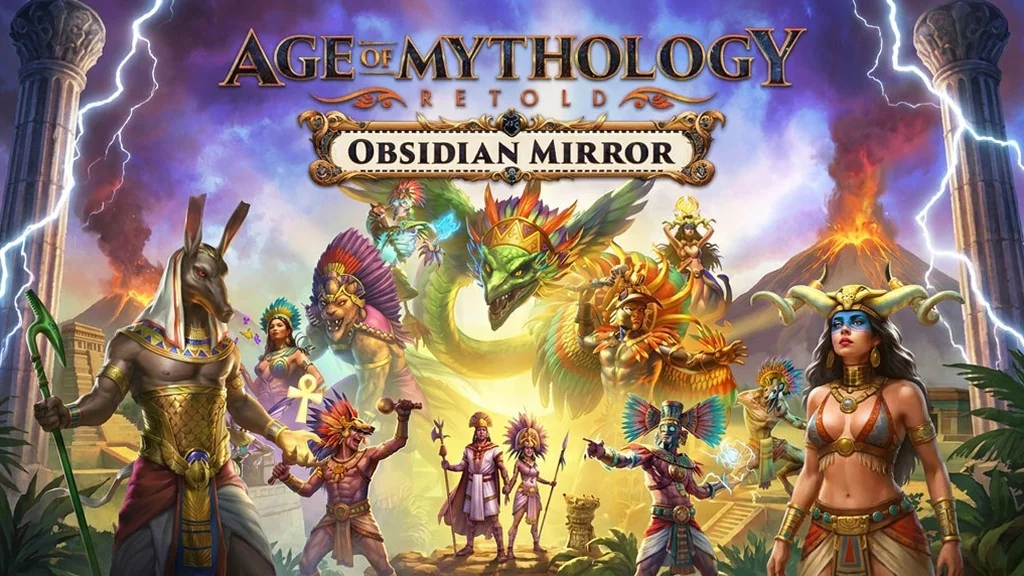
Age of Mythology: Retold (v100.19.17020.0)
Gods descend onto the battlefield, lightning strikes enemy troops, and the dragon Nidhogg rises from the frozen soil of Midgard. Age of Mythology: Retold Full is a mythological RTS where you lead a civilization to power with help from the gods. I’m sharing the pre-installed download link here. For me, it’s one of the most unexpected and truly legendary RTS remakes. 🔥
You start with a 50-mission campaign: besiege the walls of Troy, fight Giants in Midgard, and uncover the mystery of Osiris in Egypt. Then choose gods from four pantheons: Greek, Norse, Egyptian, and Atlantean. The core gameplay remains the same: build a base, gather resources, train troops, and use divine powers.
Gameplay-wise, it has a lot in common with Age of Empires IV: Anniversary Edition and Hearts of Iron IV Ultimate. Both rely on base-building, resource management, and good timing.
Besides the campaign, there’s Arena of the Gods with 35 skirmishes, and that’s my favorite part.
Download Age of Mythology: Retold for PC below. The file is just 15.3 GB. 👍
Game Info and Download Link:
- Genre: Strategy.
- Developer: World’s Edge.
- Publisher: Xbox Game Studios.
- Release Date: September 4, 2024.
- Version: v100.19.17020.0 (Build 23996698).
- Pre-installed, direct download, single part.
DLC: Obsidian Mirror, Immortal Pillars, Heavenly Spear, Blood & Bones Pack, Legacy Deity Portrait Pack, New Gods Pack Freyr, New Gods Pack Demeter, Ultimate Fan Pack, Expansion Pass.
Minimum System Requirements:
| Component | Minimum | Recommended |
|---|---|---|
| Operating System | Windows 10 64-bit | Windows 10 64-bit |
| Processor | Intel i3-4130 / AMD FX 4350 (2.4 GHz, AVX) | 3.6 GHz i5 or equivalent AMD (AVX) |
| RAM | 8 GB | 16 GB |
| Graphics Card | NVIDIA GeForce GTX 645 / AMD Radeon Vega 8 / Intel Iris 550 | NVIDIA GeForce GTX 970 / AMD Radeon RX 570 |
| DirectX | Version 12 | Version 12 |
| Storage | 25 GB | 25 GB |
PC Gameplay Screenshots:


Steps to Install on Your PC:
- Download AGEOv10019170200.rar (15.3 GB) from the link below.
- Extract the file with WinRAR or 7-Zip (password: www.yasir252.com).
- Open the extracted game folder.
- Run Start The Game.bat or AoMRT_s.exe as administrator.
- Enjoy the game! 😊
Fixing Game Errors, Crashes, and Stuck Issues:
- The game crashes on startup? Make sure the game folder is whitelisted in Windows Defender.
- Crashes while loading? Update DirectX Runtime and install the latest Visual C++ Redistributable.
- Won’t launch? Run as Administrator and update Windows.
- Stuttering or lag? Update your graphics driver and turn off V-Sync.
- Always extract the game to the root of a drive, such as C:\Games\ or D:\Games\.
- …Reserved for other cases…
