




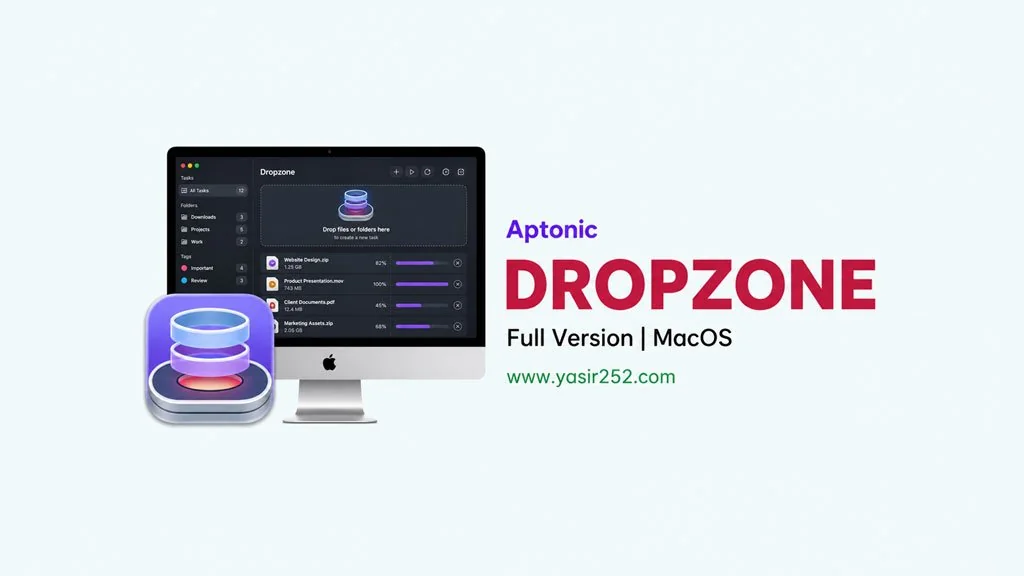
Dropzone v5.1.7 (MacOS)
Looking for a customizable shortcut bar for your Mac? Dropzone Full v5.1.7 for Mac is one of those apps that just blows your mind. It sits right in your menu bar and lets you drag and drop files, run scripts, upload to cloud storage, and a whole lot more. You basically create shortcuts to any file or app, all within arm’s reach. Download link provided in this article. DMG installer, just drag it to Applications. 🔥
Developed by Aptonic, Dropzone has become an absolute must-have on my Mac. The interface is clean, you drag files straight onto the Drop Bar and customize each shortcut however you like.
I personally use it all the time for quick cloud uploads, image compression, and running custom scripts.
It can also auto-add screenshots whenever you take them and auto-run actions. But bo cloud sync yet.
No worries though, if you ever uninstall the app using something like Ghost Buster Pro, all your shortcuts get cleaned up automatically. While you’re at it, make your Menu Bar look even better with Glow MacOS.
Go ahead and download below. Supports macOS 13 and later. 👍 Older versions are also available: v4.80.75 for macOS 10.15+ and v3.8.4 for macOS 10.13+. It’s only 67 MB super lightweight.
New Features & Download Links :
- Drop Bar options fully customizable from Settings.
- Auto-add screenshots to the Menu Drop Bar on every capture.
- Auto-close the pop-out when the last item is deleted.
- Drag and drop files straight to the Drop Bar.
- Custom scripts and shortcuts tailored to your workflow.
- Upload files directly to cloud storage from the Drop Bar.
- Lightweight and minimalist, won’t hog your Mac’s resources.
User Interface Preview :

Steps to Install Dropzone 5 on Your Mac :
- Download DRPZ517mac.zip (67 MB) and extract it without a password.
- Open the Setup folder and double-click Dropzone 5 5.1.7 [TNT].dmg.
- Run Open Gatekeeper friendly, press Enter in Terminal, and wait for the volume to open.
- If it does not open, use the Manual install folder and mount the DMG inside.
- Drag Dropzone 5.app to Applications, then launch it from Launchpad.
Troubleshooting Installation Issues and Errors :
- App not opening? Make sure Gatekeeper and SIP are turned off.
- “Application is damaged” error? Run:
sudo xattr -rd com.apple.quarantine /Applications/Dropzone.app - Or disable Gatekeeper entirely:
sudo spctl --master-disable - Drop Bar not showing up? Try restarting the app or rebooting your Mac.
- … Reserved for other cases …
