




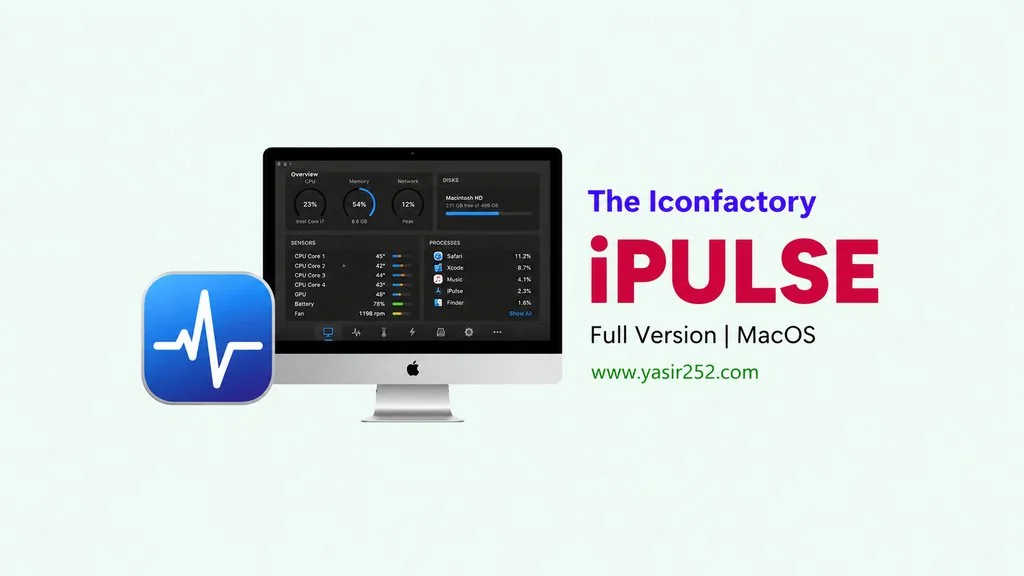
iPulse MacOS v3.14159 Download
Does your Mac need CPU, RAM, and disk usage monitoring? iPulse v3.14159 Full has monitoring features for MacOS that display real-time stats directly in the menu bar. CPU usage, load, processes, everything visible at a glance. I’ve put the download link below. TNT crack, no watermark. 🔥
This software is made by an indie developer focused on Mac system utilities. It also lightweight at only 8 MB, sits nicely in the menu bar without eating resources. Perfect for power users who need real-time monitoring.
The interface is also very customizable, you can choose which stats to display in the menu bar. CPU, RAM, disk, network, everything can be monitored. But.. In my opinion this software is “simple but effective.”
Moreover, if you need a more detailed system monitor, check out iStats Menus which is more comprehensive. Or if you want a junk cleaner,
Mount, bypass Gatekeeper, drag to Applications. Go ahead, download below. 👍
iPulse Features & Download Link :
- Real-time monitoring: CPU usage, load, disk, and network directly in the menu bar.
- Clean interface: doesn’t slow down Mac, super lightweight at only 8 MB.
- Customizable display, choose which stats to show.
- Process monitoring to see apps using resources.
- Supports macOS 10.10 and newer versions.
- TNT crack, no watermark or restrictions.
- It also Lightweight, doesn’t slow down Mac.
User Interface :

Steps to Install iPulse on Your Mac :
- Download the IPUL314159-yasir252.zip file (8 MB) from the link below.
- Firstly, mount the iPulse 3.14159 MAS [TNT].dmg DMG file.
- Run Open Gatekeeper Friendly. Press Enter to bypass Gatekeeper in the Terminal window.
- Then, drag iPulse.app to the Applications folder.
- App is ready to use! 😍
Very Important: You must learn how to install apps from outside the App Store. That means using the methods Enable Kernel Extensions, Disable SIP and turning off Gateway Keeper on your Mac. So if there’s a problem, “damaged” or others, it’s not the file that’s wrong! It’s that MacOS hasn’t been bypassed yet.
Troubleshooting Installation and Error Issues :
- Software won’t run? Make sure Gatekeeper is bypassed with Open Gatekeeper Friendly.
- “App is damaged” error? Run in Terminal:
xattr -cr /Applications/iPulse.app - Menu bar not showing? Restart Mac, try running again from Applications.
- Stats not accurate? Make sure monitoring permissions have been granted in System Preferences.
- App crash? Restart Mac, try running again from Applications.
