


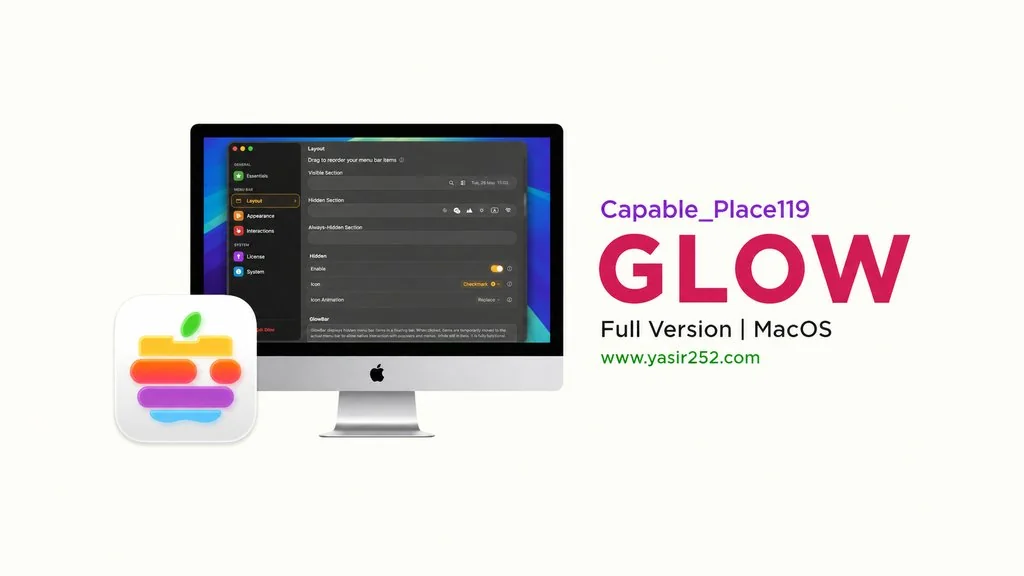
Download Glow Full Version v2.0.3 (MacOS)
Ever feel like your macOS menu bar is just… stuck? Glow v2.0.3 Full Version can fix that. Takes the visuals to the next level. Makes your menu bar look elegant and personal. A menu bar customizer for macOS 26 Tahoe that adds Liquid Glass-style effects with smooth animations. I’m sharing the download link here, complete with install instructions. 👍
I’ve been using macOS for years and the menu bar never changes. Totally monotonous. Then I found Glow and got hooked immediately. It adds animations, transparency, and interactions to the menu bar without modifying system files. Pretty wild right?
What makes Glow interesting is the three section layout. Always Visible for items that stay up, Collapsible for items you can collapse, and Floating for items that float around. You pick what shows and what hides. There’s also instant search to find items quickly.
But yeah, Glow is paid software. $19.99 one-time purchase, no subscription. Don’t worry though, I’m sharing the full version here. Just mount the DMG, and you’re set. Your menu bar will transform completely.
Wanna try it now? Download Glow MacOS Full Version v2.0.3 below. 😁
Key Features of Glow v2.0.3 :
- Liquid Glass Effects, transparency effects that adapt to your wallpaper.
- Buttery Smooth Animations, super smooth transitions.
- Three Section Layout, organize items into Always Visible, Collapsible, and Floating.
- Instant Search, find and launch menu bar items quickly.
- Flexible Reveal, show bar via hover, click, or custom shortcuts.
- Deep Personalization, customize spacing, borders, corners, styles, and themes.
- Dynamic & Alive, adapts tone and mood in real-time with dynamic wallpapers.
User Interface Screenshot :

System Requirements :
| Komponen | Minimum |
|---|---|
| Operating System | macOS 26 (Tahoe) or newer |
| Architecture | Apple Silicon |
| Storage | 50 MB free space |
How to Install Glow on Your Mac :
- Download MNYPR291-yasir252.zip (51.3 MB) from the links below.
- Extract the ZIP file, then mount the .dmg file.
- Run Open Gatekeeper Friendly, or drag the app to Applications folder.
- Press Enter in Terminal when prompted to bypass Gatekeeper.
- Open Glow. Your menu bar transforms with Liquid Glass effects.
- Enjoy! 👍
VERY IMPORTANT: You need to learn how to install apps from outside the App Store. That means using the Enable Kernel Extensions, Disable SIP, and turning off Gatekeeper on your Mac. So if there’s a problem like “damaged” or similar, it’s not the file that’s wrong! You need to bypass your Mac!
Glow Full Version v2.0.3
www.yasir252.com