




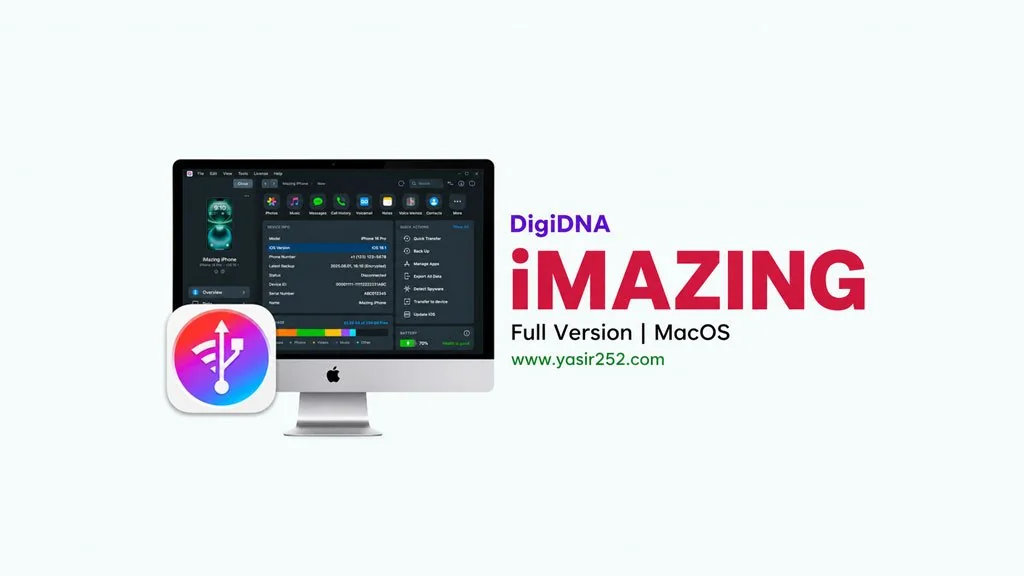
DigiDNA iMazing MacOS v3.6.5 Full
Need to back up your iPhone but don’t want to deal with iCloud? DigiDNA iMazing v3.6.5 for MacOS is an iOS management tool that handles backups, transfers, and file management for iPhone and iPad. No iTunes or iCloud required. It’s a DMG installer so you just drag it to Applications. Download link below.🔥
Released by DigiDNA, iMazing is hands down the best iTunes alternative out there. I’ve tested quite a few iPhone backup tools and iMazing is genuinely reliable. They’re still actively updating it too, so you get support for the latest iPhone and iPad models. Transferring photos, messages, contacts, apps. It all just works.
So what sets iMazing apart? You can back up without iTunes, transfer files directly to your iPhone without syncing, and export data into formats you can actually use on your computer.
The full feature set does require a license, but the free version covers the basics just fine. If you need an alternative iPhone data recovery tool, check out FonePaw iPhone Data Recovery.
Go grab it below. It’s a DMG installer, mount it, drag to Applications, done. Size is 281 MB. 👍 Looking for something else? Aiseesoft FoneTrans is solid too, supports transfers from iPhone to Mac, vice versa.
New Features & Download Links :
- Back up your iPhone without iTunes or iCloud.
- Transfer photos, videos, messages, contacts, and apps to your Mac.
- Export WhatsApp messages to files you can read and search through.
- Install and uninstall apps right from the program.
- Manage ringtones, wallpapers, and backup files.
- Supports every iPhone, iPad, and iPod touch model out there.
- Incremental backups and a drag-and-drop interface.
User Interface Preview :

Steps to Install DigiDNA iMazing on Your Mac :
- Download IMAZ365mac.zip (243 MB), then extract it without a password.
- Open Setup and double-click iMazing v3.6.5 macOS.dmg.
- Drag iMazing.app to Applications.
- If the app will not open, run the Fix file inside the DMG before launching iMazing.
- Open iMazing from Launchpad. If asked for activation details, enter any value, such as 0000.
Troubleshooting Installation Issues and Errors :
- Software not running? Make sure Gatekeeper and SIP are temporarily disabled.
- “Application is damaged” error? Run:
sudo xattr -rd com.apple.quarantine /Applications/iMazing.app - iPhone not detected? Check that your USB cable is good and your iPhone has trusted this computer.
- Crash during backup? Update macOS to the latest version and try restarting both Mac and iPhone.
- … Reserved for other cases …
