




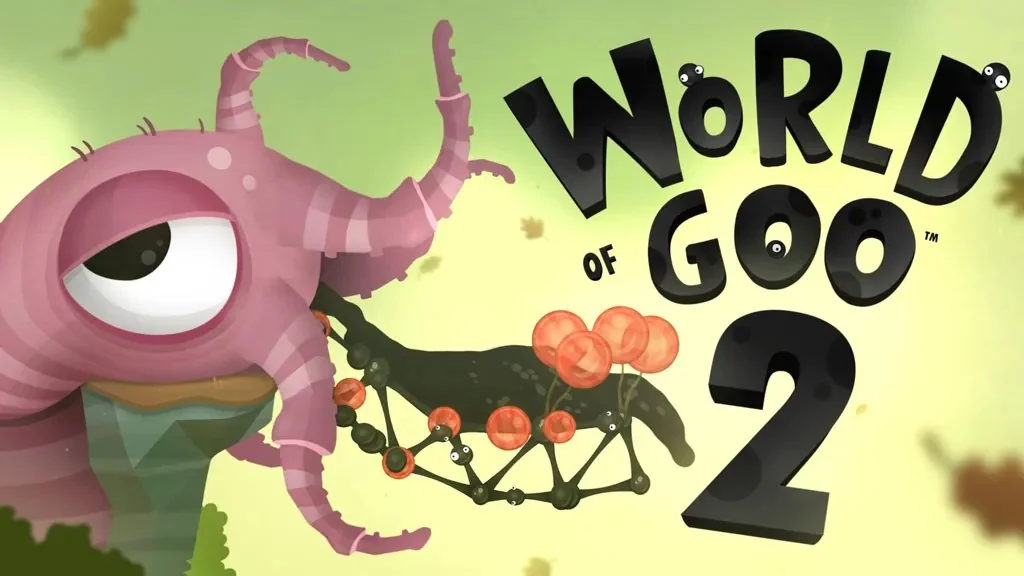
World of Goo 2 (PC)
Are you into puzzles pc game that make you stop and think? World of Goo 2 PC Full is the sequel where each level lets you solving puzzle by building bridges, towers, and other structures from goo to reach the goal. I’ve put the download link below; extract it and jump right in. 🔥
The goo isn’t just sticky blobs anymore. New types include Jelly Goo, Liquid Launchers, Growing Goo, Shrinking Goo, and Explosive Goo. Each behaves differently, so you’ll need to pick the right one for each level. Water joins the puzzles too: you can channel it like a river, turn it into Goo Balls, or use it to solve puzzles.
You can terraform the terrain too, so every attempt feels unique.
If you enjoy physics puzzles built around teleportation and sci-fi, Portal 2 will be your best choice. For more absurd machine-based puzzles, Crazy Machines 3 is another option.
Download World of Goo 2 for PC below. It’s only 1 GB. 👍
Game Info and Download Links :
- Genre: Adventure, Casual, Indie.
- Developer: 2D BOY, Tomorrow Corporation.
- Publisher: 2D BOY, Tomorrow Corporation.
- Release Date: April 25, 2025.
- Platform: Windows PC.
DLC : World of Goo 2 Soundtrack
Minimum System Requirements :
| Component | Minimum | Recommended |
|---|---|---|
| Operating System | Windows 10 (64-bit) | Windows 10 (64-bit) |
| Processor | Intel Core i5-1135G7 | Intel Core i5-2500K |
| RAM | 8 GB | 8 GB |
| Graphics Card | Intel Iris Xe | NVIDIA GeForce GTX 960 |
| Storage | 2 GB | 2 GB |
PC Gameplay Screenshots :


Steps to Install World of Goo 2 on Your PC :
- Download WOGOv13205.rar (1.6 GB) from the link below.
- Extract it with WinRAR or 7-Zip using the password www.yasir252.com.
- Install the required runtimes from the _CommonRedist folder.
- Open the World of Goo 2 folder.
- Run WorldOfGoo2.exe as Administrator.
- Launch the game and start your adventure. Let’s play! 😊
Troubleshooting Game Errors, Crashes, and Freezes :
- Game crashes on startup? Make sure the game folder is whitelisted in Windows Defender.
- Crashes while loading? Update DirectX Runtime and Visual C++ Redistributable to the latest version.
- Game won’t open? Run as Administrator and update Windows.
- Stuttering or frame drops? Update your graphics driver and turn off V-Sync.
- Always extract the game to the root of a drive, such as C:\Games\ or D:\Games\.
- … Reserved for other cases …
