




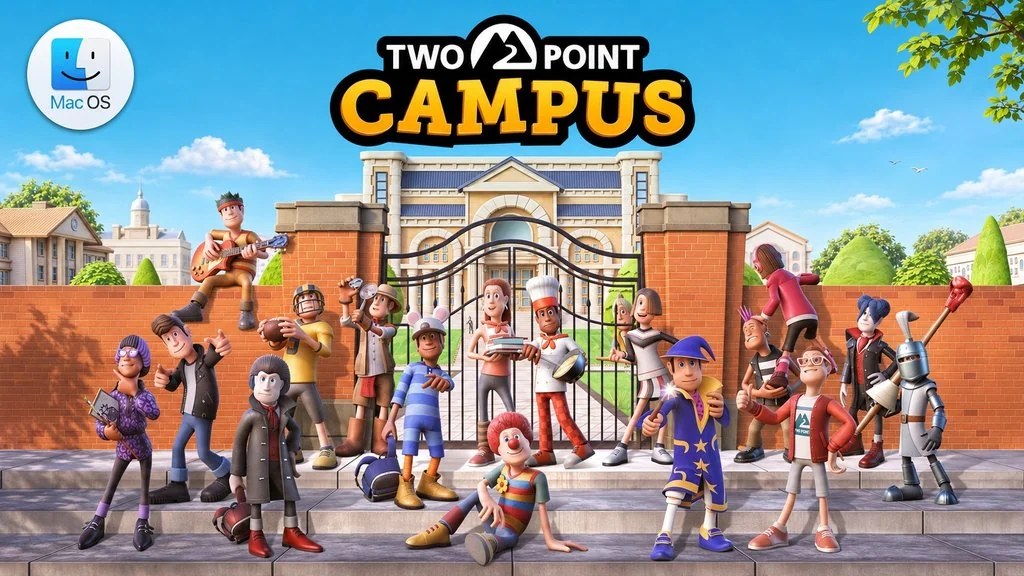
Two Point Campus (MacOS)
Two Point Campus for Mac invites you to build your dream university exactly the way you want it. You can build the campus outdoors, from simple foundations all the way to planting every tree one by one. Get ready to laugh out loud while playing this management sim from Two Point Studios and SEGA, because the university world here is totally flipped upside down from reality.
Is it really that similar to Two Point Hospital? Yep, same kind of absurd.
Instead of running a serious university where students stress about their thesis, you’ll be managing a quirky campus full of weird and goofy courses. For example, take the Knight School major and… Gastronomy.
Every school year always kicks off with summer break, when the calendar pauses so you can relax and design buildings. Build a library, hire the best staff, and fill your campus with top-notch classrooms. Get to know every student and keep them happy.
Download Two Point Campus for Mac through this post for free. The file size is 4.1 GB and it already includes all DLC, just extract it, open the DMG, then drag TPC.app to Applications. 👍
Two Point Campus Free Download – Game Info
- Genre: Casual, Indie, Simulation, Strategy.
- Developer: Two Point Studios.
- Publisher: SEGA.
- Release Date: August 9, 2022.
- Version: v10.0.137397 for MacOS.
- Two Point Campus MacOS Direct Download – Pre-Installed. Include DLC.
- This version doesn’t run on macOS 27 (Golden Gate) yet.
- Single-player and full controller support.
- Languages: English, French, Italian, German, Spanish, Korean, Polish, Portuguese, Mandarin, Turkish.
System Requirements
| Component | Minimum | Recommended |
|---|---|---|
| Operating System | Mac OS 12.1 | Mac OS 12.1 |
| Processor | Intel Core i5 8259U 2.3 GHz | Intel Core i5 3.4 GHz |
| RAM | 8 GB | 8 GB |
| Graphics Card | GTX 775M 2 GB, AMD Radeon 555 2 GB, or Intel Iris Plus 655 | Radeon Pro 570 |
| Storage | – | 6 GB |
PC Gameplay Screenshots


Installation Steps
- Download the file TPCAv100.zip (4.1 GB) through the link below.
- Extract the ZIP file, no password needed.
- Open the Setup folder then double-click the .dmg file.
- Drag TPC.app into the Applications folder.
- Open the game from Launchpad.
NOTE: If the game won’t open on an Apple Silicon Mac or macOS Ventura and later, open Terminal and run xattr -cr "/Applications/TPC.app" && codesign --force --deep --sign - "/Applications/TPC.app". You need Xcode Command Line Tools, install them with xcode-select --install.
