




Factorio (v2.1.23) for MacOS
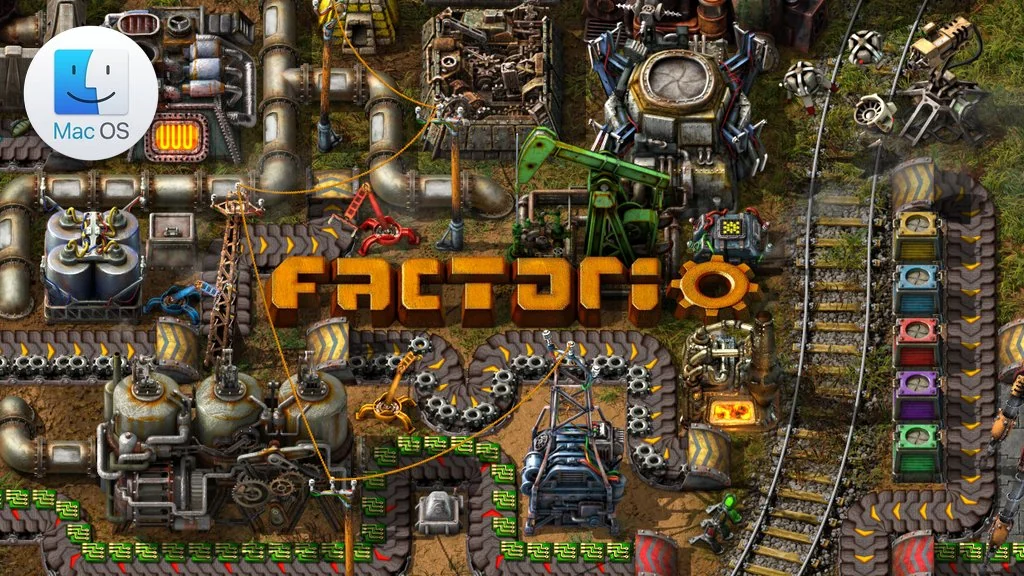
In Factorio you enter a boundless 2D world to build a fully automated factory. Factorio for Mac is a game where you have to gather materials and raw resources to build a rocket and escape from the planet. For those who want to try it, I’ve prepared the installer file for the Apple Silicon version below, complete with the Space Age DLC. 🔥
Throughout the game, you’ll mine resources and research technology, all while building infrastructure and automating production. At the start you do chop trees by hand and mine stone by hand, but over time? You build conveyors, robots, and machines, and everything ends up in a production chain with structured automation.
Unfortunately, your exploitation of natural resources makes the locals angry. So the peace is gone, and now you also have to protect the factory from alien attacks, tower base defense style.
Download Factorio for Mac if you’re interested, then start playing. The game is only 6 GB. 👍
Factorio Free Download – Game Info
- Genre: Casual, Indie, Simulation, Strategy.
- Developer: Wube Software LTD.
- Publisher: Wube Software LTD.
- Release Date: August 14, 2020.
- Version: v2.1.23 for MacOS.
- Factorio MacOS Direct Download – Apple Silicon Mac version with the Space Age DLC included.
- DMG Installer, run the PKG file and play.
- Apple Silicon (ARM) only, requires macOS 10.15 Catalina or later.
- Includes the Space Age DLC.
- Single-player Only.
System Requirements (MacOS)
| Component | Minimum | Recommended |
|---|---|---|
| Operating System | OS X 10.10 Yosemite | – |
| Processor | Mac from 2016 | Apple Silicon from 2020 |
| RAM | 8 GB | 16 GB |
| Storage | 5 GB available | 10 GB available |
| Additional Notes | Normal resolution sprites, low quality compression, 1080p resolution | High resolution sprites, high quality compression |
Gameplay Screenshots


Installation Guide
- Download the file FCTRv2123.zip (6.0 GB) via the link below.
- Extract the ZIP file, no password.
- Open the Factorio v2.1.23 MacOS folder, then go into the Setup folder.
- Then open the file factorio_enUS_2_1_23_.dmg.
- Run the .pkg and click Continue.
- Also run dlc_factorio__space_age_enUS_2_1_23_.pkg for the Space Age DLC.
- Open Factorio from Launchpad. Enjoy the game! 😇
