




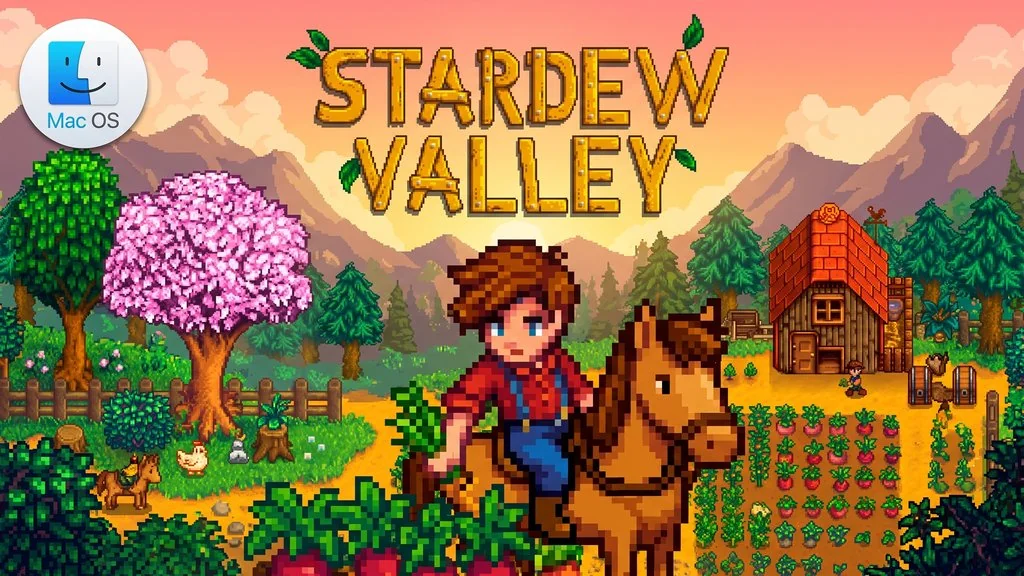
Stardew Valley for MacOS (v1.6.15)
Your grandpa has left you a small patch of land in a little valley, almost covered by weeds. Stardew Valley Mac Full is an life sim farming RPG game with more than 30 villagers, each with a daily schedule, a birthday, and bits of their own story, so every day feels alive. The closer you get to them, the more secrets you uncover.. I have put the download link below. 🔥
The weeds are not the only problem: ever since Joja Corporation arrived, many village buildings have fallen into disrepair and the community center has been abandoned.
You have to decide whether to restore everything or work with Joja, and those two paths lead to very different outcomes. Pick the one that best fits your play style.
Besides Stardew Valley, I have also shared Minecraft, which has a Mac version too. If you prefer a quiet, mysterious city, try Stray for a change of pace and a more story-focused experience.
Download Stardew Valley below. The game file is only 468 MB. 👍
Game Info and Download Link :
- Genre: Indie, RPG, Simulation.
- Developer: ConcernedApe.
- Publisher: ConcernedApe.
- Release Date: Feb 26, 2016.
- Version: v1.6.15 for Mac.
- Pre-installed.
- Includes update 1.6.15, the latest version released for Mac.
MacOS Specifications Table :
| Component | Minimum |
|---|---|
| Operating System | macOS 10.10 (Yosemite) or later |
| Processor | 2 GHz, Intel or Apple Silicon |
| RAM | 2 GB |
| Graphics Card | 256 MB video memory, OpenGL 2 |
| Storage | 500 MB of free space |
PC Gameplay Screenshots :


Steps to Install Stardew Valley on Your Mac :
- Download SDV1615mac-yasir252.zip (468 MB) from the link below.
- Extract the file using password www.yasir252.com.
- Double-click stardew_valley_enUS_1_6_15.pkg, then follow the installer until it finishes.
- If macOS blocks the app, open System Settings > Privacy & Security > Open Anyway.
- Open the Applications folder, launch Stardew Valley, and start playing. 😇
Stardew Valley Mod Guide :
- Download SMAPI from NexusMods.
- Run the SMAPI installer. If it asks for the game path, choose
- Stardew Valley/Contents/MacOS/Stardew Valley.app. - Download the mods you want, then place their folders in
Stardew Valley/Contents/MacOS/Mods. - Launch the game through SMAPI.
Troubleshooting Game Errors, Crashes and Stuck Issues :
- Game will not open? Right-click the game icon, choose “Show Package Contents”, then run it from Contents/MacOS/Stardew Valley through the console.
- Does it crash on every launch? Open Terminal and run
mkdir -p ~/.config. If it still crashes, delete the old .config folder and create it again with the same command. - Still will not run? Delete libopenal.so.1 from
Stardew Valley/Contents/MacOS. - … Reserved for other cases …
