




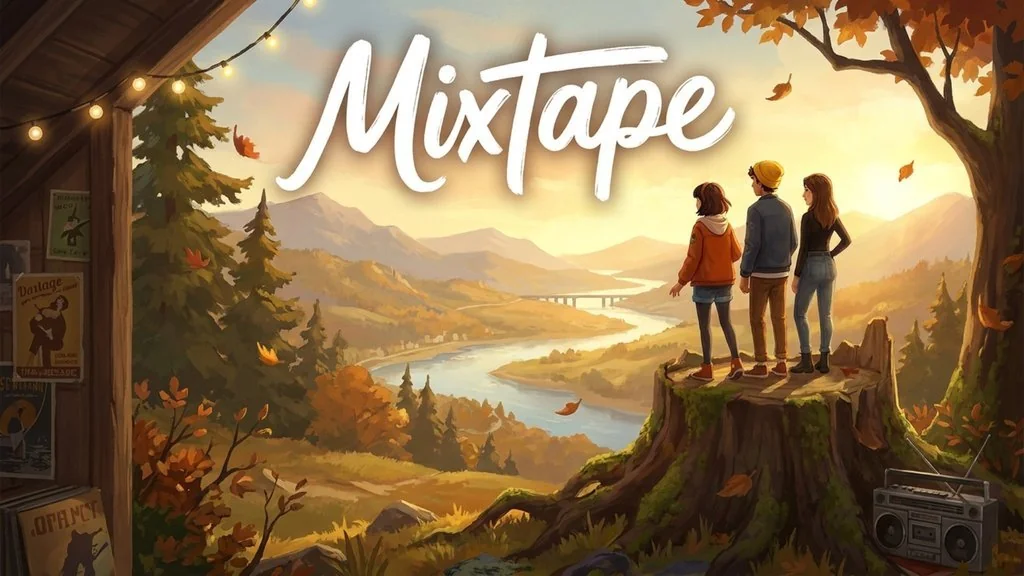
Mixtape (v1.2 Build 25906156)
Do you like story games with old-school songs on the soundtrack? Mixtape PC Full is an adventure game like a classic teen movie we get to play, about three best friends heading to one last party before they go their separate ways. Along the way we can skateboard, fly, even watch fireworks from the back seat of a car. I also prepared the download link, the file is pre-installed, just extract and play. 🔥
This game was made by Beethoven & Dinosaur, the same studio behind The Artful Escape.
Moreover, the songs are taken from DEVO, Roxy Music, Joy Division, all the way to The Cure.
In my opinion, If you are looking for a full action game, this one might not match your taste. But who knows?
Besides Mixtape, I have also written about UNBEATABLE which is also centered on music, only there you play an actual rhythm game. If not, try Dead As Disco.
It is also a quite unique game, a rhythm genre but with a combat system that is honestly wild.
Download Mixtape through the link below, the game file is 10.89 GB. 👍
Game Info and Link Download :
- Genre: Adventure, Indie.
- Developer: Beethoven & Dinosaur.
- Publisher: Annapurna Interactive.
- Release Date: May 7, 2026.
- Version: v1.2 (Build 25906156).
- Pre-Installed, Direct Download, Single Part.
- Single-player, Full Controller Support.
Minimum System Requirements :
| Component | Minimum | Recommended |
|---|---|---|
| Operating System | Windows 10 (64-bit) | Windows 11 (64-bit) |
| Processor | Intel Core i5-9400F / AMD Ryzen 5 1500X | Intel Core i5-10600K / Ryzen 5 5500 |
| RAM | 8 GB | 16 GB |
| Graphics Card | NVIDIA GTX 1650 4 GB / AMD RX 580 8 GB / Intel Arc A580 8 GB | NVIDIA RTX 3080 10 GB / AMD RX 7600 XT 16 GB |
| Storage | 12 GB | 12 GB |
PC Gameplay Screenshots :


Steps to Install Mixtape on Your PC :
- Download the MIXTv12.rar file (10.89 GB) from the link below.
- Extract with WinRAR or 7-Zip.
(password www.yasir252.com) - Open the Mixtape v1.2 (Build 25906156) folder you just extracted.
- Run Start The Game.bat or Mixtape.exe.
- If the game won’t launch, install the files in the Redist folder first.
Troubleshooting Game Errors, Crashes and Stuck :
- Game crashes at startup? Make sure the game folder is whitelisted in Windows Defender.
- Crashing while loading? Update DirectX Runtime and the latest Visual C++ Redistributable.
- Game refuses to open? Run As Administrator and update Windows.
- Choppy and stuttering? Update your GPU driver and turn off V-Sync.
- Always extract the game on the Root Drive. For example C:\Games\ or D:\Games\.
- … Reserved for other cases …
